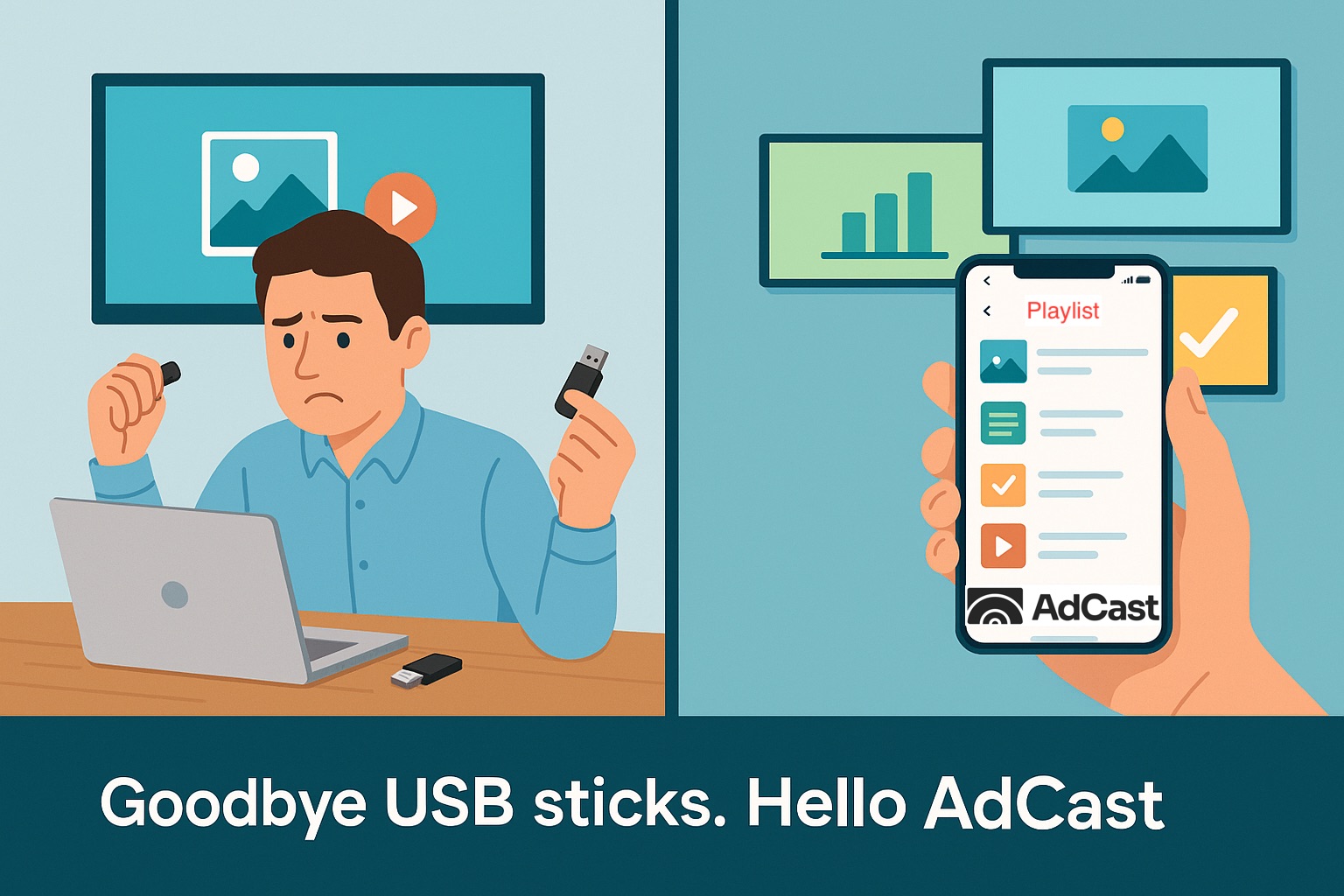
Why USB Sticks Are Holding Back Your Digital Signage?
To build a successful digital signage strategy, businesses need a reliable way to get content onto their display screens. At first glance, USB drives may seem like a quick fix – simply load images and videos onto a stick and plug it into your TV. But while this method looks simple, it creates serious limitations.
In this article, we'll explain why using USB drives for digital signage can cause problems – and how AdCast solves them with modern, cloud-based technology.
1. USB sticks require manual updates
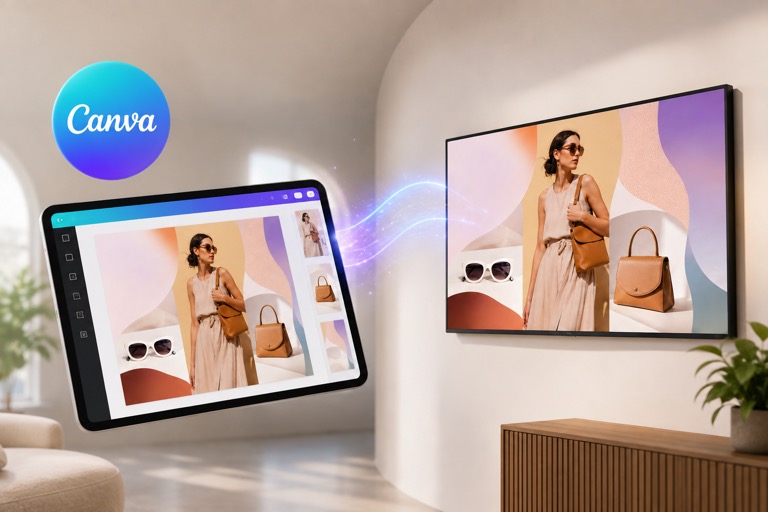
Every time you want to change content, someone has to physically visit the screen, remove the USB stick, upload new files, and plug it back in. For businesses with multiple screens, this becomes time-consuming and expensive. With AdCast, you update content from your phone in seconds – no travel required.
2. USB sticks waste valuable opportunities
Because it's such a hassle, many businesses avoid frequent updates. That means daily specials, limited-time promotions, or important announcements often go unseen. AdCast makes updates effortless, so your screens always stay fresh, relevant, and engaging.
How AdCast Works?
Turn any TV into an ad screen in a few minutes

1. Connect Your Display
Install <appLink>AdCast Player</appLink> or <webLink>Web Player</webLink> on your TV. Scan the QR code with your phone. Done.

2. Create Your Ad
Pick a template or start from scratch. Build your ad and add it to a playlist.

3. Cast Instantly
Push content to one or more screens. Works from anywhere.
3. USB sticks can't handle live or scheduled content
A USB drive only shows static files until you change them again. There's no way to schedule "Good Morning" messages, update dashboards in real time, or stream dynamic content.
AdCast allows you to schedule playlists, display live data, and automate what plays and when – all from the cloud.
4. USB sticks don't warn you if screens stop working
If a screen freezes or stops displaying content, you won't know until someone notices it. This can mean days of downtime.
AdCast constantly monitors your displays and notifies you if something goes wrong, so issues get fixed before they hurt your business.
Goodbye USB sticks – hello AdCast
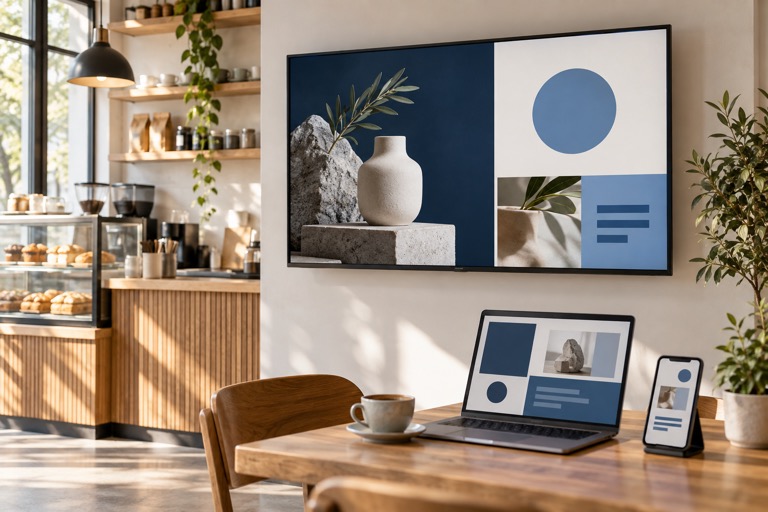
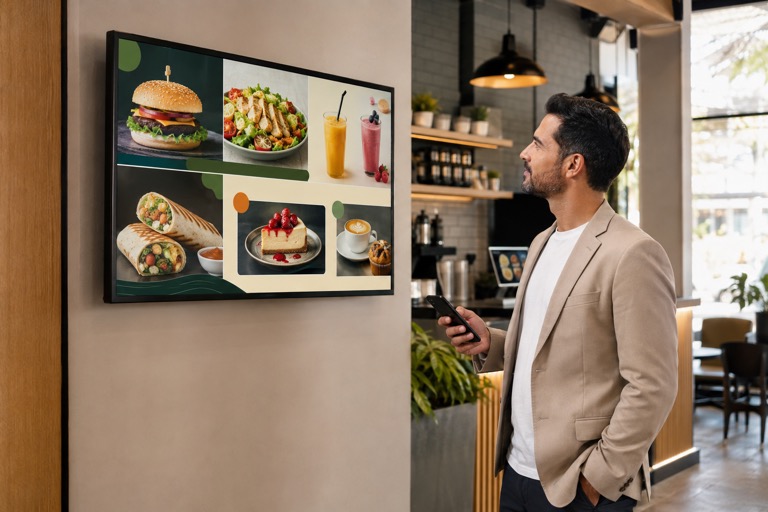
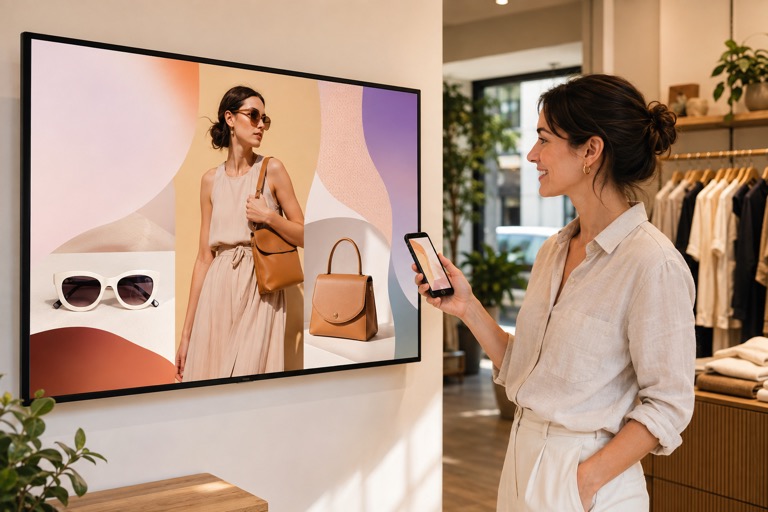
Digital signage is no longer just for big companies. Restaurants, shops, offices, and event spaces all use screens to communicate in smarter, more dynamic ways.
Start Digital Signage in Under 3 Minutes
Create playlists, connect your screen, and publish content directly from your phone - no complicated setup.
Start with a 30-day free trial. No credit card needed.


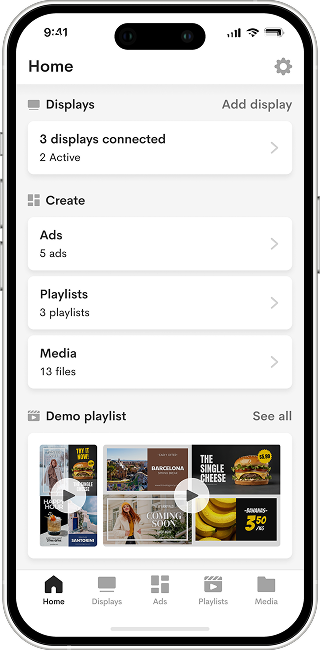
With AdCast, you manage all your screens remotely, update them in seconds, and unlock features that USB drives simply can't deliver. Stop wasting time with outdated methods – upgrade your signage strategy with AdCast.