
AdCast vs OptiSigns: Which Digital Signage Software Is Right for Your Business?
AdCast vs OptiSigns is a useful comparison if you are choosing digital signage software for a small business, retail space, restaurant, café, salon, gym, clinic, or office. Both platforms help you manage screens remotely, but they differ in ease of use, setup time, hardware, pricing, mobile control, features, and best use case.
OptiSigns is a strong, feature-rich digital signage platform with many apps, integrations, templates, dashboard options, offline playback, and hardware choices. AdCast is the simpler, faster, mobile-first option for small businesses that want to create ads, playlists, schedules, and manage screens directly from a phone without a complicated CMS or IT setup.
Quick Summary
AdCast is best for: small businesses that want fast setup, mobile-first control, simple playlists, images, videos, and schedules.
OptiSigns is best for: teams that want a broad CMS, many integrations, templates, dashboards, apps, and more advanced content options.
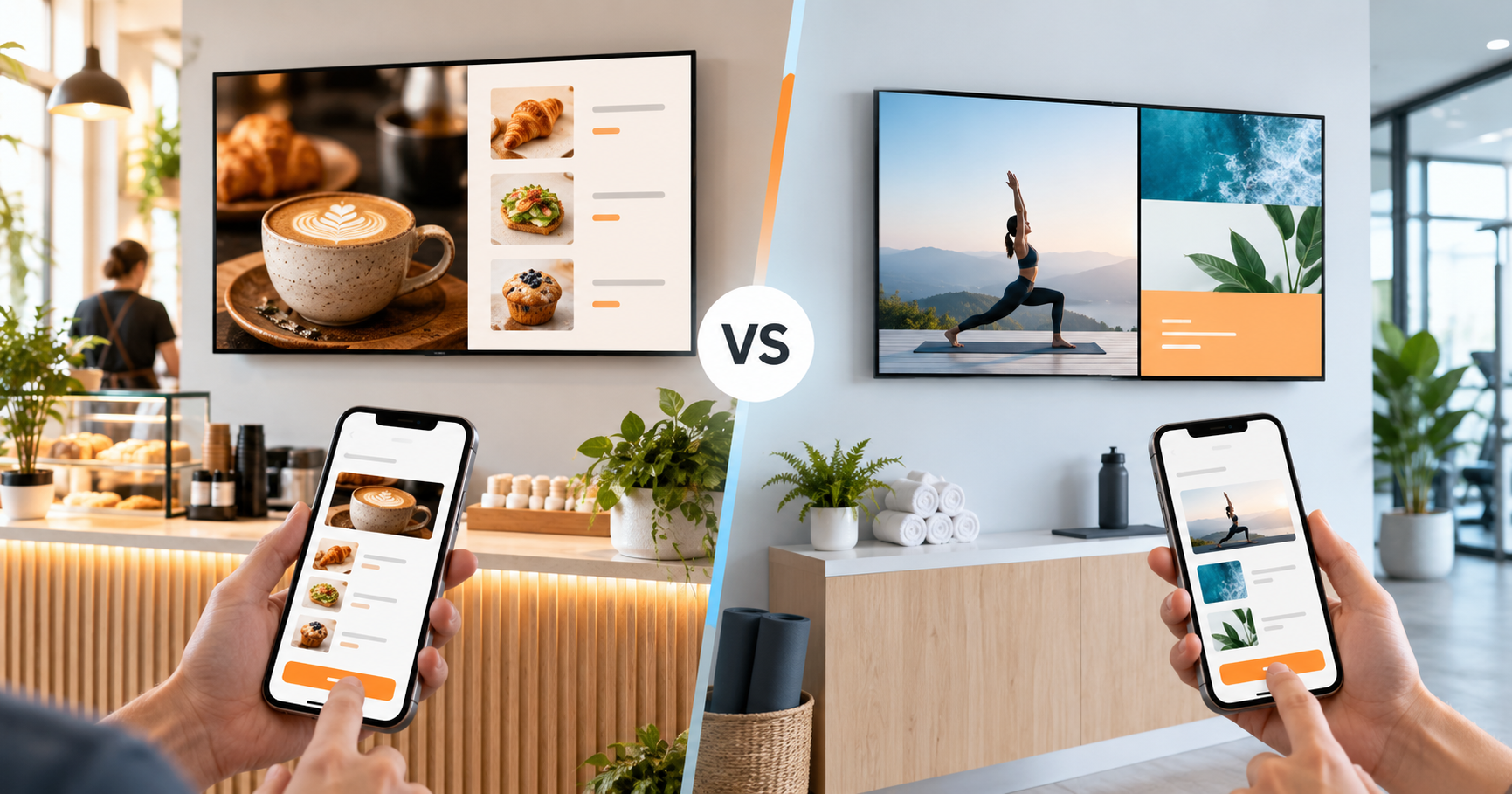
AdCast vs OptiSigns Comparison Table
| Feature | AdCast | OptiSigns |
|---|---|---|
| Best for | Small businesses, cafés, restaurants, salons, gyms, offices, and retail stores | Businesses that want broader CMS features, many apps, integrations, templates, and dashboards |
| Ease of use | Simple, owner-friendly, no complicated CMS | Powerful and user-friendly, but with more options to learn |
| Setup time | Under 3 minutes | Fast setup, with more CMS and hardware configuration options |
| Mobile-first control | Yes - built around phone control | Web-dashboard driven with mobile support |
| Hardware | Android TV and Fire TV devices | Many hardware platforms plus dedicated OptiSigns players |
| Content management | Images, videos, playlists, schedules, and remote updates | CMS, templates, dashboards, apps, social feeds, workplace tools, and advanced content |
| Templates / apps / integrations | Focused small-business signage workflow | Large app and integration library, with 100+ apps/integrations listed on pricing materials |
| Offline playback | Supported | Supported |
| Pricing model | Starts at $12.99/display/month; additional displays $9.99/month; no annual commitment | Tiered per-screen pricing with different plans depending on features |
| Learning curve | Low | Moderate, because there are more CMS features and integrations |
| Ideal user | Business owners and managers, not IT teams | Teams that want broader signage administration and advanced content tools |
Ease of Use: Mobile-First vs CMS-First
AdCast is designed around the phone. Business owners can create content, build playlists, schedule content, and update screens without opening a complex web dashboard. If your digital signage needs are promotions, menus, announcements, images, videos, and simple schedules, AdCast keeps the workflow direct.
OptiSigns is powerful, and its strength is its CMS: integrations, templates, apps, dashboards, feeds, user management, and more advanced screen workflows. That makes it a strong platform for teams that want a broad digital signage system, but it can be more than a small business needs for one to five screens.
Setup Time and Hardware
AdCast setup is intentionally simple:
Step 1 - Download AdCast Player
Install the AdCast Player app on a supported Android TV or Fire TV device.
Step 2 - Pair Your Screen With a QR Code
Open the player, scan the QR code, and connect the screen to your AdCast account.
Step 3 - Create a Playlist and Publish From Your Phone
Upload images or videos, create a playlist, set a schedule, and publish directly from your phone.
No Raspberry Pi is required. No special signage player is required. AdCast works with common Android TV and Fire TV devices, which makes it a practical Fire TV digital signage and Android TV digital signage option for small businesses.
OptiSigns supports many hardware options and also offers or recommends dedicated signage players, including Android player options. That flexibility is useful for teams with specific deployment requirements, but it can also be more than some small businesses need.
Content Management
AdCast focuses on simple image and video upload, playlists, schedules, remote screen updates, and everyday small-business ads. It is especially useful for restaurant and café menu boards, salon offers, gym schedules, office announcements, and retail promotions.
OptiSigns offers more apps and integrations, templates, dashboards, social media content, workplace tools, and business-data options. OptiSigns wins if you need many integrations and a more advanced CMS. AdCast wins if you want simple, fast digital signage from a phone.
For broader buying guidance, read how to choose digital signage software.
Pricing and Simplicity
AdCast starts at $12.99 per display/month. Additional displays are $9.99/month. There is no annual commitment, no contract, and no mandatory dedicated hardware.
OptiSigns uses tiered per-screen pricing and offers different plans depending on features. Their official pricing materials list a free plan and paid per-screen plans, but pricing can change, so always check the current OptiSigns pricing page for the latest details.
You can compare AdCast plans on the AdCast pricing page.
Who Should Choose AdCast?
Choose AdCast if you:
- want digital signage controlled from your phone
- want setup in under 3 minutes
- run a café, restaurant, gym, salon, retail shop, clinic, or office
- want simple playlists and schedules
- want Android TV / Fire TV support
- do not want complicated CMS workflows
- want month-to-month pricing
- want to avoid dedicated hardware
Who Should Choose OptiSigns?
Choose OptiSigns if you:
- need many integrations and apps
- want a larger CMS feature set
- manage many screens across multiple locations
- need dashboards, social feeds, workplace tools, or advanced content
- have a team or IT/admin person managing signage
- want dedicated signage hardware options
AdCast vs OptiSigns: Final Verdict
OptiSigns is a strong digital signage platform for businesses that need advanced CMS features, integrations, apps, templates, dashboards, and more complex workflows. It is a good fit for teams that want a broad signage platform and are comfortable managing more settings.
AdCast is the better choice for small businesses that want simple, fast, affordable digital signage they can manage from a phone. If the goal is to launch quickly without IT setup, a complicated CMS, or dedicated signage hardware, AdCast is the more direct option.
You can also compare AdCast with Yodeck, ScreenCloud, and NoviSign.
Start Your Digital Signage in Under 3 Minutes
With AdCast Player, you can turn any TV or display into professional digital signage in just a few minutes. Download the app, connect your screen with a QR code, and manage everything directly from your phone.
No complicated CMS. No dedicated signage player. No IT team required. AdCast is built for small businesses that want simple, affordable, and modern digital signage without the usual complexity.
- Setup in under 3 minutes
- Manage screens directly from your phone
- Works with Android TV and Fire TV devices
- No contracts or special hardware required


AdCast vs OptiSigns FAQ
What is the best OptiSigns alternative for small businesses?
AdCast is a strong OptiSigns alternative for small businesses that want fast setup, phone-first control, simple playlists, and Android TV or Fire TV support. OptiSigns is better suited to teams that need a broader CMS with many apps, integrations, templates, and advanced options.
Is AdCast easier to use than OptiSigns?
AdCast is designed to be simpler for everyday small-business use because it starts from the phone. OptiSigns is also user-friendly, but it offers a larger CMS, more integrations, and more configuration options, which can add a learning curve.
Can I use AdCast with Android TV or Fire TV?
Yes. AdCast works with common Android TV and Amazon Fire TV devices, making it easy to turn an existing TV into a digital signage screen without buying a dedicated signage player.
Does AdCast require a Raspberry Pi or dedicated signage player?
No. AdCast does not require a Raspberry Pi or a dedicated signage player. You can install AdCast Player on supported Android TV or Fire TV devices and pair the screen with a QR code.
Does OptiSigns support more integrations than AdCast?
Yes. OptiSigns offers a larger set of apps and integrations, including workplace tools, dashboard apps, templates, and content sources. AdCast focuses on simpler small-business signage workflows such as images, videos, playlists, schedules, and remote updates.
Which is better for restaurants, cafés, salons, gyms, and retail stores?
AdCast is usually the more direct choice for restaurants, cafés, salons, gyms, and retail stores that want quick updates from a phone. OptiSigns is a good choice if those businesses need a larger CMS, many integrations, dashboards, or more advanced content layouts.
Can digital signage work without internet?
Many digital signage platforms support offline playback after content has been downloaded to the player. AdCast and OptiSigns both support playback scenarios where content can continue running if the connection drops, though remote updates still require internet access.
Which platform is better for mobile-first digital signage?
AdCast is the better fit for mobile-first digital signage because the workflow is built around creating, scheduling, and updating screens from a phone. OptiSigns supports web and mobile management, but its strength is a broader CMS-style platform.