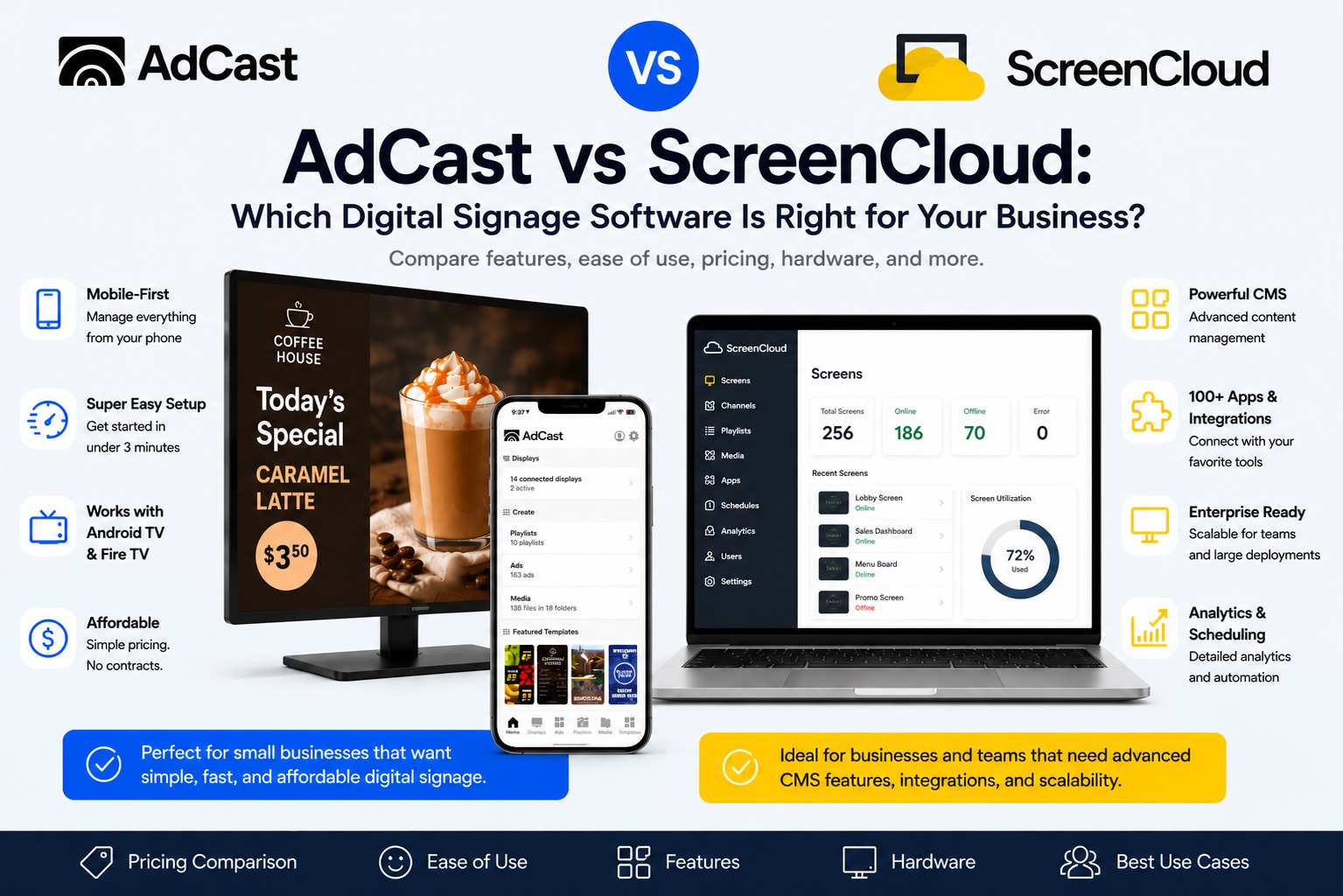
AdCast vs ScreenCloud - Overview
If you are comparing AdCast vs ScreenCloud, the right choice depends on how much power you need and how quickly you want to get screens live. ScreenCloud is a mature digital signage platform with many integrations and strong enterprise features. AdCast is built for small businesses that want affordable, phone-first digital signage without complex setup, contracts, or expensive hardware.
Price Comparison
AdCast starts at $12.99 per display per month, with no annual commitment required. Additional displays cost $9.99/month each, making it predictable for businesses with one to five screens.
ScreenCloud publicly lists its Core plan at $20 per screen per month + VAT and Pro at $30 per screen per month + VAT. That gives ScreenCloud more advanced room to grow, but the monthly cost rises faster for small deployments.
For a cafe, salon, gym, restaurant, or small retail shop, AdCast is usually the leaner option. For larger teams that need dashboards, premium integrations, and structured workflows, ScreenCloud may justify the higher price.
Hardware and Setup
AdCast runs on common Android TV and Amazon Fire TV devices. Install AdCast Player, scan a QR code, and publish content from your phone. There is no special player to buy and no IT project to plan.
ScreenCloud supports many hardware options and also promotes its own ScreenCloud OS device. That flexibility is useful for IT-led deployments, but it can be more than a small business needs when the goal is simply to put menus, promotions, schedules, or announcements on a TV.
Ease of Use
AdCast is designed around a mobile-first workflow. You can upload media, build playlists, schedule content, and update screens from your phone, which is ideal when the owner or manager is also the person running daily promotions.
ScreenCloud is primarily a web-dashboard platform. It offers more depth for teams that need apps, dashboards, user management, proof-of-play, and integrations, but the interface naturally has more moving parts.
Content Management
AdCast works especially well for digital menu boards, promotional slides, salon service lists, gym class schedules, retail offers, and photo galleries.
ScreenCloud is stronger when your signage depends on connected apps, dashboards, workplace communications, or live business data. If your screens need to show Microsoft, Google, analytics, or internal company dashboards every day, ScreenCloud has more enterprise tooling.
How Fast Can You Start?
With AdCast, most users can get a display live in 2-5 minutes: install the player, pair the screen, upload content, and publish. It is built for businesses that do not have a dedicated IT team.
ScreenCloud can also be quick, but larger deployments often involve account setup, hardware choices, user permissions, channels, apps, and dashboards. That structure is valuable at scale, but it is not always necessary for one or two screens.
Who Should Choose AdCast?
Choose AdCast if you run a cafe or restaurant, salon, gym, shop, clinic, or local service business and want simple digital signage you can control from your phone. It is best for owners who care about speed, low cost, and day-to-day simplicity.
Who Should Choose ScreenCloud?
Choose ScreenCloud if you manage many screens across multiple locations, need advanced app integrations, want workplace dashboards, or have an IT/communications team responsible for screen governance. It is a strong fit for corporate offices, office lobbies, multi-site organizations, and teams with more complex content operations.
AdCast vs ScreenCloud - Key Differences
- Ease of use: AdCast is phone-first and simple; ScreenCloud is deeper and more dashboard-driven.
- Pricing: AdCast is lower-cost for small deployments; ScreenCloud costs more per screen but includes broader platform features.
- Hardware: AdCast works well with Android TV and Fire TV; ScreenCloud supports a wider hardware ecosystem and its own OS device.
- Best fit: AdCast fits small businesses; ScreenCloud fits larger teams and enterprise communications.
Summary
| Feature | AdCast | ScreenCloud |
|---|---|---|
| Starting price | $12.99/display/month | $20+/screen/month + VAT |
| Hardware | Android TV / Fire TV | Many players / ScreenCloud OS device |
| Control from phone | Yes - mobile-first | Mostly web-dashboard driven |
| Setup time | 2-5 minutes | Fast, but more configuration at scale |
| Best for | Small businesses (1-5 screens) | Teams with integrations and many screens |
| Contract required | No - month-to-month | Plan terms vary |
Frequently Asked Questions
Start Your Digital Signage in Under 3 Minutes
With AdCast Player, you can turn any TV or display into professional digital signage in just a few minutes. Download the app, connect your screen with a QR code, and manage everything directly from your phone.
No complicated CMS. No Raspberry Pi. No expensive hardware or IT support required. AdCast is built for small businesses that want simple, affordable, and modern digital signage without the usual complexity.
Upload videos and images, create playlists, schedule content, and update screens remotely from anywhere - all from one easy-to-use platform designed for restaurants, cafes, gyms, salons, retail stores, offices, and more.
- Setup in under 3 minutes
- Manage screens directly from your phone
- Works with Android TV and Fire TV devices
- No contracts or special hardware required