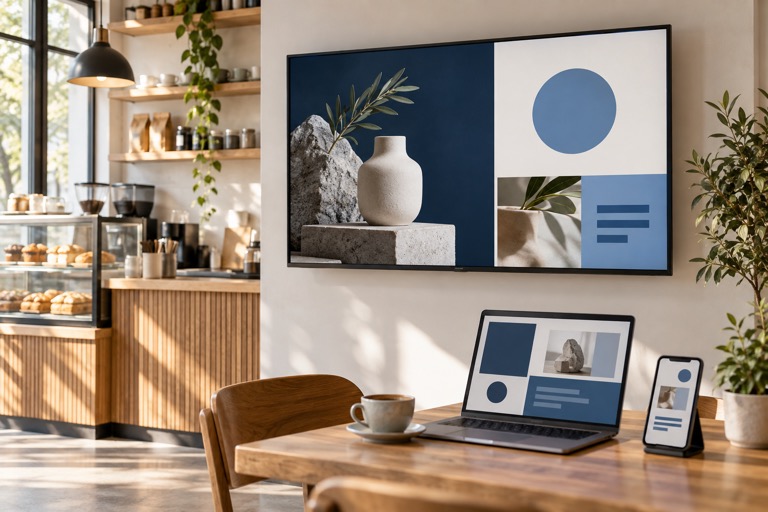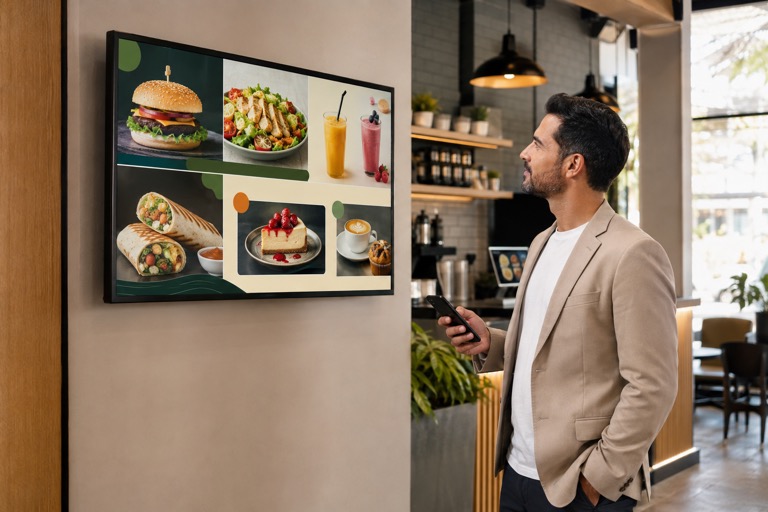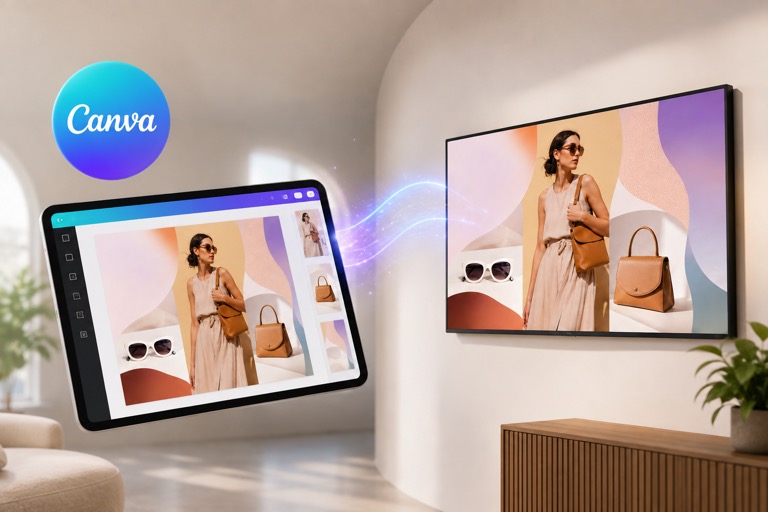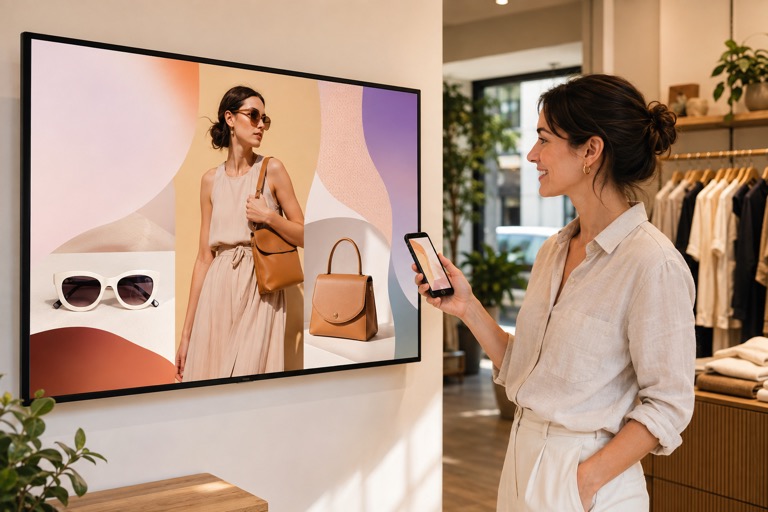
Digital signage is one of the fastest ways to grab attention at the point of decision. With the right on-screen content - timely offers, social proof, and interactive moments - you can lift conversion rates and strengthen customer engagement across retail, restaurants, gyms, and service businesses.
1) Run Time-Sensitive Promotions
Use screens to push flash sales and daily deals to create urgency and drive immediate action.
- Retail: “2-Hour Only” bundle discounts.
- Cafés: Lunch combos from 12:00–14:00.
- Gyms: Limited-time membership offers.
2) Integrate Social Media & UGC
Display real-time Instagram posts, reviews, and branded hashtags to add social proof and spark participation.
- Feature customer posts using your products.
- Run a hashtag challenge; highlight top entries on screen.
3) Convert Faster with QR Codes
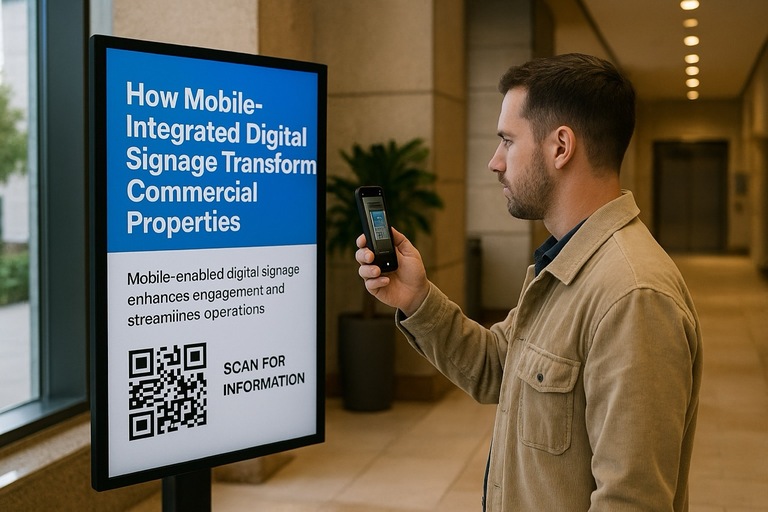
Bridge offline-to-online by placing scannable QR codes on screen.
- Instant coupons redeemable online or in-store.
- Links to product videos or digital catalogs.
- One-tap sign-ups for newsletters or loyalty programs.
4) Gamify the Experience
Interactive content boosts dwell time and recall.
- Spin-to-Win prizes via QR scan.
- Live trivia or quick polls with real-time results.
5) Personalize with Data
Serve context-aware messages based on time, weather, and location to improve relevance and response.
- Coffee shops promote morning espresso specials.
- Retailers push umbrellas or sunscreen based on weather.
- Airports tailor offers to flights and terminals.
6) Combine Wayfinding with Offers
Help customers navigate while surfacing timely promotions.
- Malls: Nearby store deals on directory screens.
- Hotels: Maps to partner attractions and services.
- Grocery: Aisle-specific promos near checkout.
7) Keep Content Fresh with Live Feeds
Real-time updates keep screens relevant and engaging.
- Bars stream sports with drink specials.
- Retailers host live influencer shopping segments.
- Offices display company news or market trends.
8) Showcase Reviews & Testimonials
Use social proof to reduce purchase anxiety.
- Restaurants: Google and Yelp highlights.
- Salons: Before-and-after transformations.
- Electronics: Best-rated products and snippets.
9) Upsell with Smart Cross-Promotions
Increase average order value by recommending complements.
- Retail: “Complete the Look” bundles.
- Cafés: Pair pastries with drinks.
- Gyms: Promote add-on PT sessions.
10) Promote Your Loyalty Program
Make rewards visible and compelling.
- Show top member leaderboards.
- Highlight sign-up perks and bonuses.
- Offer limited-time double-points periods.
Pro Tips for Better Results
- Keep messages concise (5–12 words per frame).
- Use high-contrast text and readable fonts.
- Add motion sparingly (subtle loops, 8–12s scenes).
- Localize content by time of day and location.
- Measure scans, redemptions, and sales lift to refine.
Summary of Tactics
By implementing these ten tactics, you can transform your digital signage from mere decoration into a powerful sales and engagement tool. The key is to keep content dynamic, relevant, and interactive. Experiment with different strategies to see what resonates best with your audience. With the right approach, your signage will not only capture attention but also drive meaningful business results.
FAQ: Digital Signage Marketing
What is the best content for retail digital signage?
Short, high-contrast promos, price drops, bundles, and UGC. Keep each frame scannable in under 3 seconds.
How do I track ROI from digital signage?
Use unique QR codes, coupon codes, and POS tags; compare uplift during screen-active periods vs. baselines.
Does interactive signage increase sales?
Yes-interactive elements like polls, games, and QR-based spin wheels increase dwell time and conversion rates.