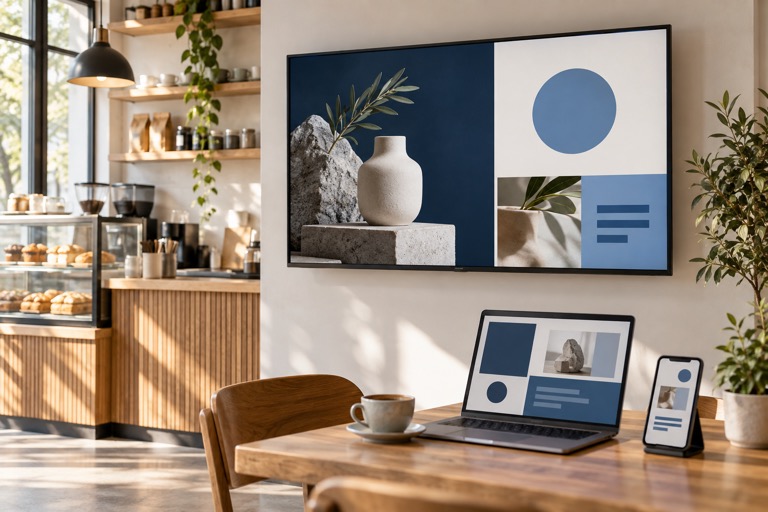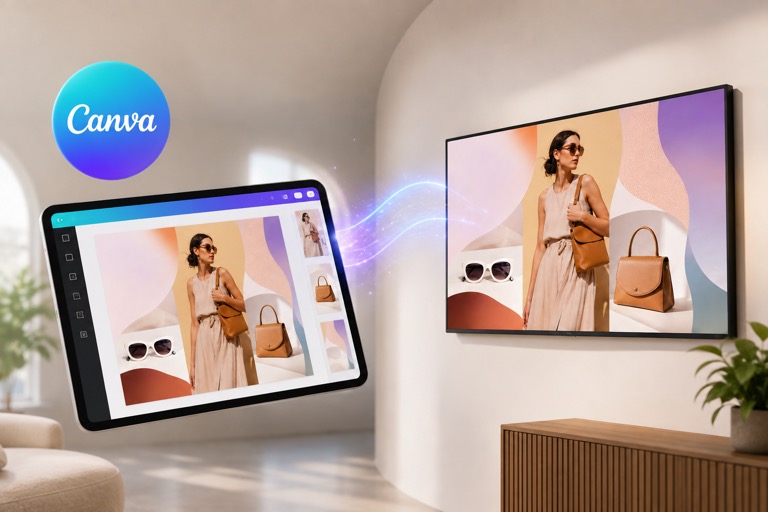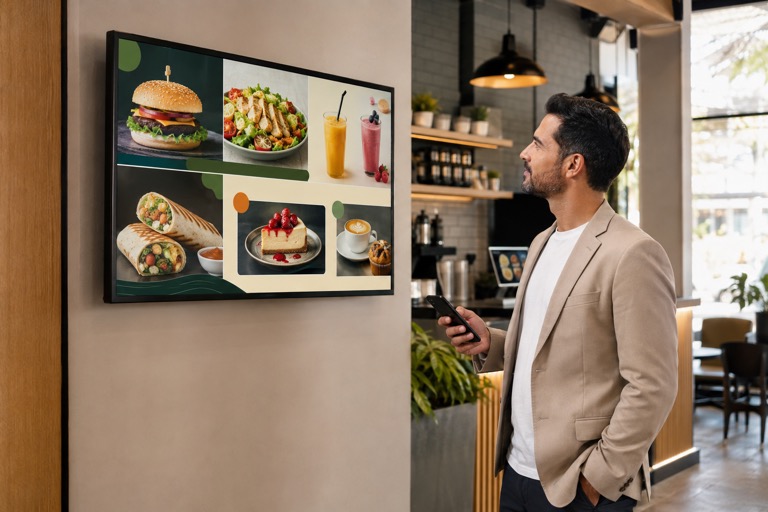
A Canva menu template can become more than a printable menu. With AdCast, you can turn the finished design into a digital menu board that runs on a TV and can be updated remotely.
Create your menu board in Canva
Start with a Canva menu template or a blank design. Add products, prices, photos, branding and promotional messages. For TV use, keep text large, maintain strong contrast and choose a landscape or portrait layout that matches the screen.
Export the Canva menu directly to AdCast
When the design is ready, export it to AdCast. Choose the aspect ratio and media folder, then let AdCast create the ad automatically. If you select a playlist, the new menu content can be added to it as part of the same workflow.
Publish the digital menu board to your TV
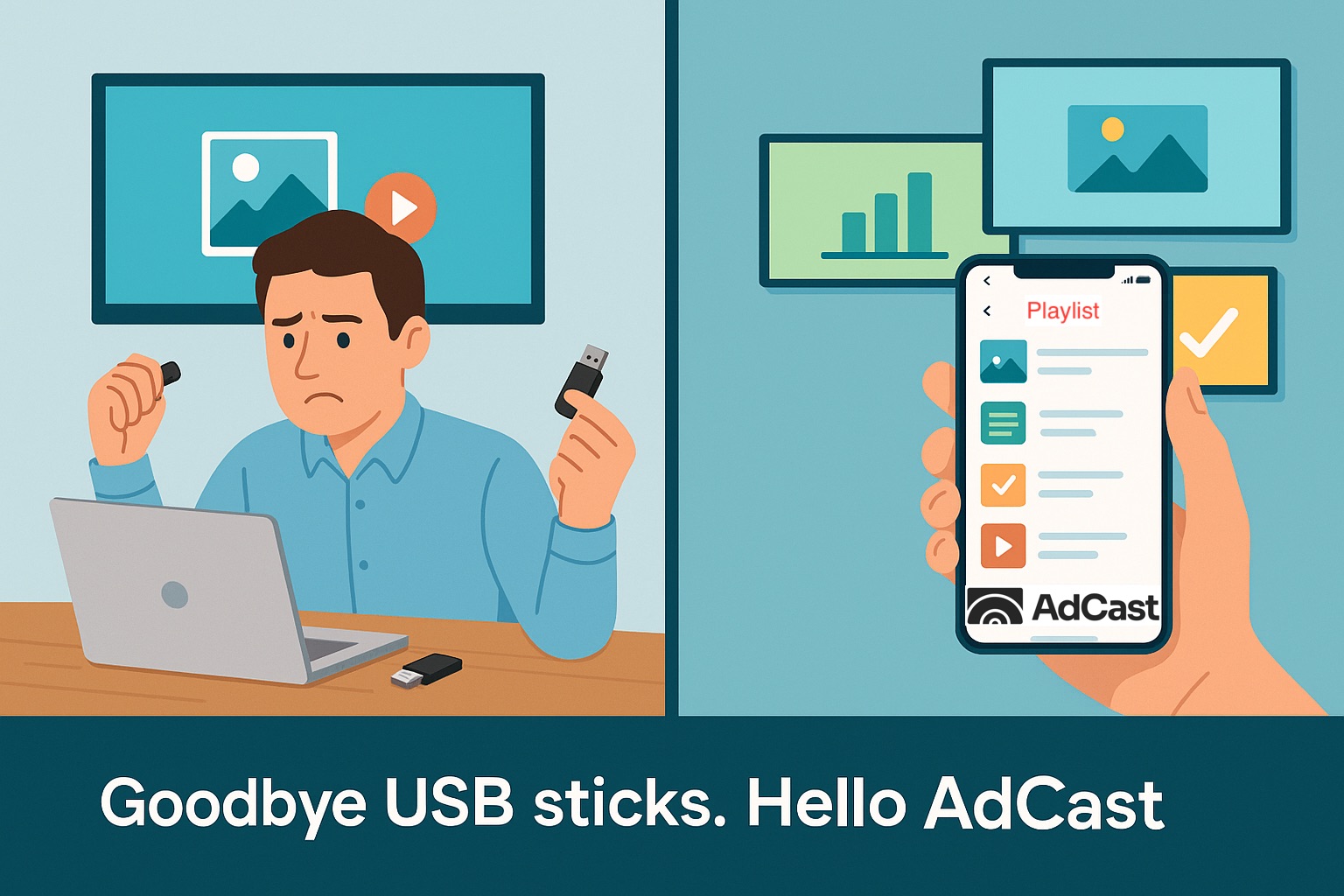
Assign the playlist to a paired display. AdCast Player handles playback on supported Android TV or Fire TV hardware, so staff do not need to copy a new image to a USB drive every time a price or promotion changes.
Use multiple Canva menu designs during the day
Create separate breakfast, lunch, dinner or happy-hour designs in Canva and organize them in AdCast. Scheduling lets the screen show the right content at the right time.
Canva templates plus digital signage management
Canva is the creative layer; AdCast is the publishing layer. This combination is useful for restaurants, cafés, bakeries, bars and quick-service locations that want attractive menus without a complicated signage workflow.
Explore digital menu board software for restaurants, read the Canva digital signage guide, or check AdCast pricing.
Start Your Digital Signage in Under 3 Minutes
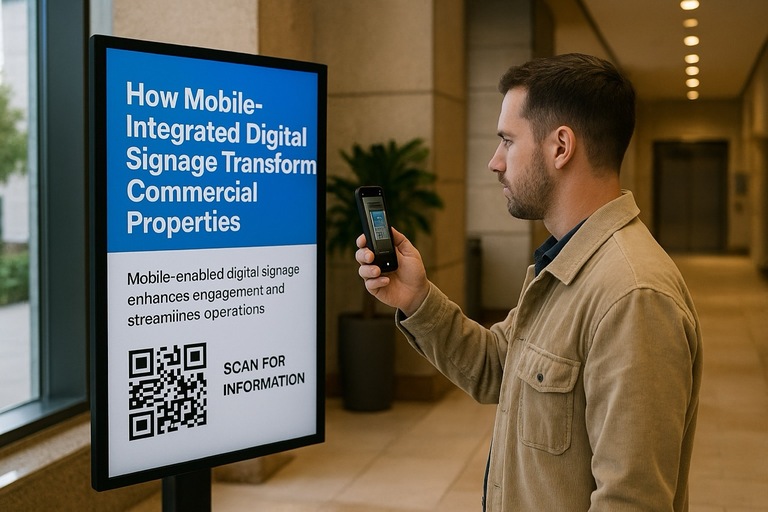
With AdCast Player, you can turn any TV or display into professional digital signage in just a few minutes. Download the app, connect your screen with a QR code, and manage everything directly from your phone.
No complicated CMS. No Raspberry Pi. No expensive hardware or IT support required. AdCast is built for small businesses that want simple, affordable, and modern digital signage without the usual complexity.
Upload videos and images, create playlists, schedule content, and update screens remotely from anywhere - all from one easy-to-use platform designed for restaurants, cafes, gyms, salons, retail stores, offices, and more.
- Setup in under 3 minutes
- Manage screens directly from your phone
- Works with Android TV and Fire TV devices
- No contracts or special hardware required