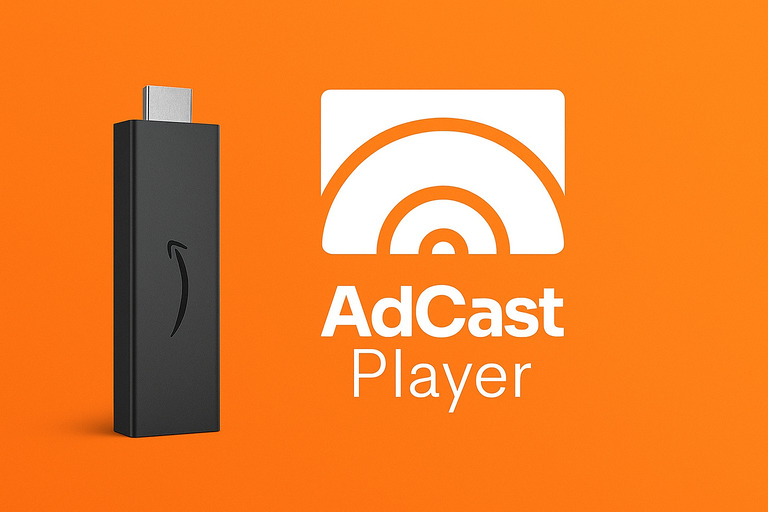
AdCast Digital Signage is Now Available on Fire TV & Fire TV Stick

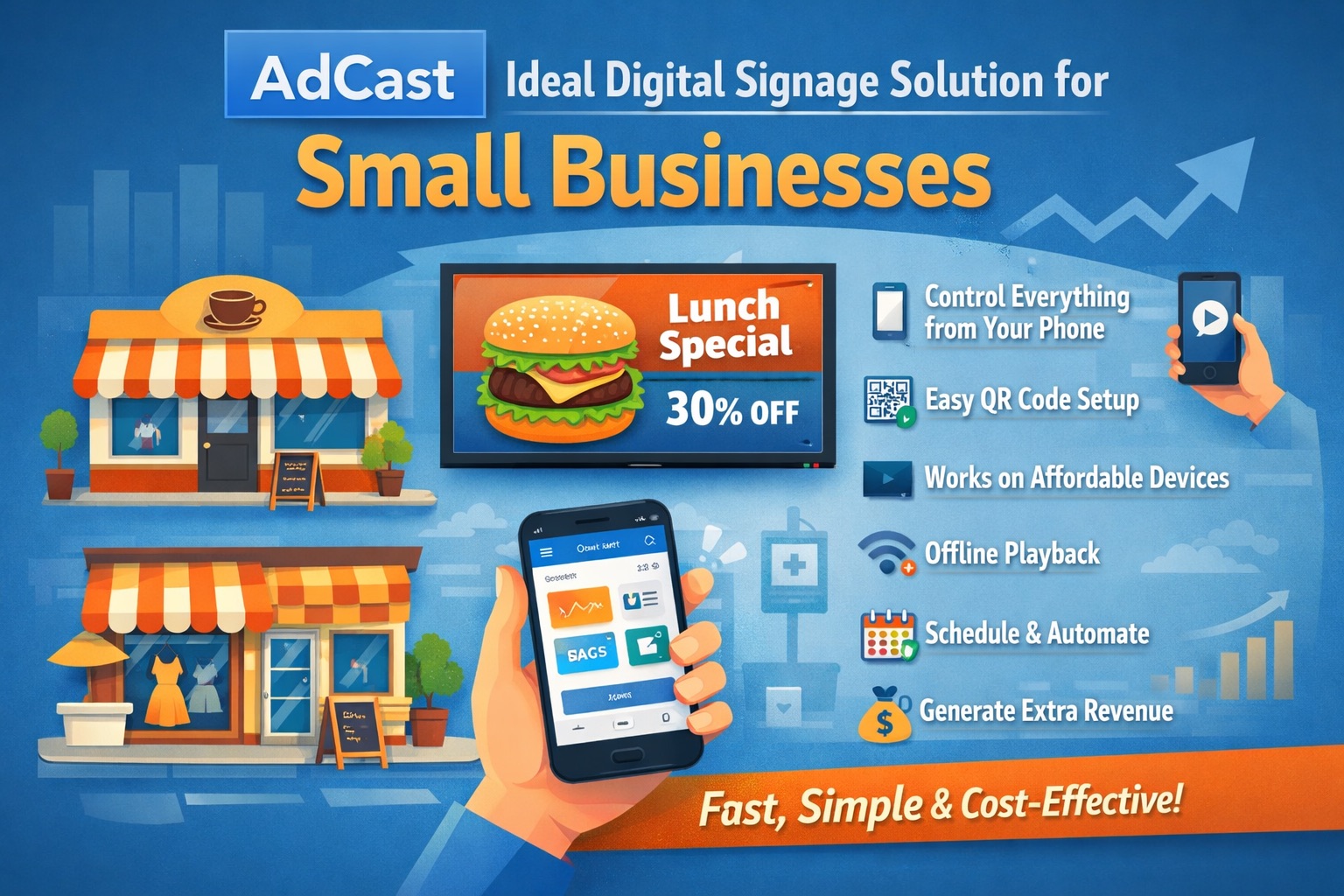
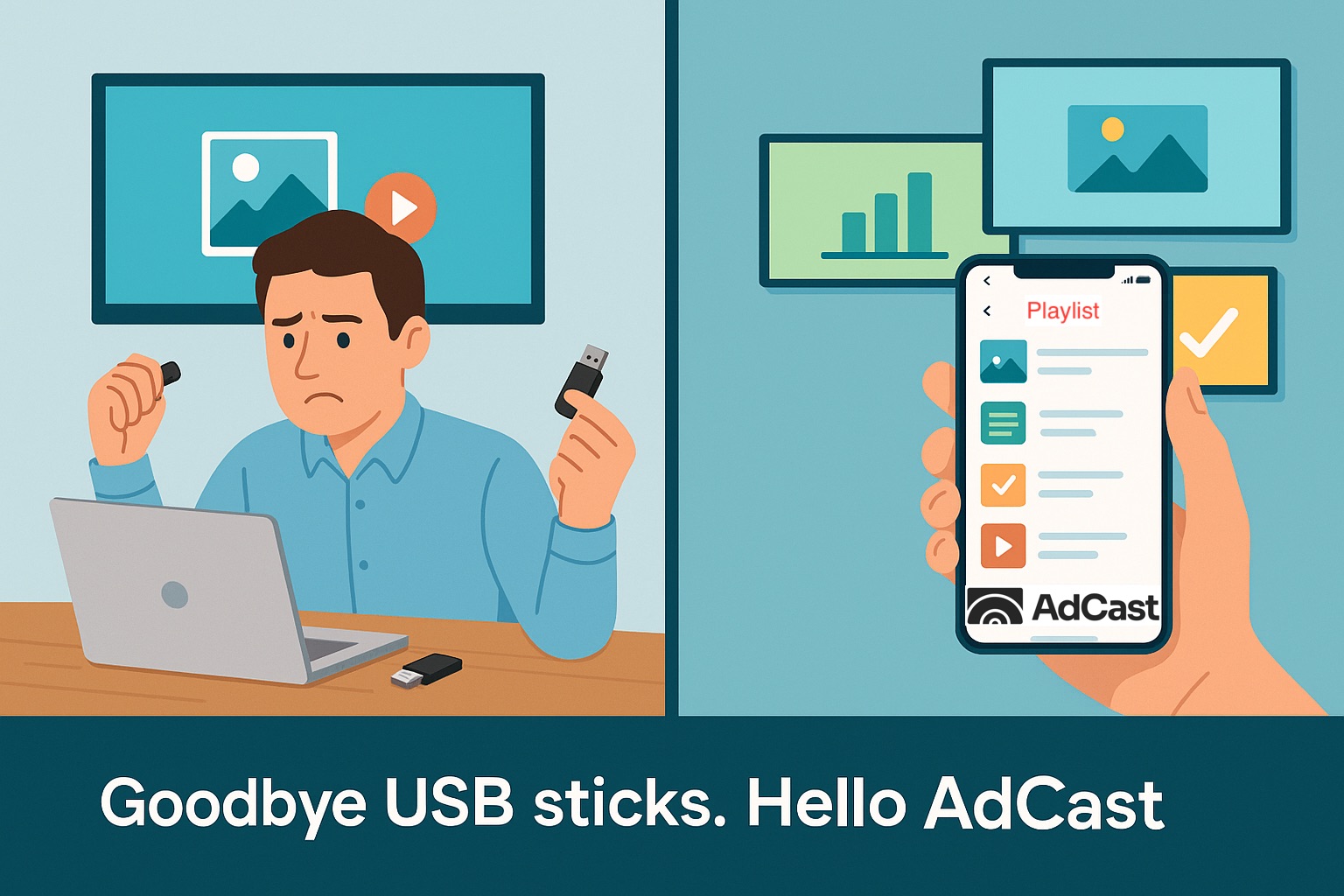
With AdCast Player, you can turn any TV or display into professional digital signage in just a few minutes. Download the app, connect your screen with a QR code, and manage everything directly from your phone.

30-day FREE trial. No credit card required. Full access to all features.

AdCast Digital Signage is Now Available on Fire TV & Fire TV Stick


Great news for business owners, creators, and anyone who needs fast, reliable digital signage — AdCast Digital Signage is now officially available on Amazon Fire TV and Fire TV Stick devices running Fire OS.

With this update, you can turn any TV with a Fire TV Stick into a powerful digital signage display in just a few minutes. No expensive hardware, no complicated setup — just install, scan, and start casting your content.

Why Fire TV Support Matters

Fire TV and Fire TV Stick devices are affordable, widely available, and easy to deploy across multiple locations. AdCast now integrates seamlessly with Fire OS, making it the perfect plug-and-play signage solution for retail, cafés, gyms, salons, clinics, offices, events, and more.

How to Install AdCast on Fire TV

Installing AdCast Player on Fire TV is simple. Just follow these steps:

  • Open the Amazon Appstore on your Fire TV or Fire TV Stick.
  • Search for "AdCast Player".
  • Select the app and click Install.
  • Open the app once installation is complete.

Quick Setup: Pair Your Screen With Your Mobile

Setting up a new display is designed to take less than 20 seconds. The moment you launch AdCast Player on Fire TV, you’ll see a unique QR code on the screen.

Here’s how to activate your display:

  • Open the AdCast mobile app on your iPhone or Android.
  • Tap Add Display.
  • Scan the QR code on your TV.
  • Your display instantly appears in the app — ready to receive playlists.

No passwords. No manual pairing. Just scan and start casting content.

Create, Manage & Schedule Content Easily

With the AdCast app, you can create beautiful ads from templates or upload your own media. Organize them into playlists and send them directly to your newly paired Fire TV display.

  • Drag-and-drop playlist organization
  • Instant updates across all screens
  • Full offline support on the Fire TV Player
  • Automatic crash protection & recovery

Compatible Fire OS Devices

AdCast Player works on:

  • Fire TV Stick
  • Fire TV Stick 4K
  • Fire TV Stick Lite
  • Fire TV Cube
  • All TVs running Fire OS

FAQ: Fire TV + AdCast

Can I use Fire TV Stick as a professional digital signage player?

Yes. Fire TV Stick is powerful enough to run smooth, 24/7 digital signage with offline caching and automatic reconnection.
You might also like

How to Create a Canva Digital Menu Board and Display It on a TV

Create a digital menu board in Canva, export it directly to AdCast and publish it to a restaurant TV. Use templates, playlists and remote updates without USB drives.

Read More

Canva Digital Signage: Design in Canva and Publish to Your TV with AdCast

Use Canva for digital signage with AdCast. Create or import a Canva design, export it directly to AdCast, create an ad automatically and publish it to your TV playlist.

Read More

Android TV Digital Signage: A Practical Setup Guide

Learn how to use Android TV, Google TV or Fire TV for digital signage, manage screens remotely and publish content without USB drives.

Read More

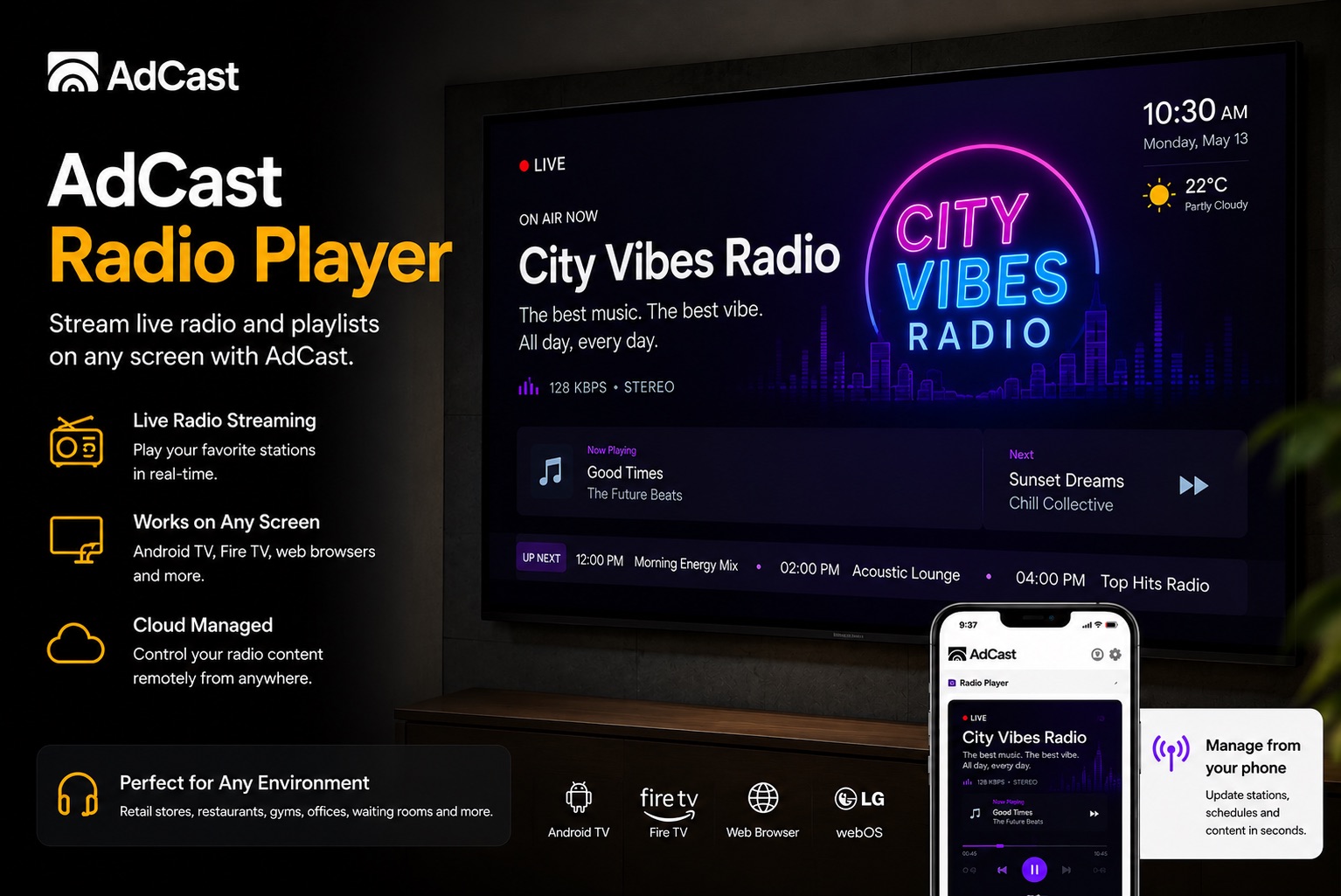
Play Radio and Digital Signage Ads on the Same Screen with AdCast

AdCast Player can play a radio station URL in the background while your digital signage ads continue running on screen. See how businesses can use radio plus visual ads together.

Read More

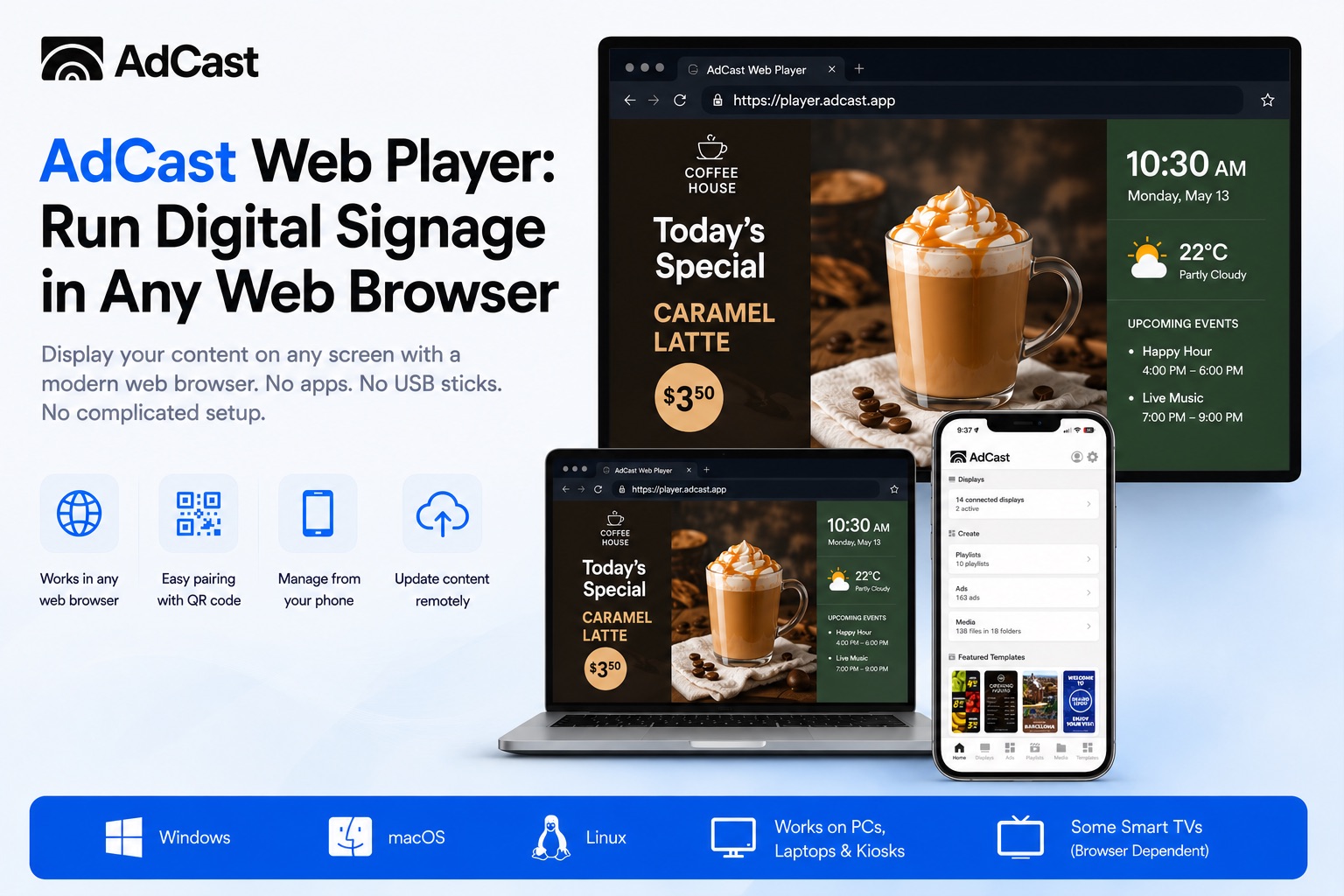
AdCast Web Player: Digital Signage Player for Any Web Browser

Use AdCast Web Player to run digital signage directly in a web browser. Manage playlists, schedules, images, videos, and screen content from your phone with no complicated setup.

Read More

How to Choose the Right Digital Signage Software for Your Business

A practical guide to evaluating digital signage platforms — covering must-have features, ROI benchmarks by industry, and a step-by-step deployment checklist.

Read More

Why Car Expos Should Replace A4 Paper Sheets with Smart Digital Displays

How digital tablet stands and QR-powered interactions can modernize car expos and help dealers capture more leads.

Read More

How Mobile-Integrated Digital Signage with AdCast Transforms Commercial Properties

Discover how AdCast Digital Signage turns traditional displays into mobile-connected communication hubs that boost tenant engagement and streamline operations.

Read More