
What is digital signage software?
Digital signage software is the system that lets a business create content, organize it into playlists, decide when it plays and send it to one or more screens. Instead of updating every television by hand, a connected player receives the latest approved content remotely.
For a closer look at the content workflow, see the digital signage CMS.
Built for everyday business updates
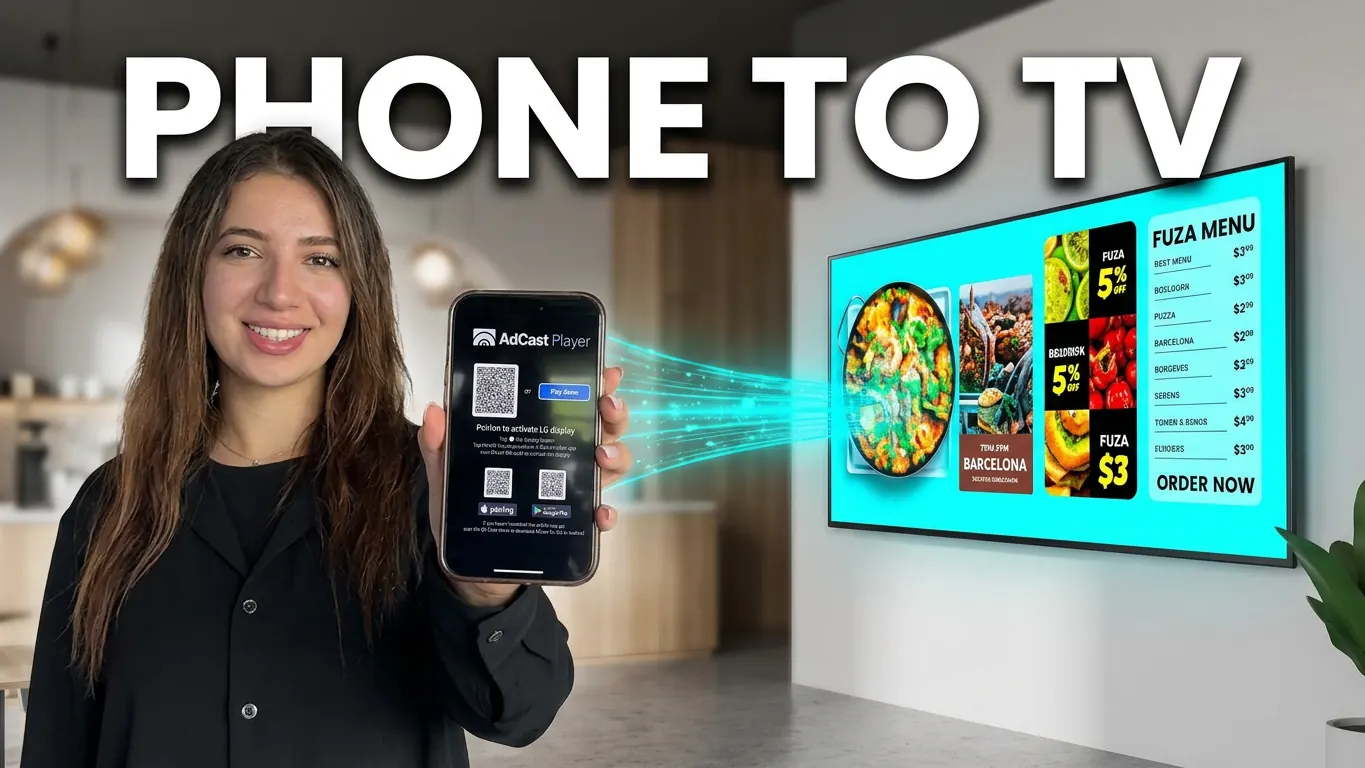
AdCast is designed for the work that changes most often: a daily menu, a promotion, opening hours, an event or a new message. Create content from your phone, add it to a playlist and publish it to a screen in a few steps.
Everything you need to manage screens
- Upload images and videos
- Create playlists for screens and locations
- Schedule content by time and day
- Publish changes remotely
- Manage Android TV and Fire TV players
- Use portrait or landscape layouts
Use Android TV and Fire TV as your signage player
Install AdCast Player on a supported Android TV or Amazon Fire TV device, pair it with a QR code and manage it remotely. In many setups, this avoids buying a proprietary media player for every display.
See the digital signage player overview for more about supported screen-side software.
Remote digital signage for one screen or many locations
Whether you run one café screen or a growing group of stores, the same platform keeps content organized. Share a brand campaign everywhere while keeping prices, offers and announcements specific to each location.
Learn more about cloud digital signage software for managing content across locations.
Digital signage software vs USB updates
A USB drive can work for a screen that rarely changes. It becomes slow and error-prone when content changes frequently or screens are in different places. With AdCast, updates are sent remotely, so staff do not have to travel to a display or manage file versions.
For a practical comparison, read why USB sticks hold back digital signage.
Frequently asked questions
Do I need a computer to use AdCast?
No. You can create content, manage playlists and publish updates from your phone or tablet.
Which devices can run AdCast Player?
AdCast Player supports compatible Android TV and Amazon Fire TV devices.
Can I manage more than one screen?
Yes. You can organize screens into groups and publish shared or location-specific content remotely.
When you are ready to plan your setup, see AdCast pricing.