Android TV digital signage without dedicated hardware
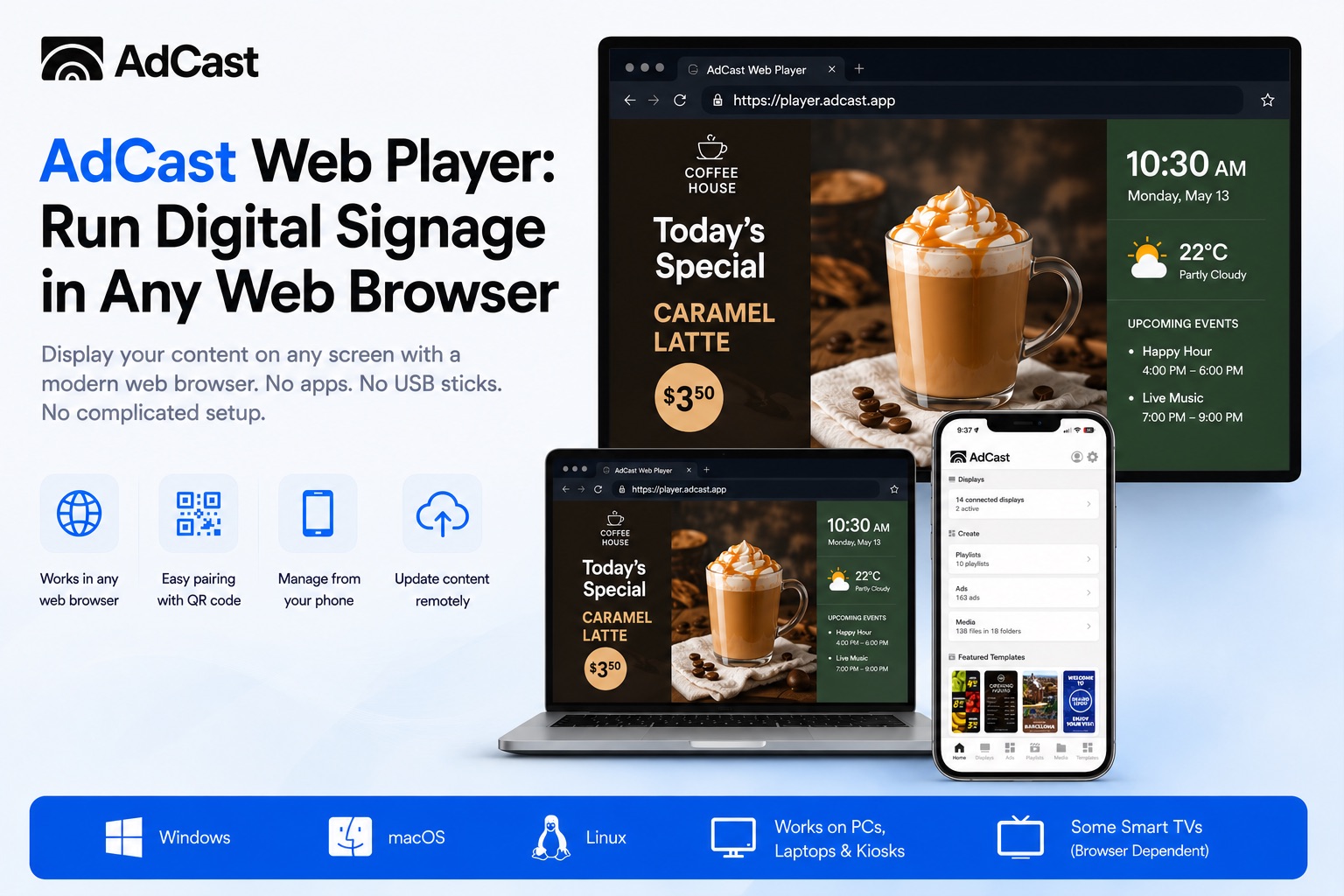
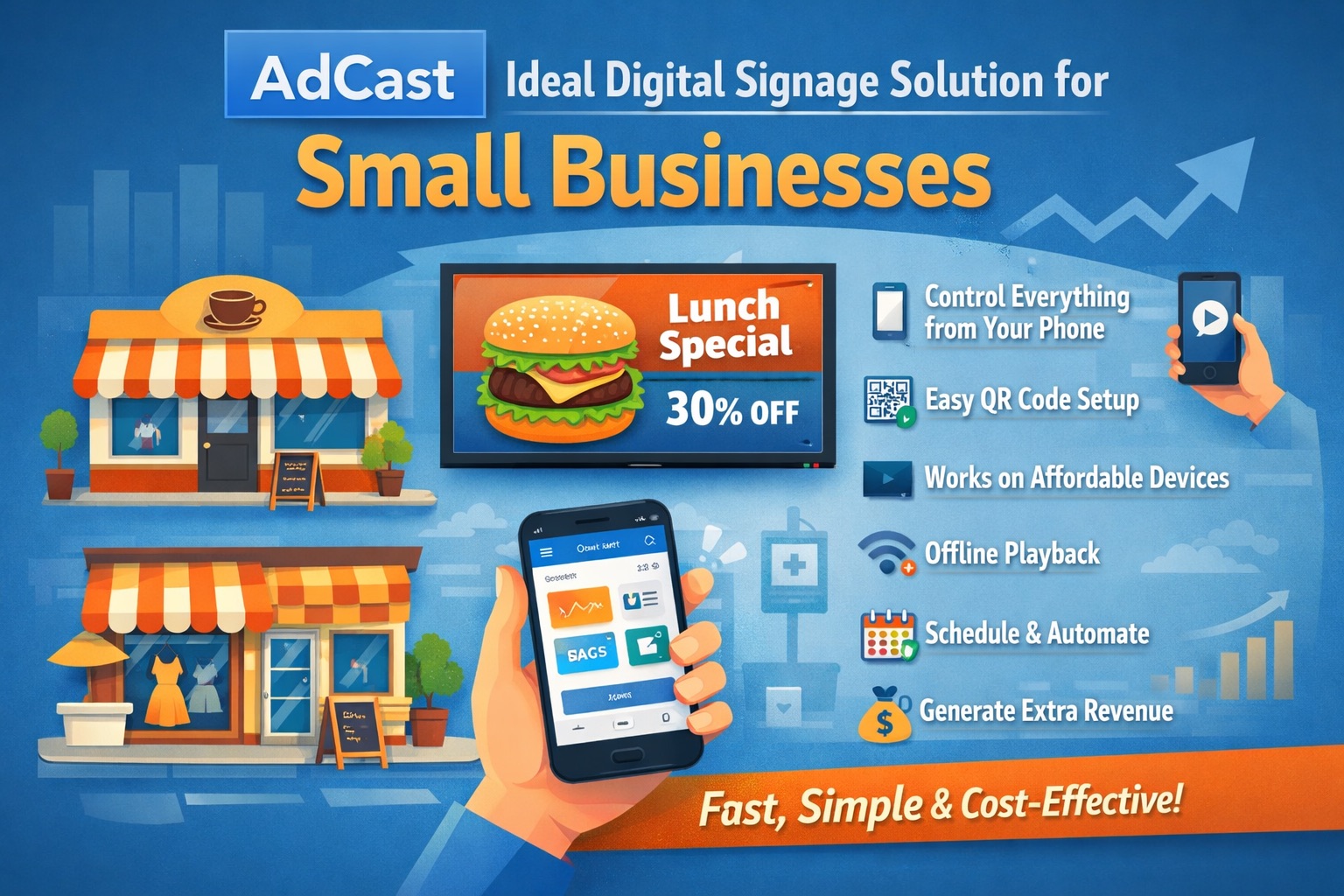
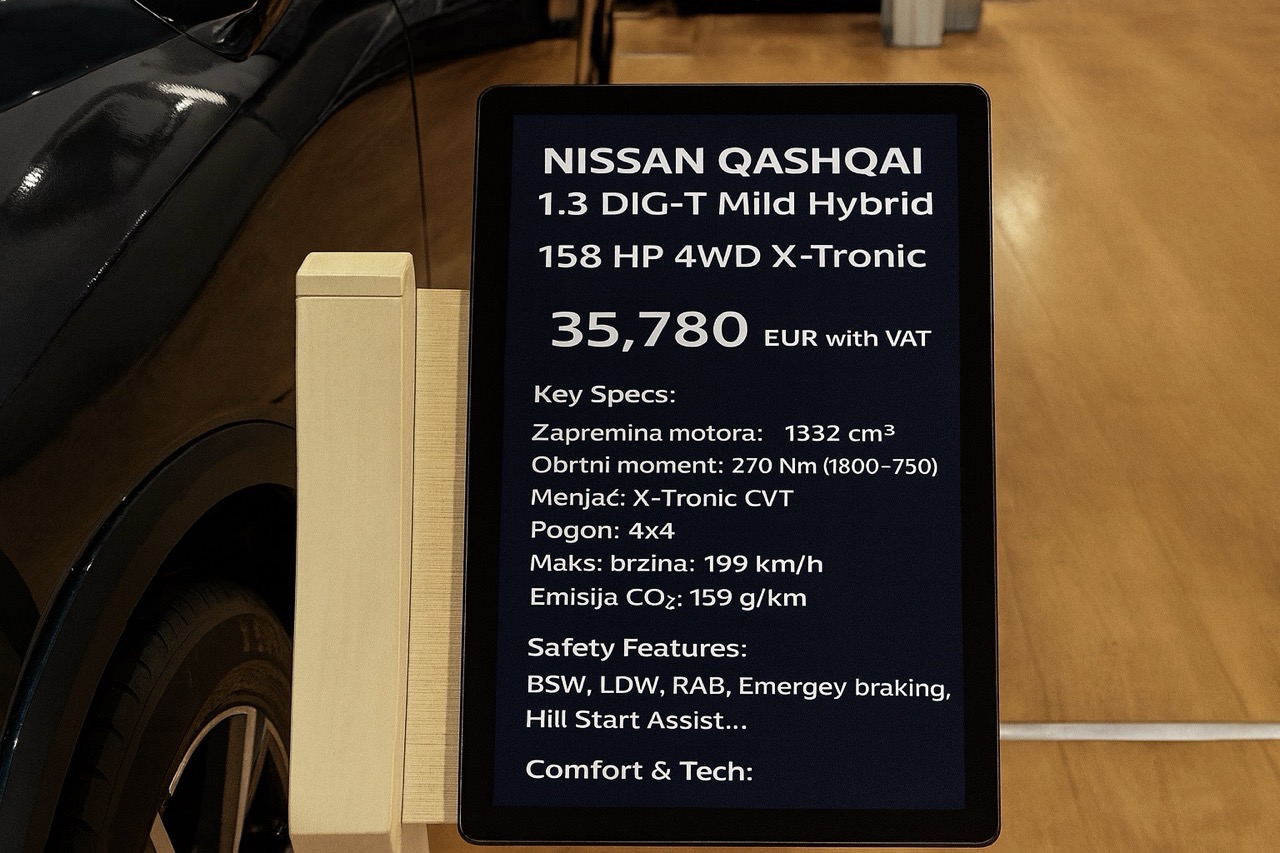
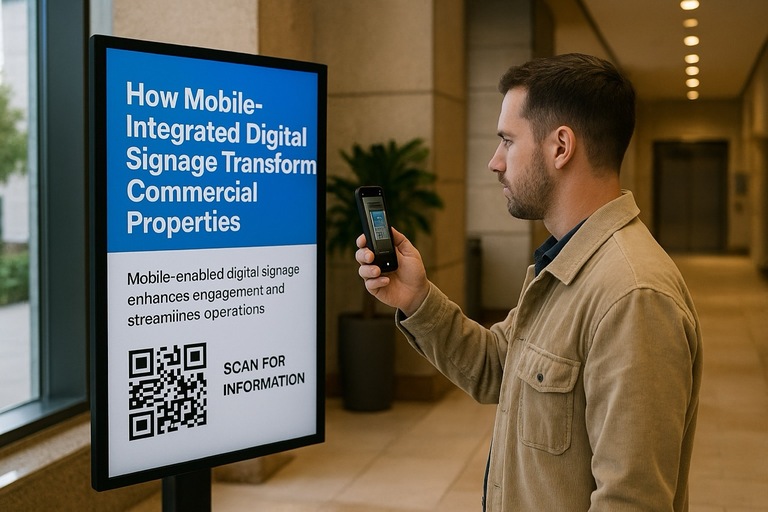
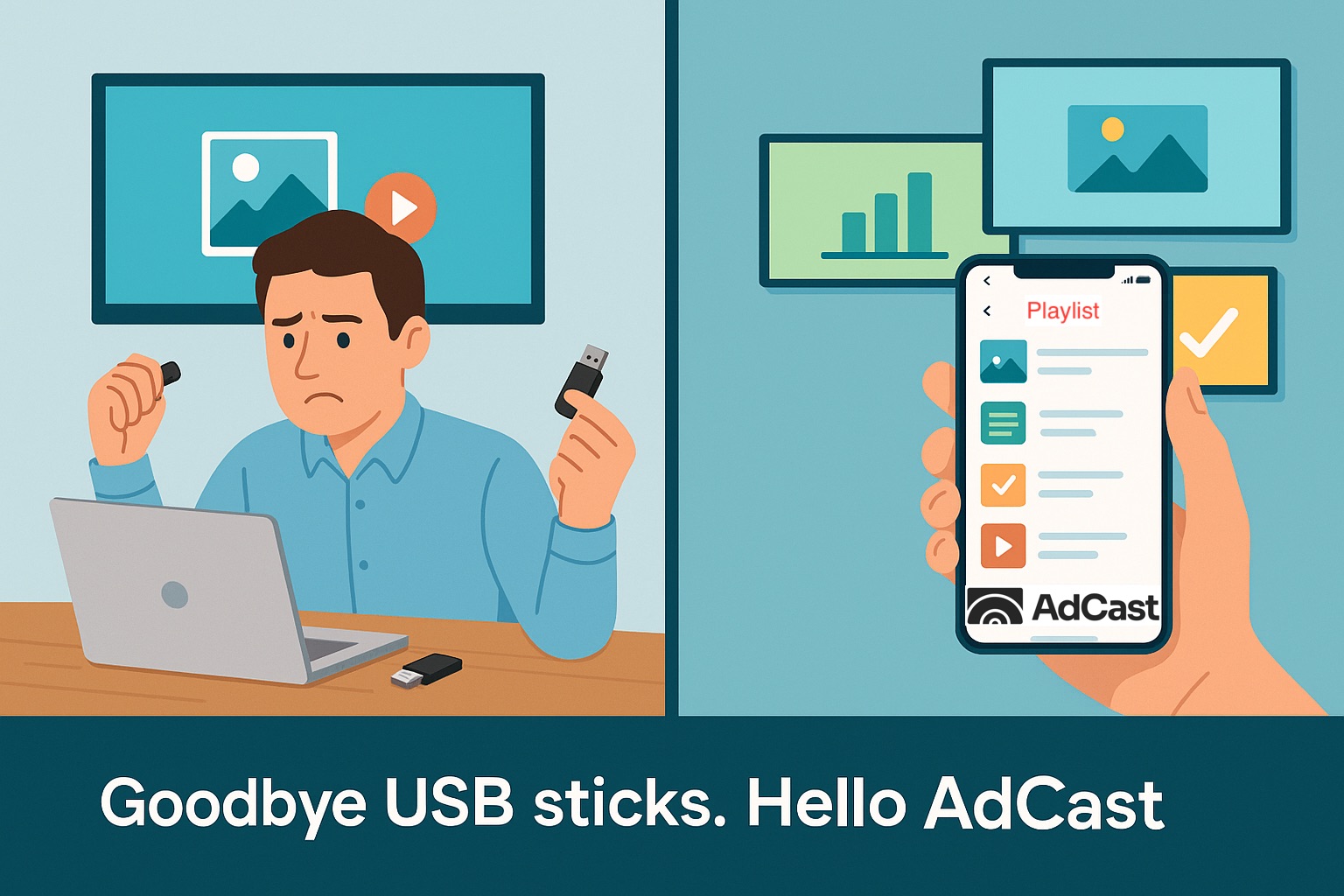
Android TV and Google TV devices can be used as affordable digital signage players for menus, promotions, announcements and information screens. Instead of moving USB drives between displays, a cloud-connected player lets you publish updates remotely.
What you need
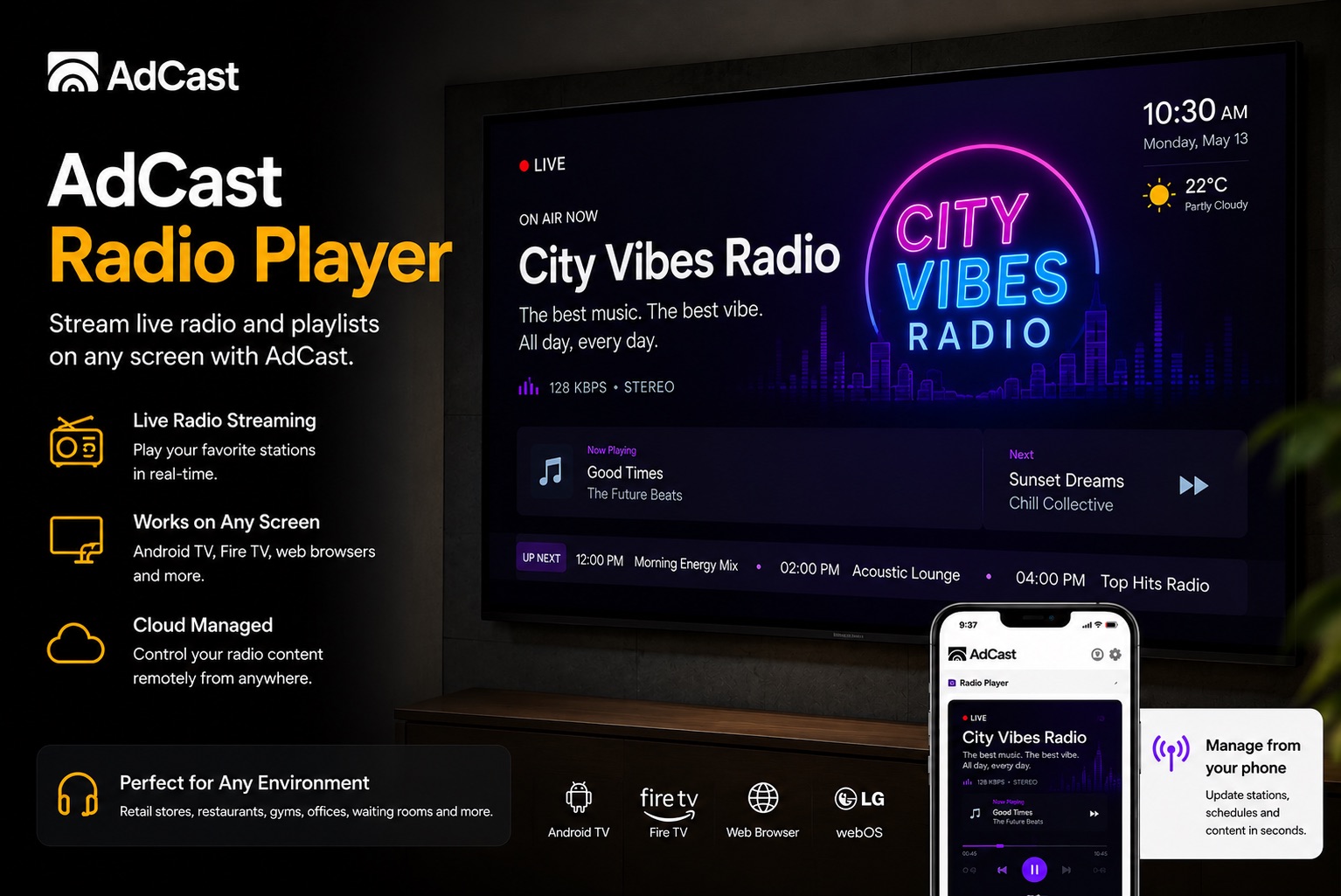
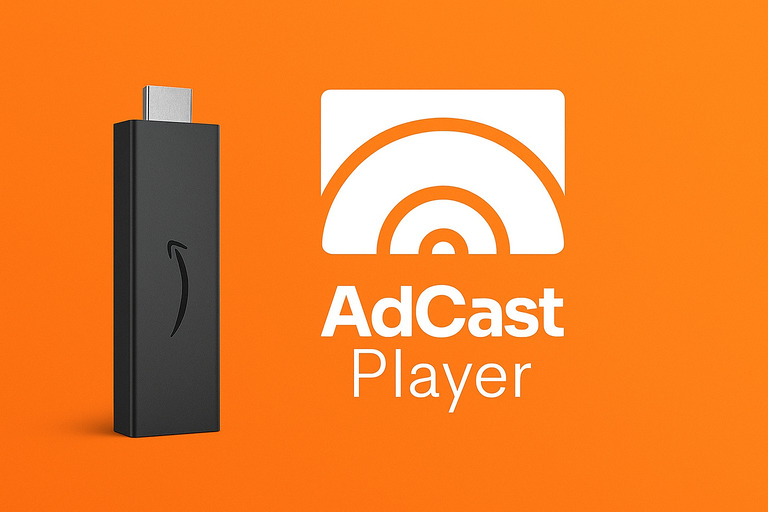
You need a compatible Android TV, Google TV or Fire TV device, an internet connection and a digital signage player app. With AdCast, the screen is paired to your account and can then receive playlists and scheduled content remotely.
Android TV vs Google TV for digital signage
Google TV is built on Android TV, so the underlying app environment is similar. The important factors for signage are app compatibility, device performance, stable connectivity and the ability to keep the player running reliably.
Why remote management matters
Remote management becomes increasingly valuable as soon as you have more than one screen or more than one location. A change to a price, promotion or opening-hours message can be published without visiting each display.
When Fire TV is a good alternative
Fire TV devices are inexpensive and widely available. For businesses that already use Amazon hardware, they can be a practical alternative to Android TV while keeping the same remote-content workflow.
Starting with a TV you already own? Read our step-by-step guide to turning a TV into digital signage for the full setup, player and content workflow.