
AdCast vs Yodeck - Overview
If you're searching for the best digital signage software for small business, comparing AdCast and Yodeck is a great place to start. Both platforms allow you to manage screens remotely, but they differ significantly in ease of use, setup time, hardware requirements, and pricing.
Start Digital Signage in Under 3 Minutes
Create playlists, connect your screen, and publish content directly from your phone - no complicated setup.
Start with a 30-day free trial. No credit card needed.


Pricing and plans
Compare the current AdCast plans and billing options with Yodeck’s public plans before deciding. As checked on 19 September 2026, Yodeck offers a free single-screen Basic plan and lists paid Basic, Premium and Enterprise plans per screen; it also offers monthly and annual billing. The plan, billing period and player option can all affect total cost.
For a small business, look beyond the per-screen subscription: include the cost of compatible hardware, installation time, support needs and the features you actually need.
Hardware Requirements
AdCast is designed for compatible Android TV, Google TV and Fire TV devices. Availability varies by device and app store, so confirm compatibility before purchasing hardware.
Yodeck supports several player options, including Raspberry Pi/Yodeck Player, web, Android, Samsung Tizen, Amazon Fire OS and selected third-party players. Raspberry Pi remains an option, not a requirement for every deployment.
Ease of Use
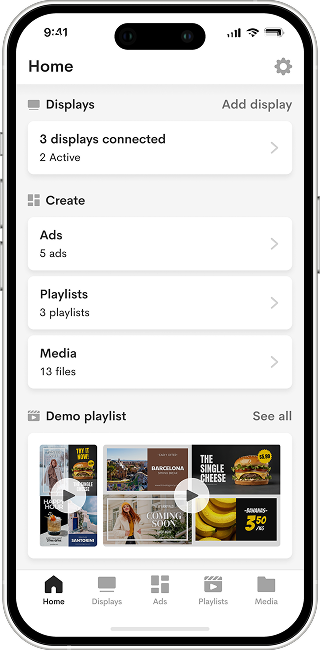
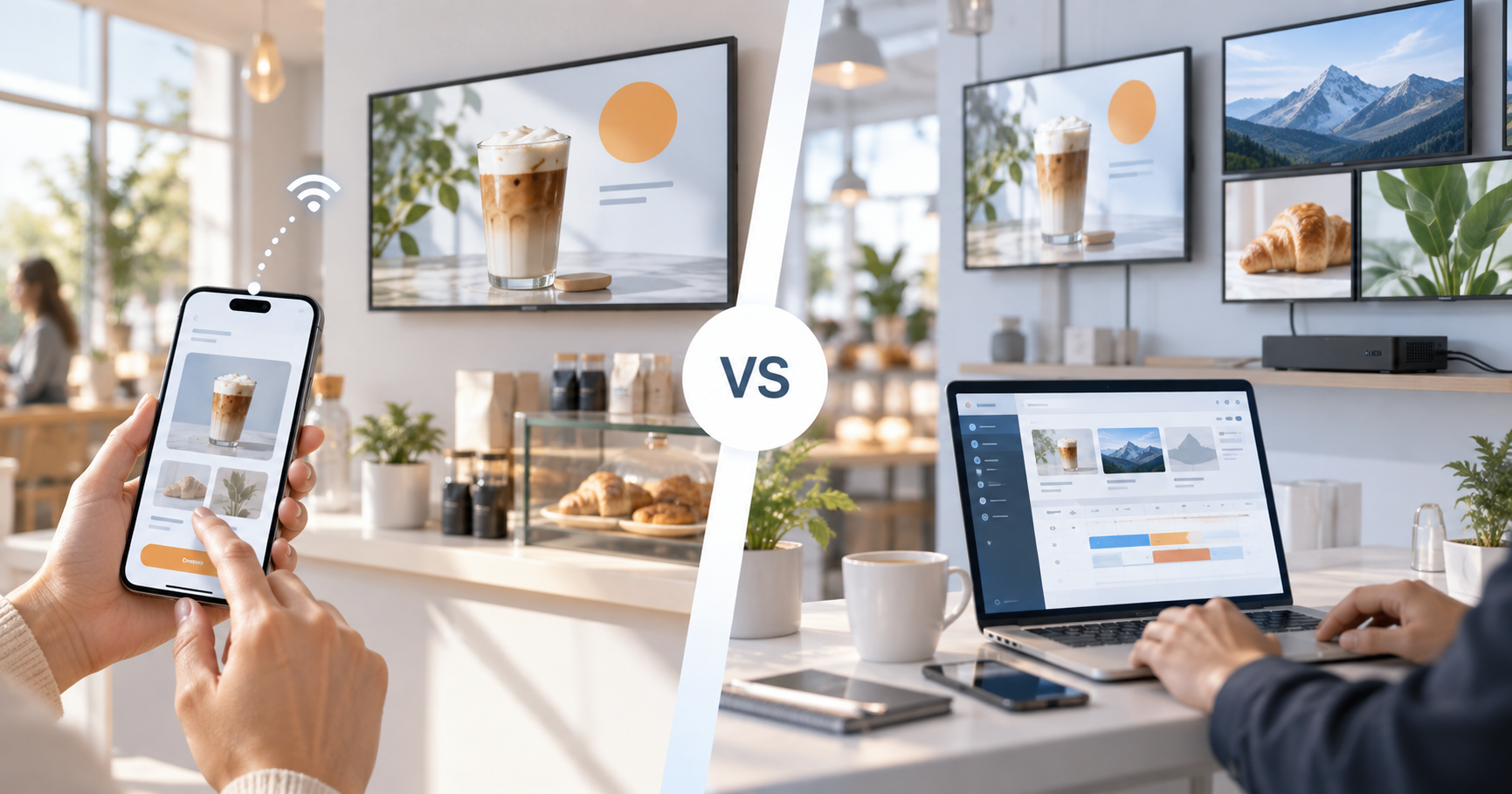
AdCast is mobile-first: teams can create content, build playlists and publish to paired screens from a phone. It is aimed at straightforward day-to-day screen management for small businesses.
Yodeck provides a web dashboard and a broad player and application ecosystem. It can be a better fit for organizations that need a more configurable web workflow, advanced apps, integrations or multi-zone layouts.
Content Management
AdCast lets you upload images and videos, organize them into playlists, and set simple schedules. The focus is on getting content onto a screen quickly. It works well for digital menu boards, promotional slides, salon service lists, and photo galleries.
Yodeck lists a wider set of apps, templates and integrations for deployments that need live data, dashboards or specialized screen layouts. Confirm app compatibility for the player type you plan to use.
Setup and deployment
AdCast uses QR pairing on supported devices, which suits teams that want a simple phone-led setup. Yodeck offers both preconfigured player options and several DIY player paths. The actual setup time for either platform depends on the display, network, player and content requirements.
How Easy Is It to Set Up Digital Signage with AdCast?
AdCast focuses on a short workflow: prepare content, organize a playlist, pair a compatible screen, then publish. A business with network policies, multiple sites or specialized hardware should plan a pilot before rolling out either platform.
Step 1 - Create Your Content
Upload images, videos, menus, or promotions directly from your phone or computer.
Step 2 - Create a Playlist & Schedule
Organize your content into playlists and choose when it should play.
Step 3 - Connect Your Screen
Install the AdCast Player on your device and pair it instantly using a QR code.
Your playlist is then ready to publish to a paired compatible display.
Who Should Use AdCast?
AdCast may suit a small business-such as a café or restaurant, salon, gym or retail shop-that prioritizes mobile management and a simple playlist workflow on compatible Android TV, Google TV or Fire TV hardware.
Who Should Use Yodeck?
Yodeck may suit organizations that need its broader player support, live-data apps, templates, integrations, granular control or a web-dashboard-led deployment. It can be especially relevant for teams with IT resources or more complex content requirements.
AdCast vs Yodeck - Key Differences
- Management: AdCast is mobile-first; Yodeck centers on a web dashboard.
- Hardware: AdCast focuses on compatible Android TV, Google TV and Fire TV; Yodeck supports a wider set of player types.
- Content: Both provide playlists and scheduling; Yodeck also lists a broader app and integration catalog.
- Pricing: Compare current plans, billing options and hardware costs rather than relying on a single per-screen figure.
Summary
| Feature | AdCast | Yodeck |
|---|---|---|
| Primary customer | Small businesses seeking mobile-first management | Organizations needing a configurable web-led deployment |
| Hardware | Compatible Android TV, Google TV and Fire TV devices | Raspberry Pi/Yodeck Player, web, Android, Tizen, Fire OS and selected players |
| Control from phone | Mobile-first workflow | Web dashboard |
| Web dashboard | Available alongside the mobile workflow | Core management workflow |
| Playlists and scheduling | Yes | Yes |
| Multi-screen management | Manage paired screens remotely | Manage multiple screens and player types |
| Setup complexity | QR pairing on compatible devices | Depends on the selected player and deployment |
| Advanced widgets and integrations | Check current feature availability | Broad apps and integrations catalog |
| Pricing model | See current AdCast pricing | Free one-screen plan and paid per-screen plans; monthly and annual billing listed |
Start Your Digital Signage in Under 3 Minutes
With AdCast Player, you can turn any TV or display into professional digital signage in just a few minutes. Download the app, connect your screen with a QR code, and manage everything directly from your phone.
No complicated CMS. No Raspberry Pi. No expensive hardware or IT support required. AdCast is built for small businesses that want simple, affordable, and modern digital signage without the usual complexity.
Upload videos and images, create playlists, schedule content, and update screens remotely from anywhere - all from one easy-to-use platform designed for restaurants, cafes, gyms, salons, retail stores, offices, and more.
- Setup in under 3 minutes
- Manage screens directly from your phone
- Works with Android TV and Fire TV devices
- No contracts or special hardware required
Yodeck on Fire TV, Android TV and Google TV
Searchers comparing Yodeck often want to know which player hardware they actually need. Yodeck supports multiple player options, while AdCast is designed around readily available Android TV and Fire TV devices. For a small deployment, this can reduce the amount of dedicated hardware that needs to be purchased and maintained.
Yodeck Fire Stick and Fire TV comparison
If your priority is using an Amazon Fire TV Stick as a digital signage player, compare the exact device support, setup steps and features you need before choosing a platform. AdCast is built specifically to make Fire TV and Android TV setup simple for small businesses that want remote content management without a separate signage appliance.
Yodeck Android TV and Google TV
Android TV and Google TV are attractive signage platforms because the hardware is widely available. AdCast focuses on this environment and lets users pair a display, build playlists and publish content remotely from a phone.
Yodeck player price and hardware cost
When comparing prices, include more than the software subscription. Consider the cost of the player, power supply, storage, replacement hardware and the time required to configure each screen. A lower monthly software price can still lead to a higher total deployment cost if dedicated player hardware is required.
Which option is better for a small business?
Yodeck is a strong option when you need a broad web-based feature set and complex signage deployments. AdCast is intentionally simpler: it is aimed at businesses that want to connect common TV hardware, control screens remotely and publish promotions or informational content with minimal setup.