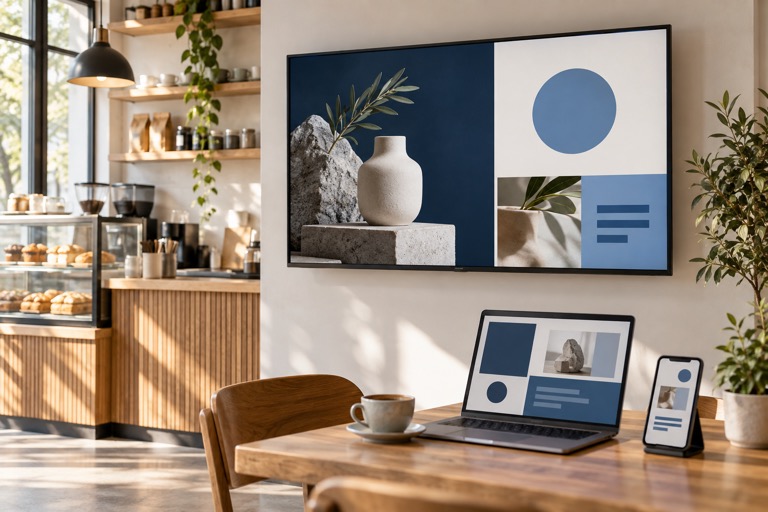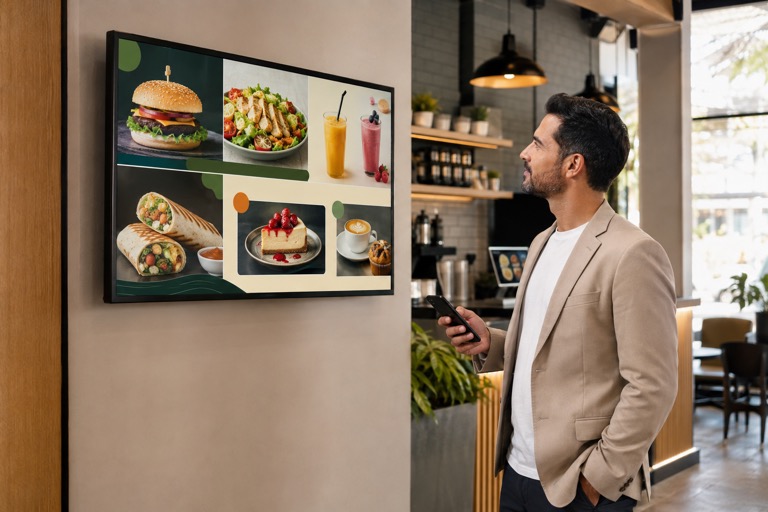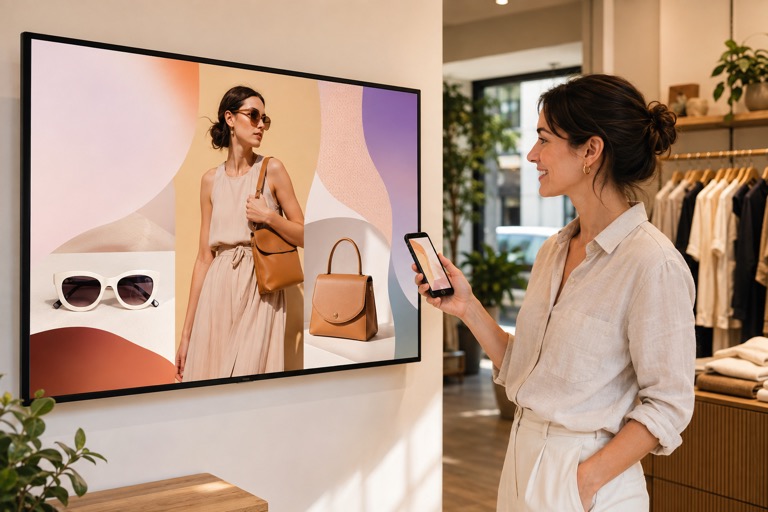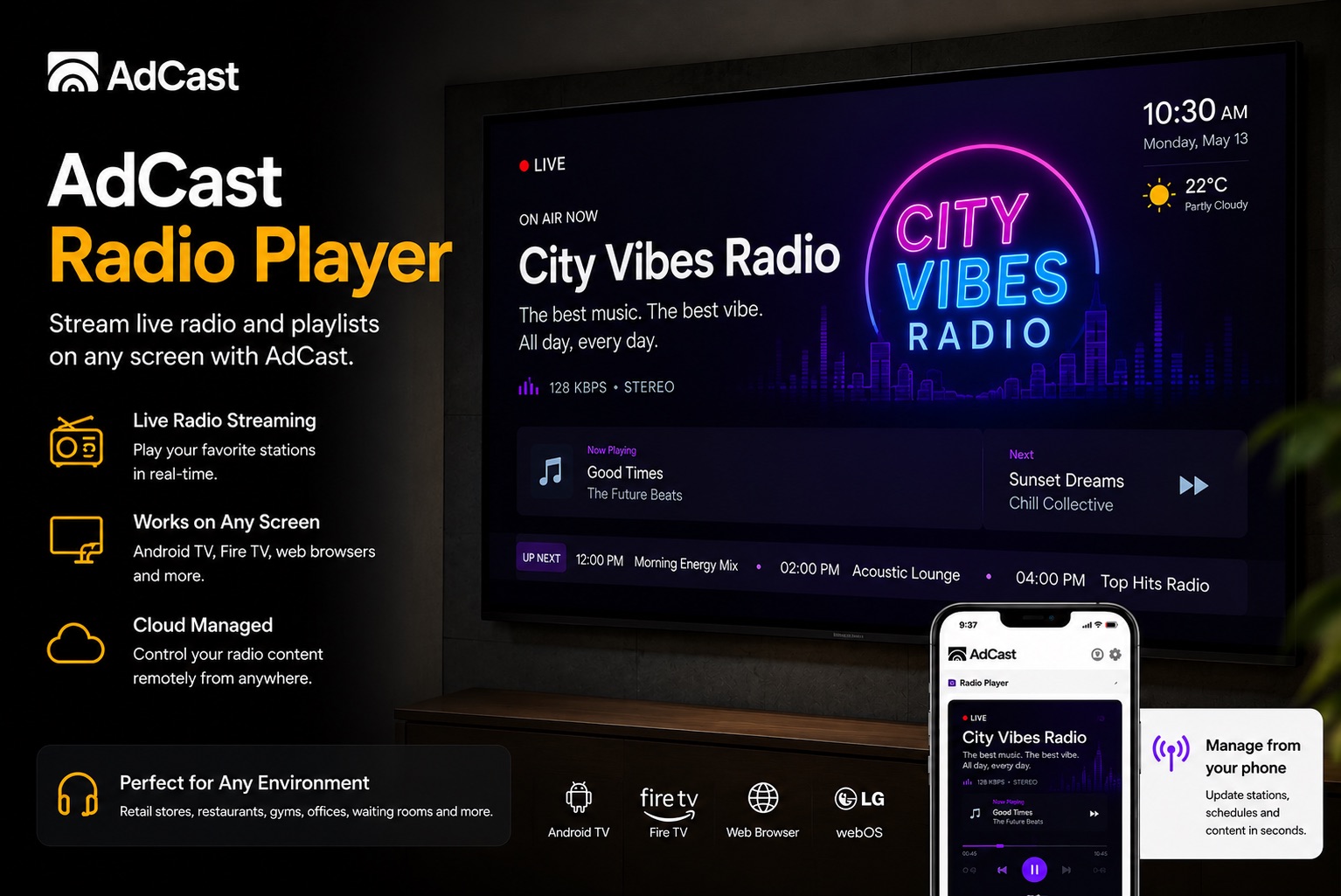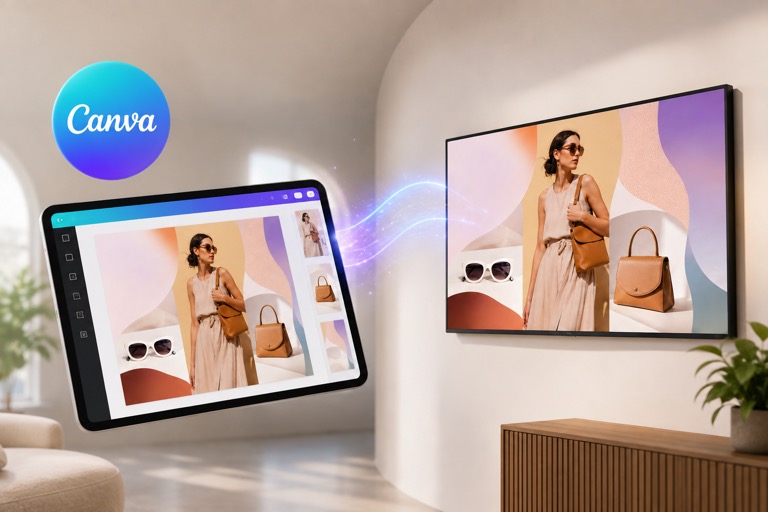
Create or edit a design in Canva, export it to AdCast, optionally create an ad and add it to a compatible playlist, then publish that playlist to a supported display. This Canva digital signage workflow lets you update TV content remotely instead of moving files with USB drives.
How Canva digital signage works with AdCast
AdCast integrates Canva into the content workflow. You can work with a Canva design, export it to AdCast and use the exported media in your signage without manually moving files between separate tools.
- Choose or create a design in Canva.
- Edit the design with your text, brand, images or video.
- Export the finished design directly to AdCast.
- Choose the aspect ratio and destination folder.
- Optionally let AdCast create the ad automatically.
- Optionally add the new ad directly to a selected playlist.
- Publish the playlist to your paired TV or display.
Canva signage templates become real TV content
Canva has a large template ecosystem, so you do not have to start every screen from a blank canvas. A template can become a restaurant promotion, price list, event announcement, welcome screen or digital menu board. AdCast turns the finished creative into managed screen content. For a menu-specific walkthrough, see our Canva digital menu board guide.
Design once, then manage the screen remotely
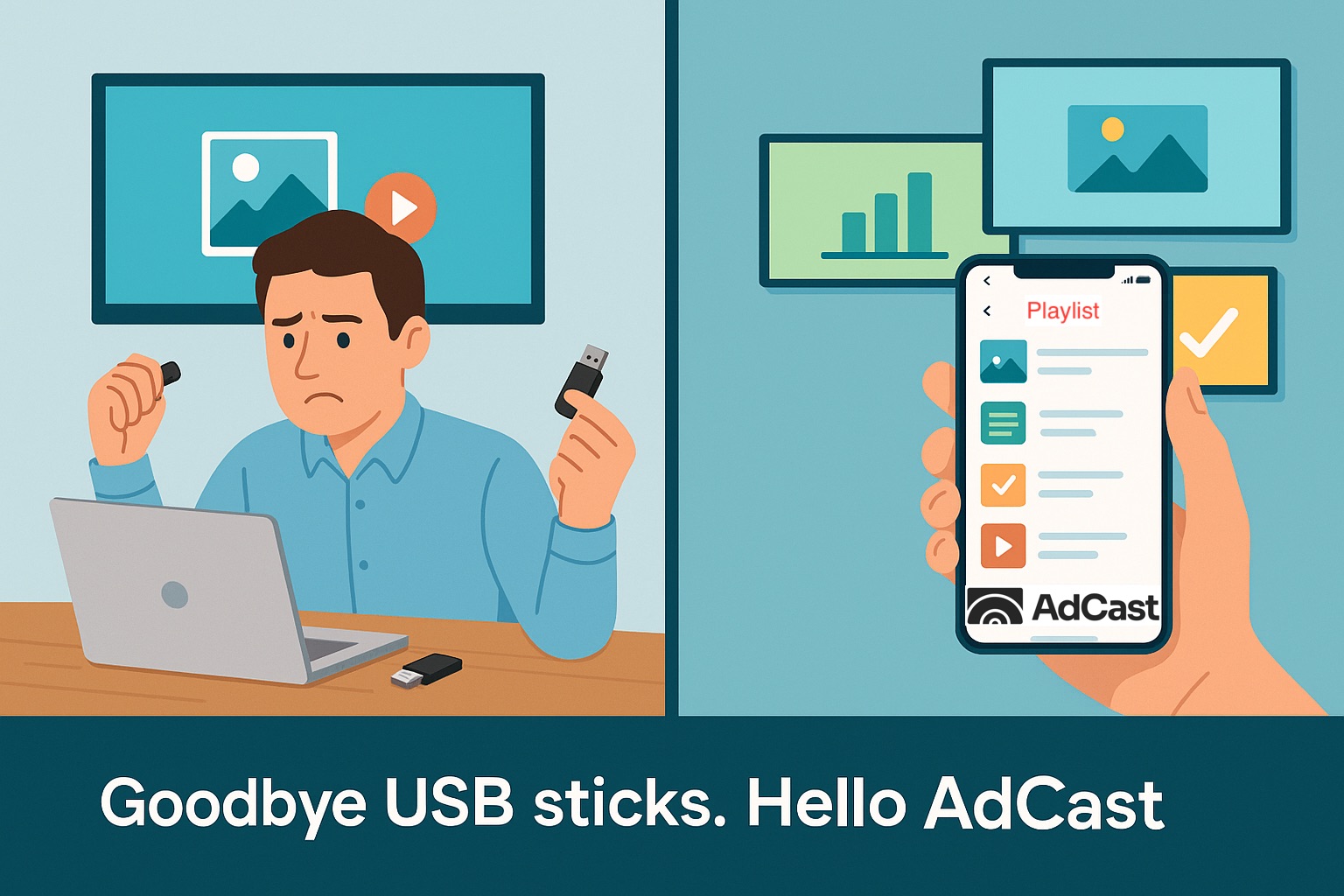
The important difference between designing an image and running digital signage is what happens after the design is finished. With AdCast you can organize content into playlists, schedule it and update displays remotely instead of copying files to USB drives.
Canva digital signage for restaurants and menu boards
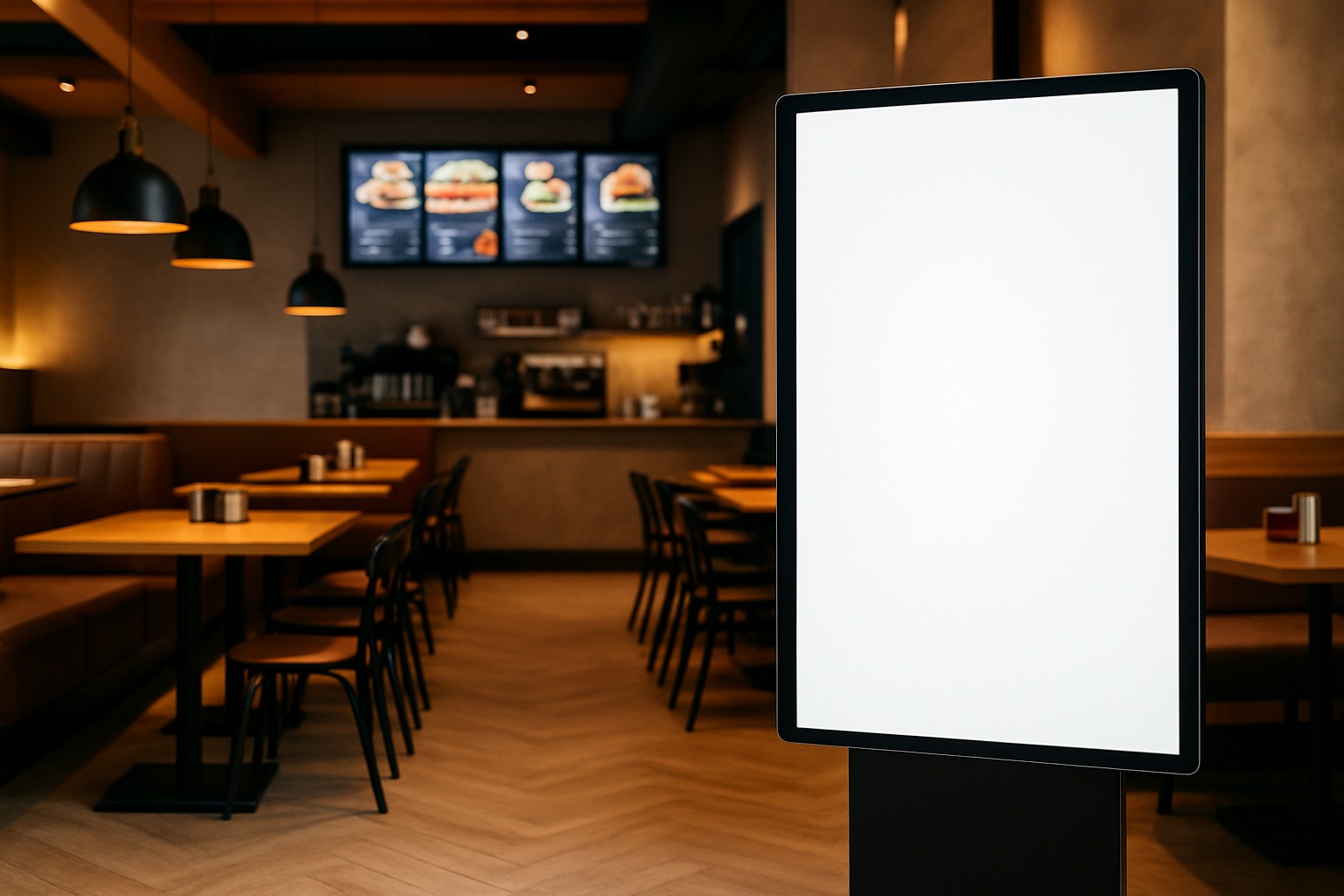
Restaurants can use Canva for menu layouts, daily specials and promotional graphics, then send the finished design to AdCast for TV playback. See our digital signage and menu board solution for restaurants.
Canva designs on Android TV and Fire TV
After the design reaches AdCast, the signage workflow is independent of the design tool. AdCast Player can deliver your playlists to supported Android TV and Fire TV devices, while future creative changes can still be made in Canva and exported again. Check the Android TV digital signage guide or the Fire TV digital signage guide before choosing a player.
Why connect Canva to a digital signage CMS?
Canva solves creative production. A digital signage CMS solves distribution: which screen receives the content, when it plays and how it is updated. Combining the two removes much of the friction between making a design and actually showing it in a business.
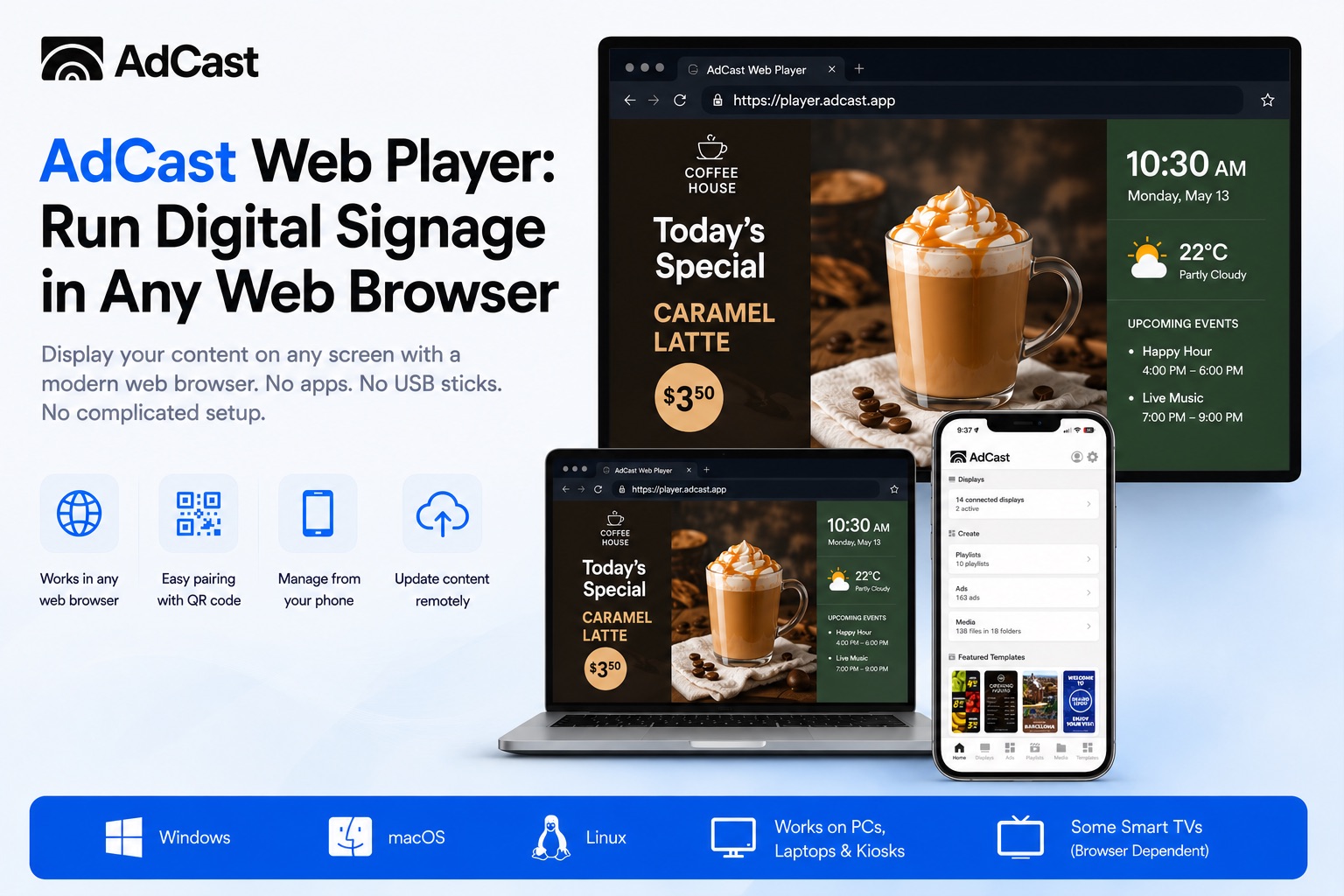
For remote multi-location management, also see AdCast cloud digital signage software, the AdCast Web Player guide and pricing.
Start Your Digital Signage in Under 3 Minutes
With AdCast Player, you can turn any TV or display into professional digital signage in just a few minutes. Download the app, connect your screen with a QR code, and manage everything directly from your phone.
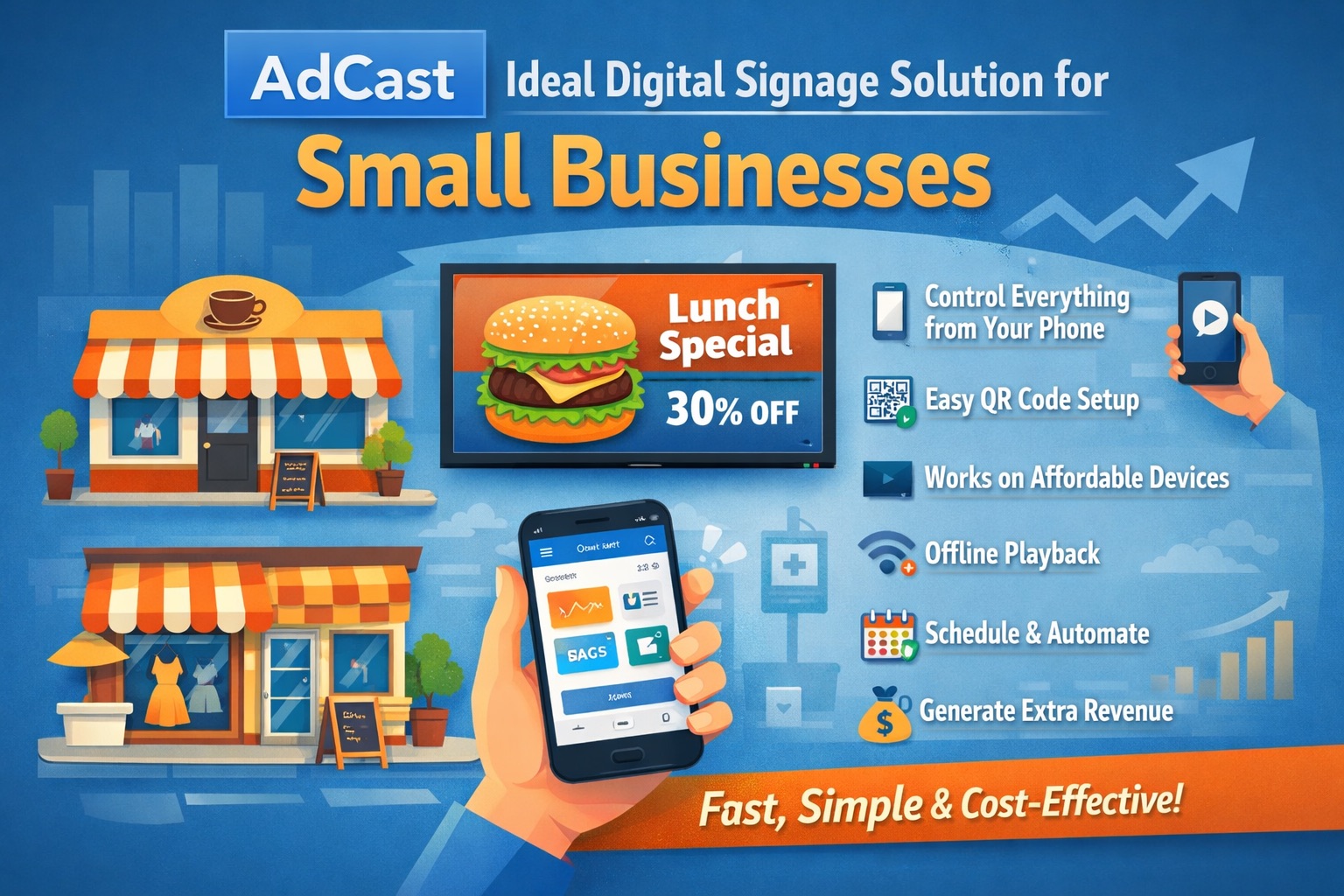
No complicated CMS. No Raspberry Pi. No expensive hardware or IT support required. AdCast is built for small businesses that want simple, affordable, and modern digital signage without the usual complexity.
Upload videos and images, create playlists, schedule content, and update screens remotely from anywhere - all from one easy-to-use platform designed for restaurants, cafes, gyms, salons, retail stores, offices, and more.
- Setup in under 3 minutes
- Manage screens directly from your phone
- Works with Android TV and Fire TV devices
- No contracts or special hardware required