Schedule Digital Signage Content
Learn how to schedule digital signage playback for different days and times in AdCast.
Scheduling
Use scheduling to control when a playlist is intended to run. A display zone can use its own schedule, so a side zone and the primary zone can follow different plans.
- Open the scheduling controls for your display or playlist.
- Select the relevant days and time intervals.
- Assign the intended playlist.
- Save the schedule.
- Verify the display's time settings and playback behavior.
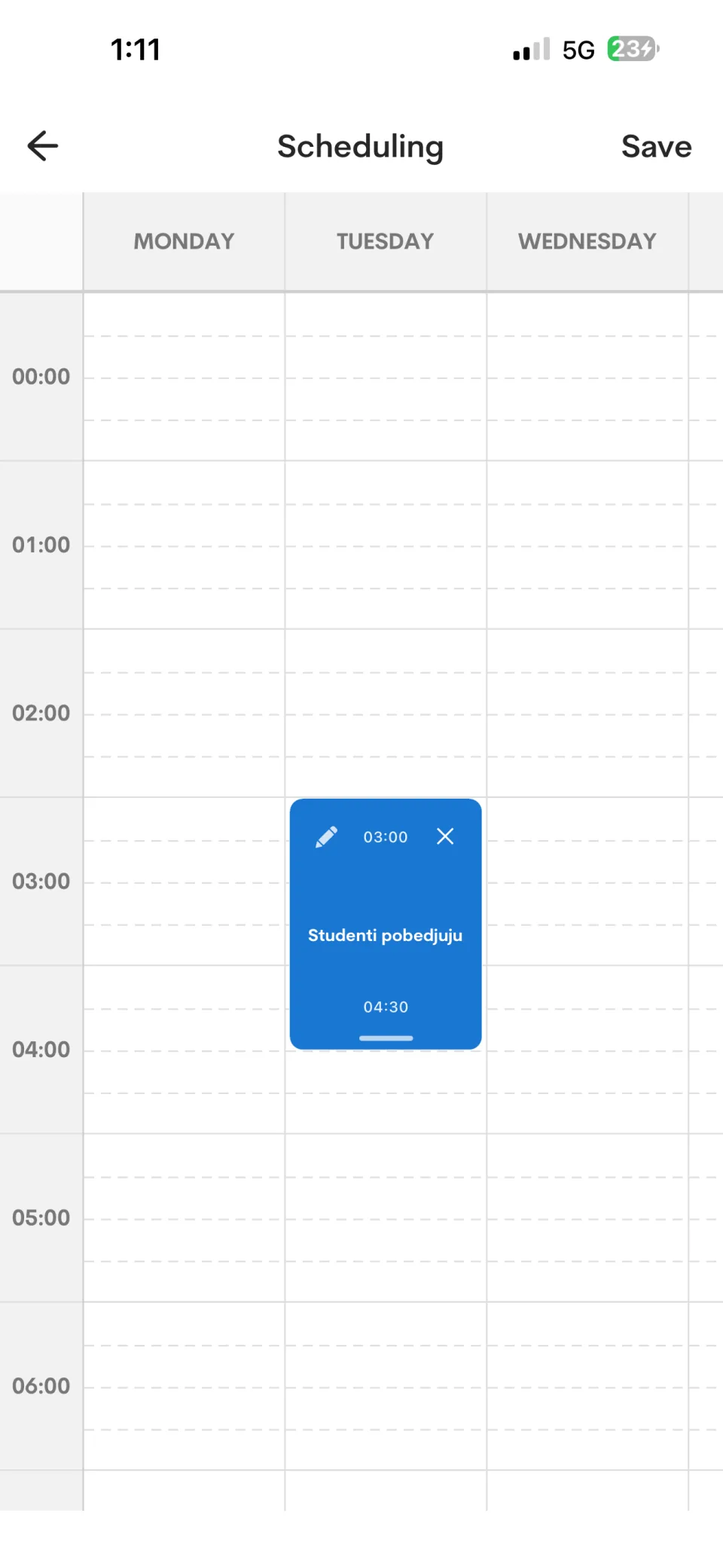
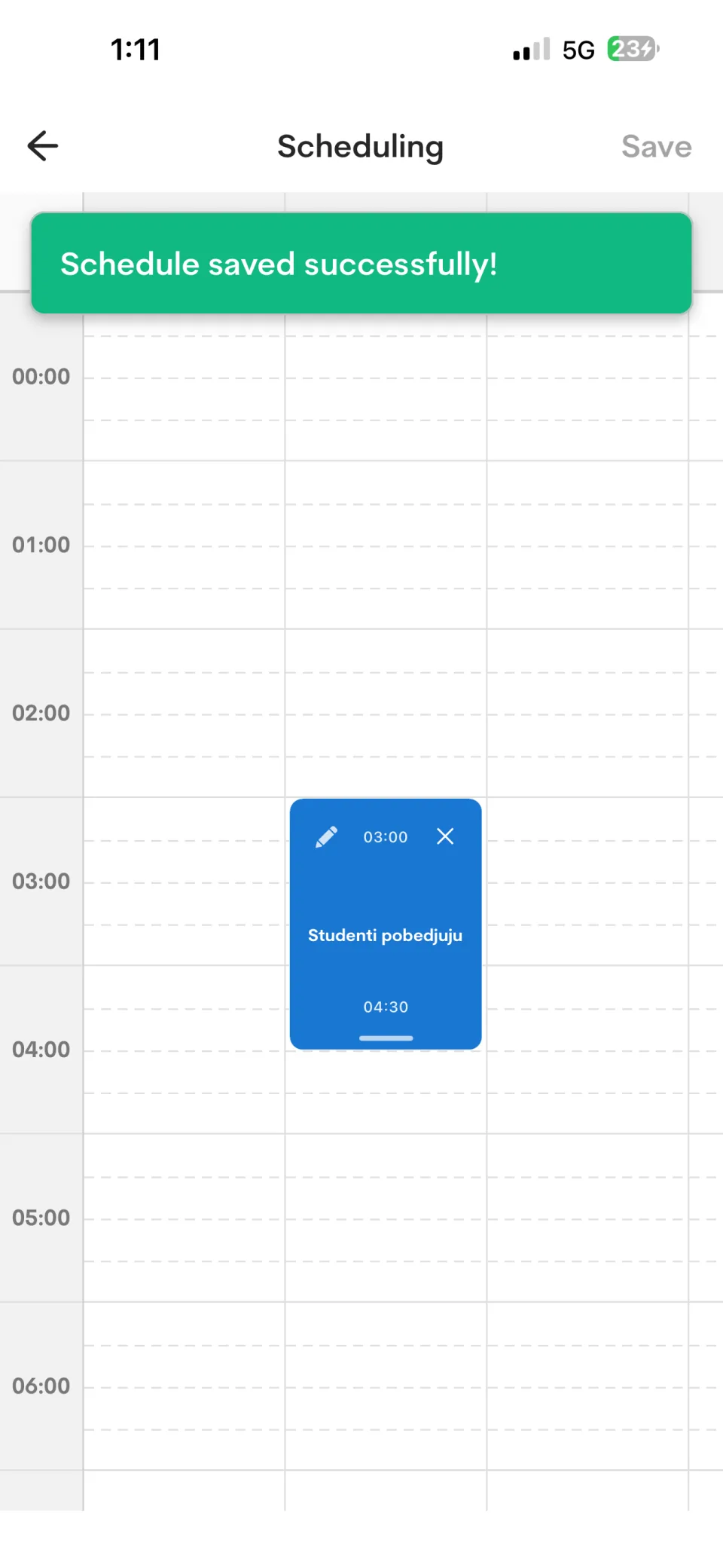
Select Save after placing or changing entries. The app confirms a successful update before you leave the scheduler.
Scheduling options may differ by app and player version. Confirm time-zone settings during setup.