Create Digital Signage Ads on Your Phone
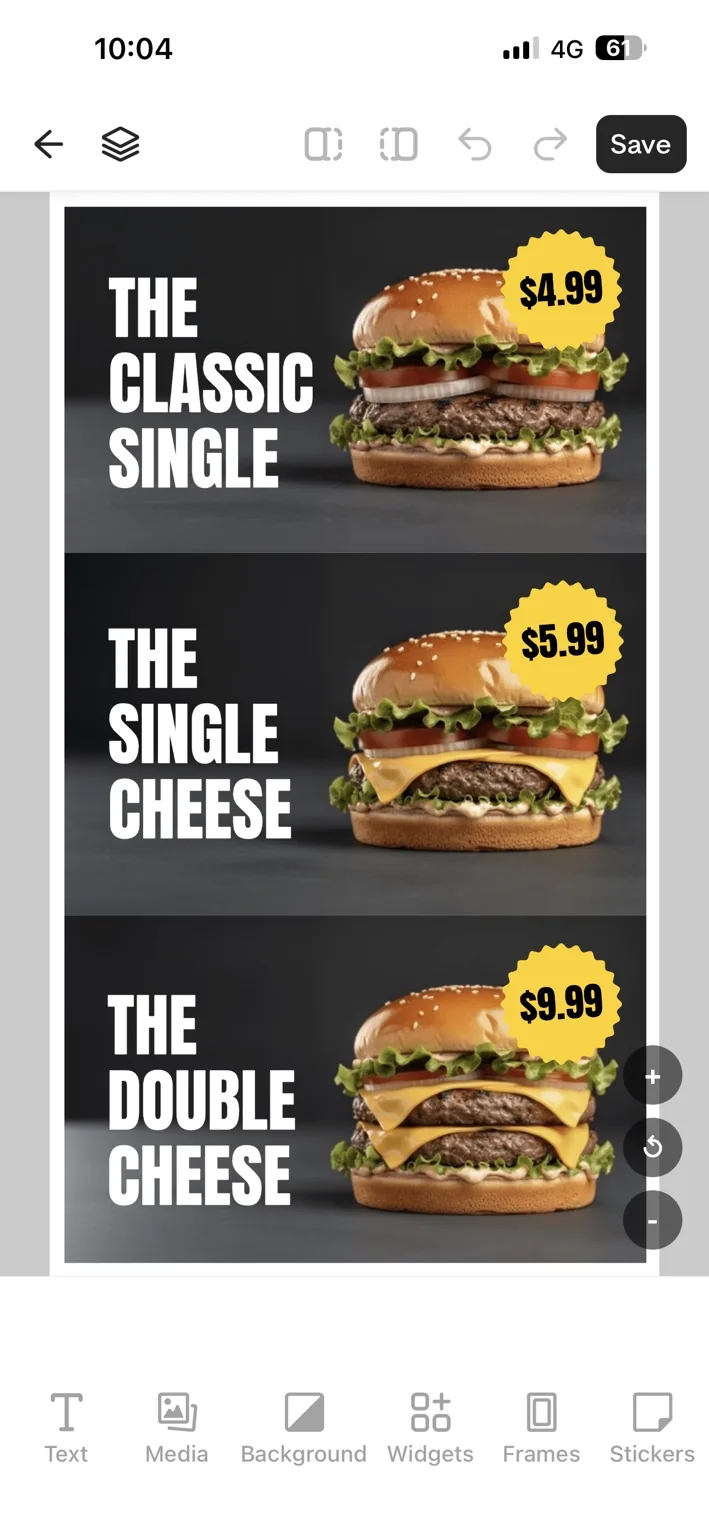
Learn how to design ads, add images, videos, text and widgets, and manage digital signage content with the AdCast mobile app.
Create digital signage ads on your phone
AdCast lets you prepare digital signage content from your phone.
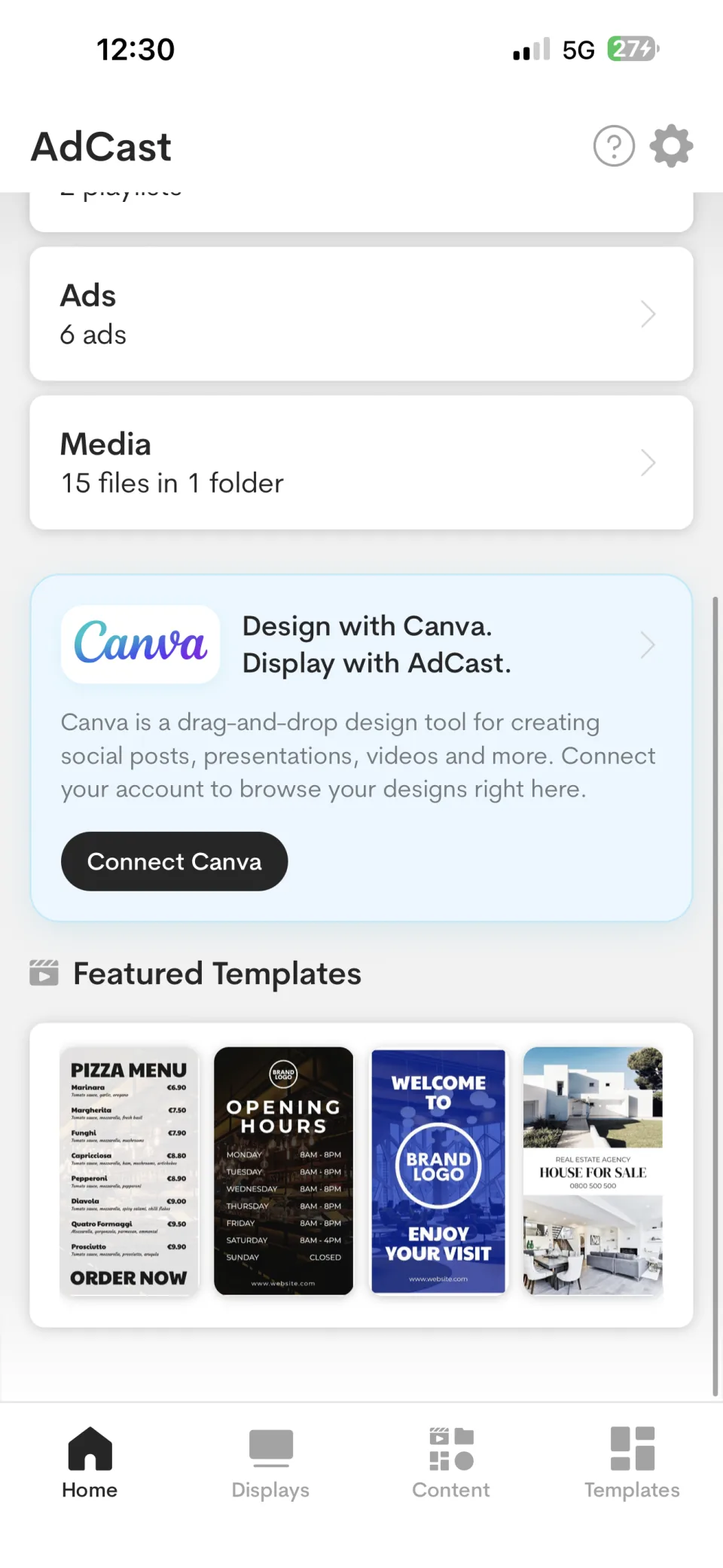
The Home screen provides quick access to Displays, Playlists, Ads, and Media. Use the Content tab to open the same content areas from anywhere in the app.
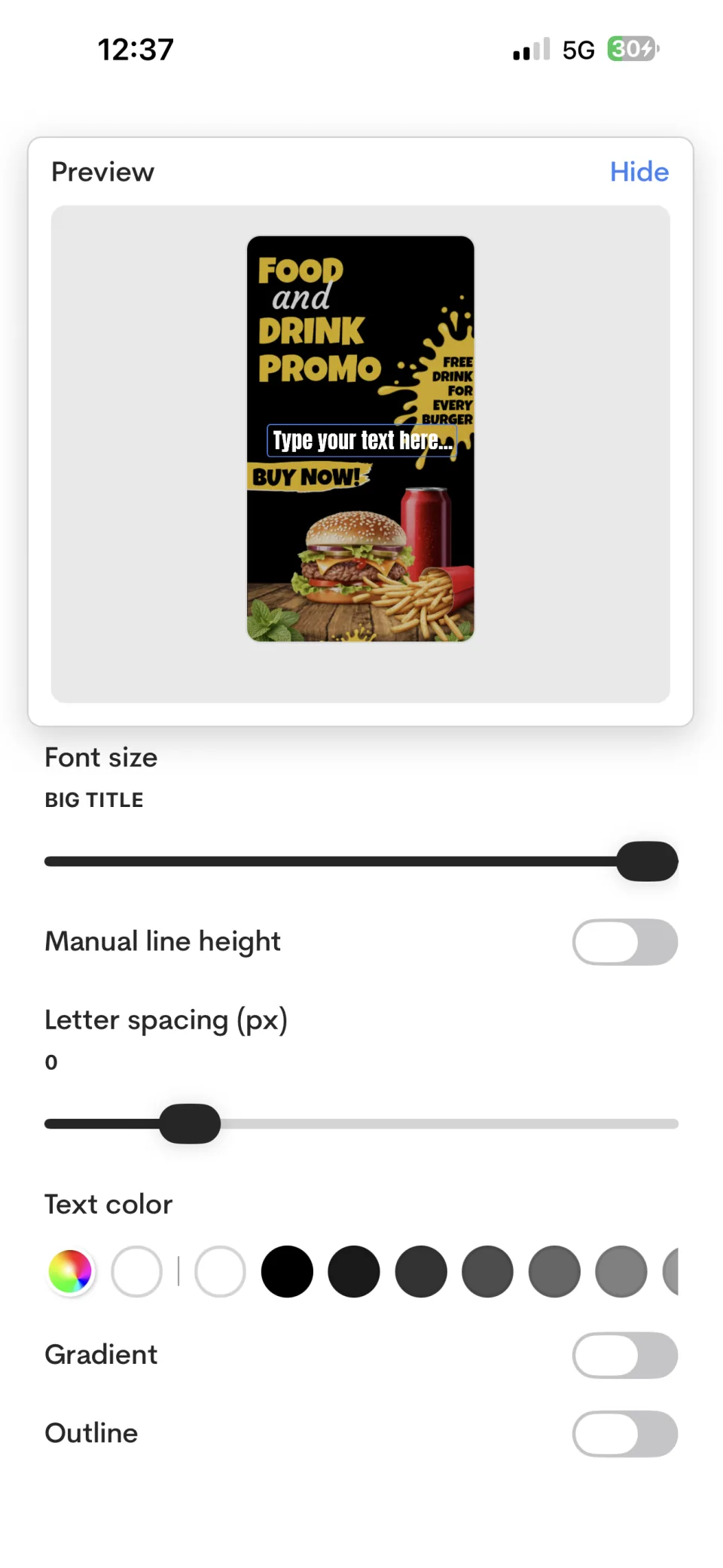
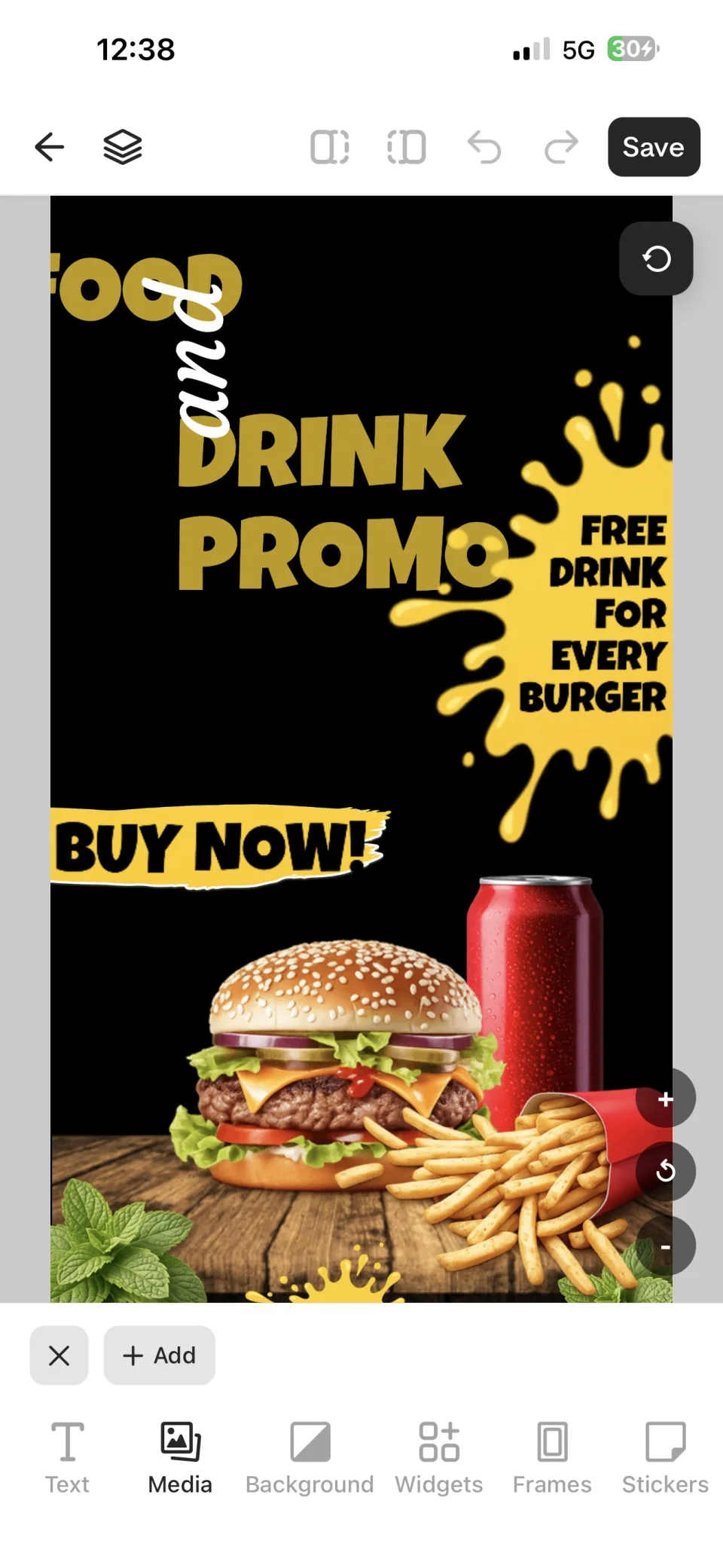
Create with Canva
Connect Canva to browse designs and use them as AdCast content without manually exporting and re-uploading each design.
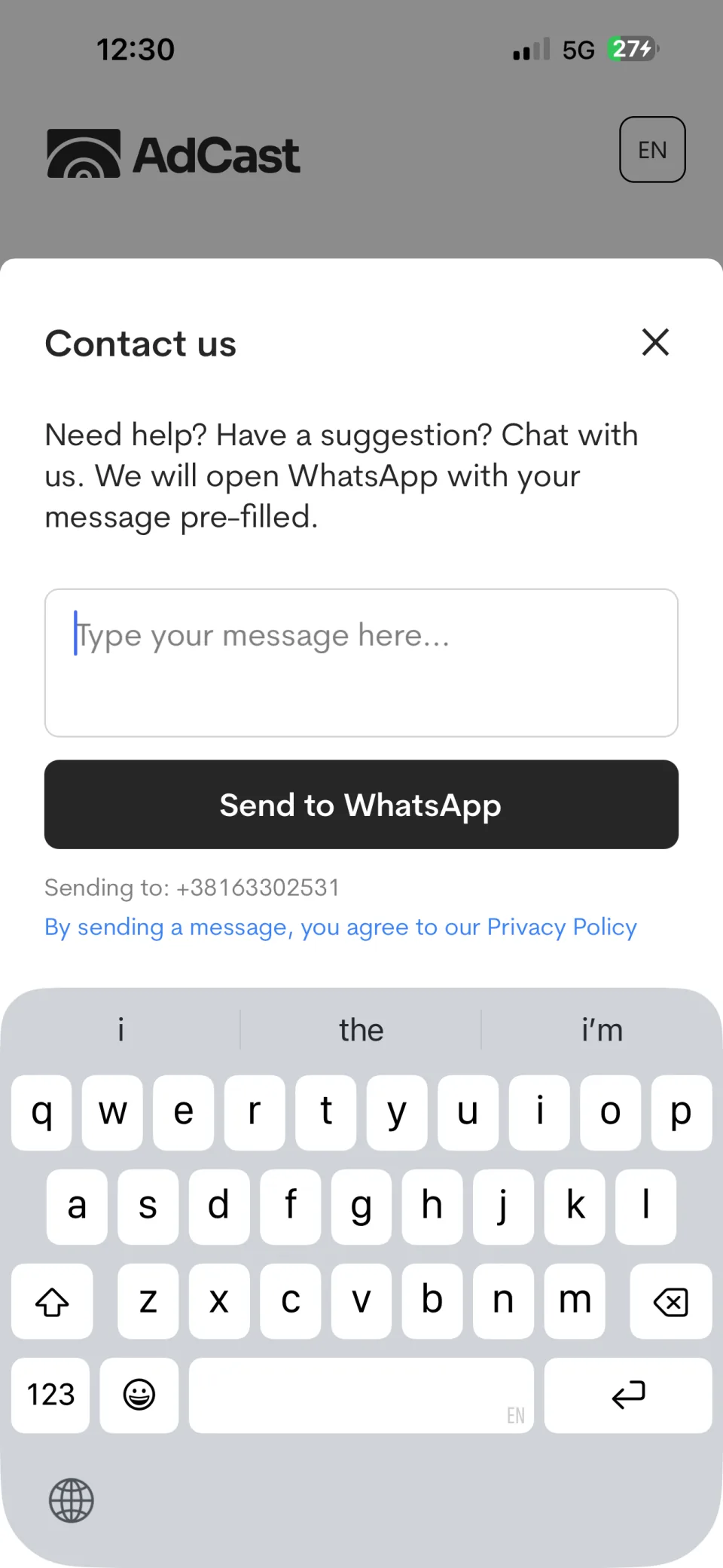
Need help?
The support sheet opens a WhatsApp conversation with your message pre-filled.
For illustrated workflows, read Media library and How to create digital signage ads on iPhone.
Related guides
Editorial note: add verified screenshots from the current iOS and Android releases before publishing detailed button-by-button instructions.