Connect and Manage Digital Signage Displays
Pair AdCast Player with Android TV, Fire TV or the web player, then manage content remotely.
Displays and pairing
AdCast uses a separate player on the screen and a management app for content.
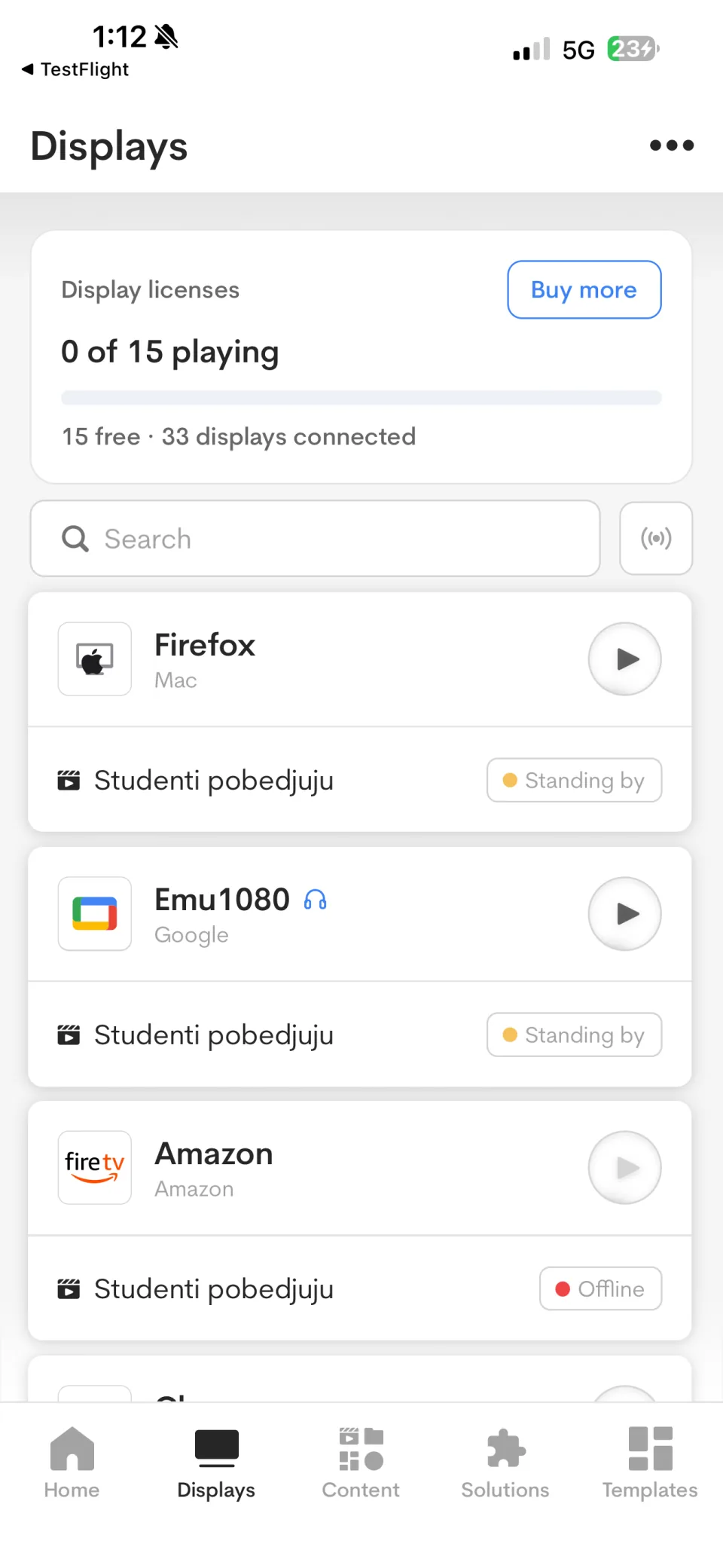
Pair a screen
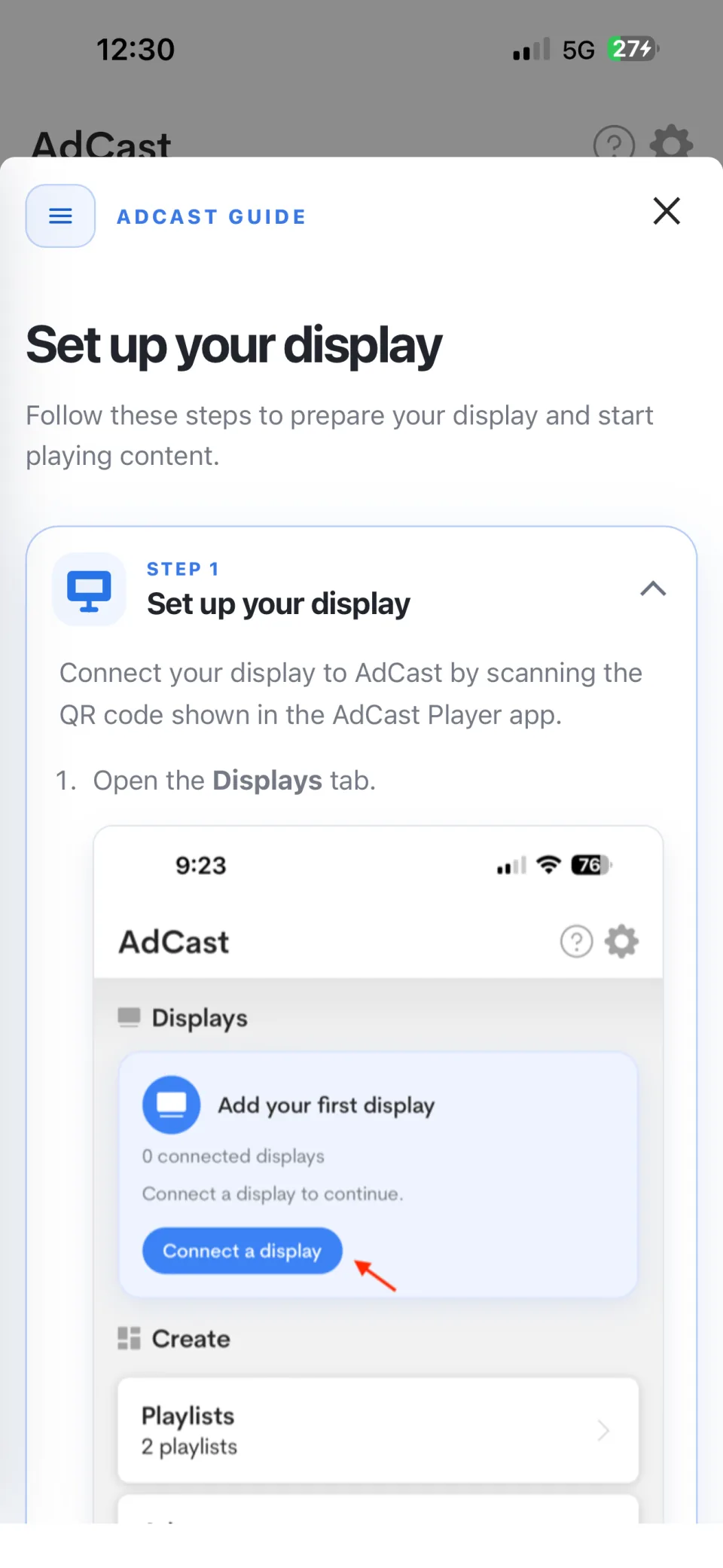
- On the Home screen, select Connect a display.
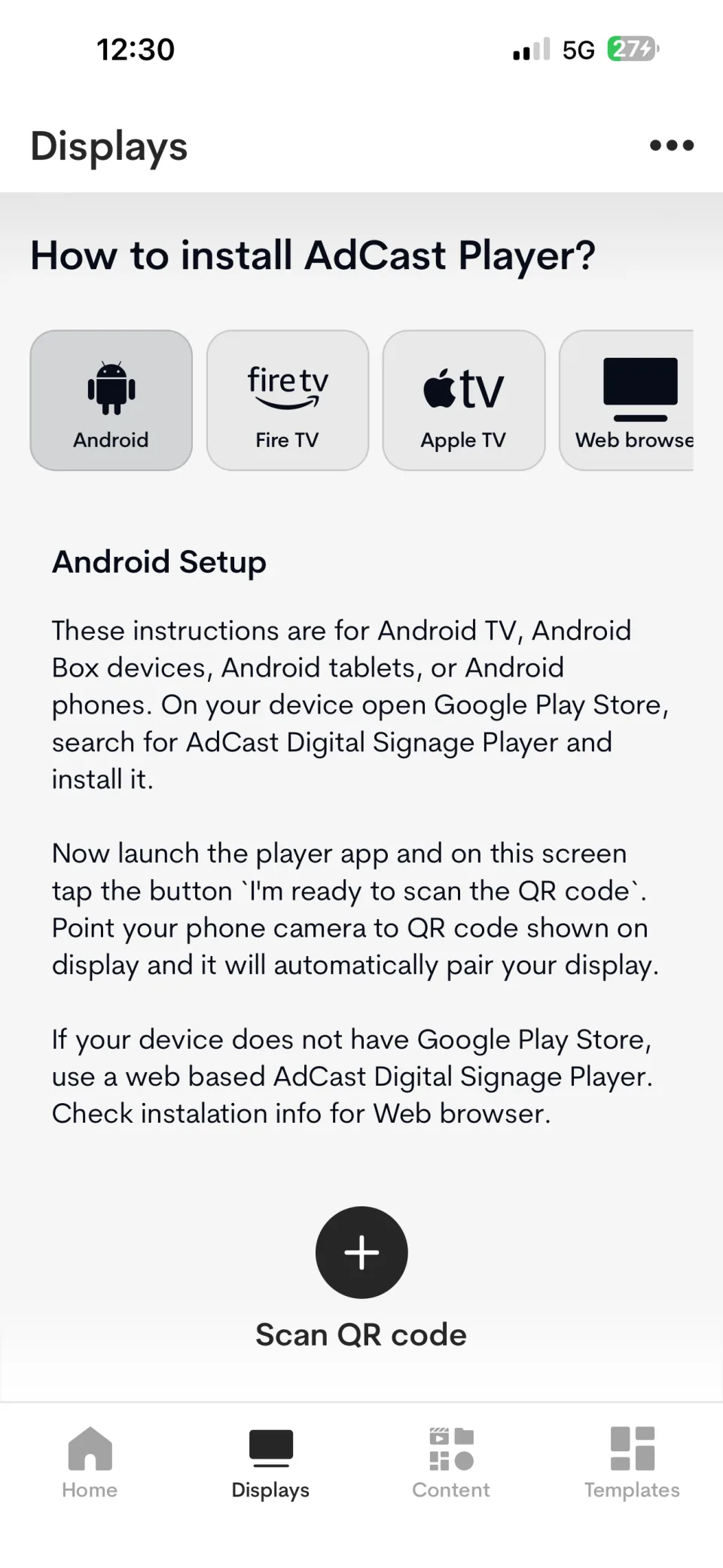
- Select the player platform that matches your screen.
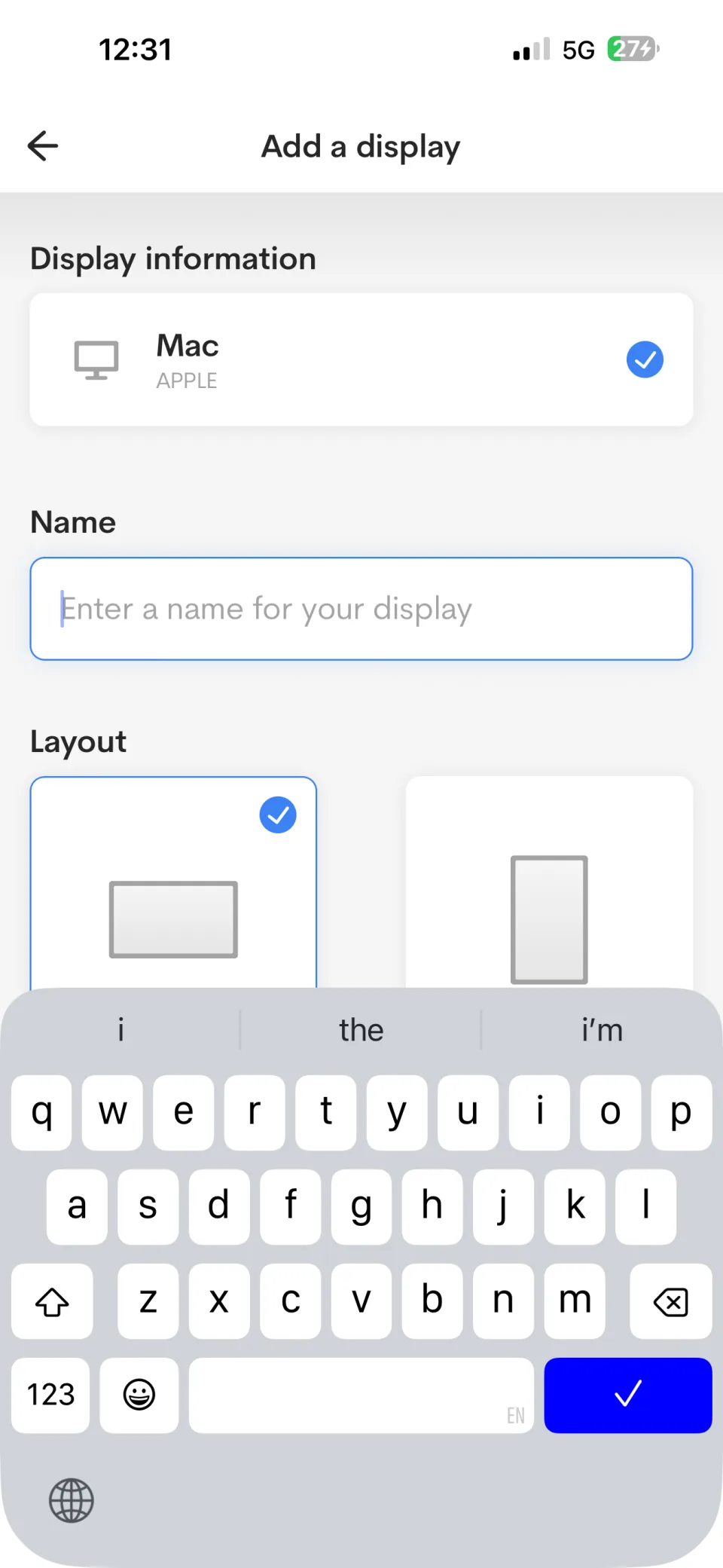
- Complete the display name and orientation, then connect the display.
- Scan the QR code shown in AdCast Player on the screen.
- Assign a playlist and start playback.
Configure display zones
Use a fullscreen layout for one piece of content across the display. For more complex signage, choose a zone preset such as Main + side + footer and use one background image behind the transparent zones.
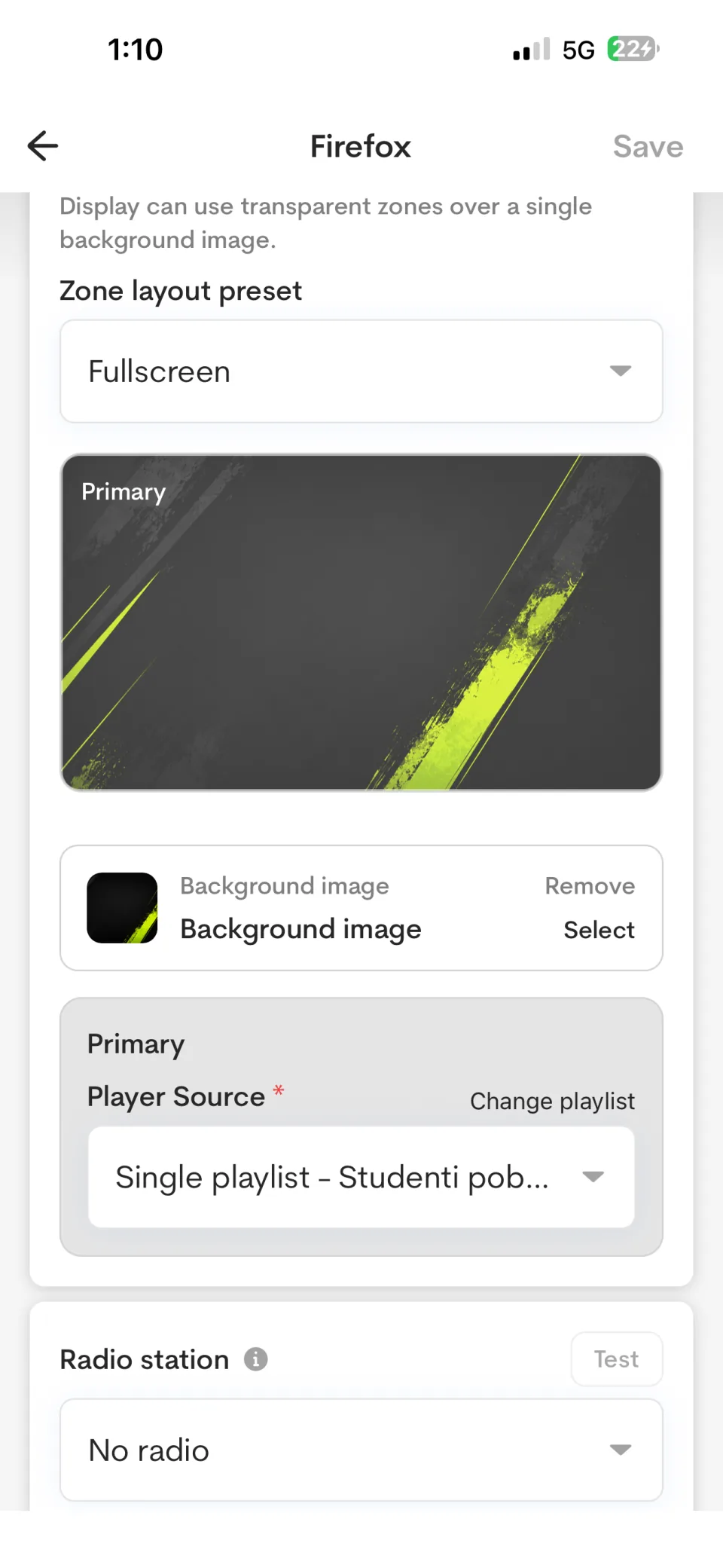
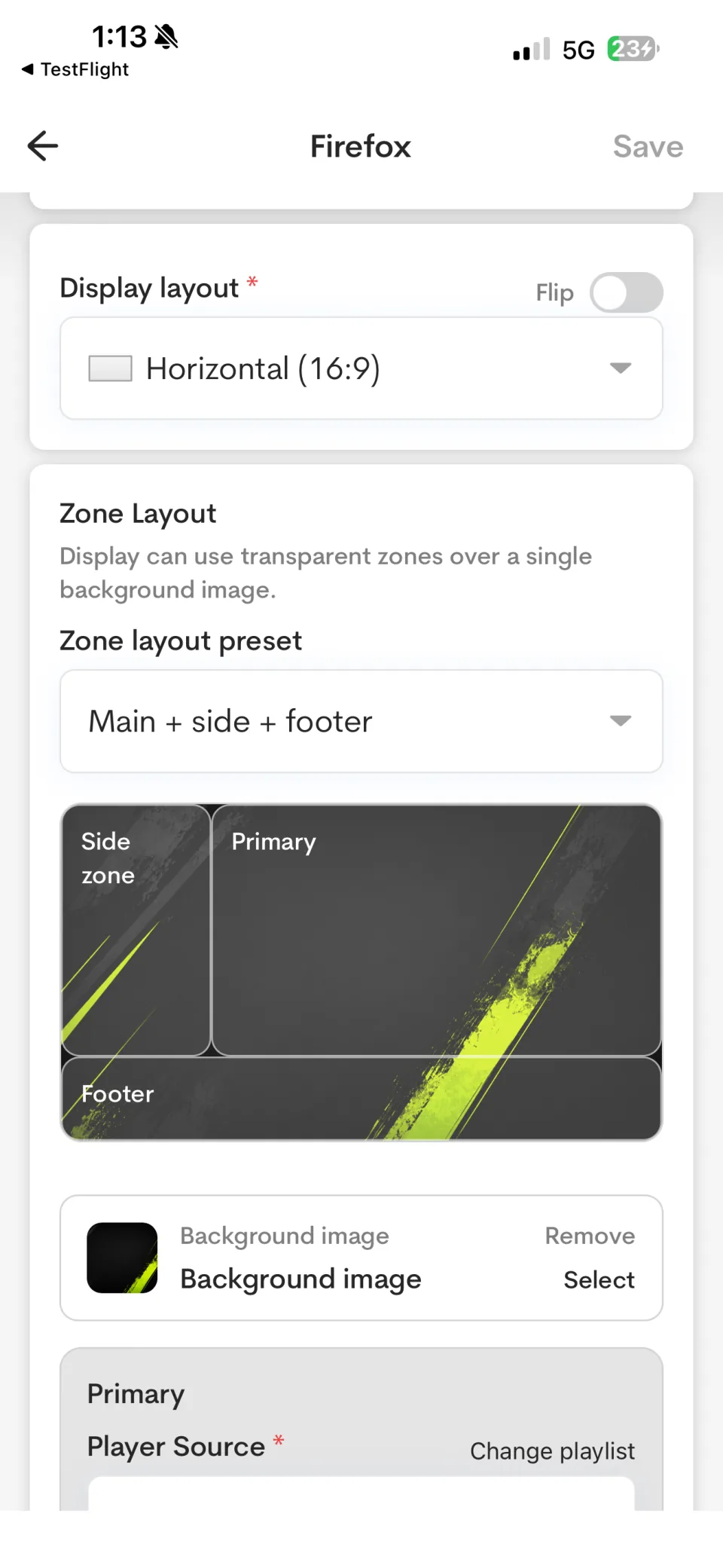
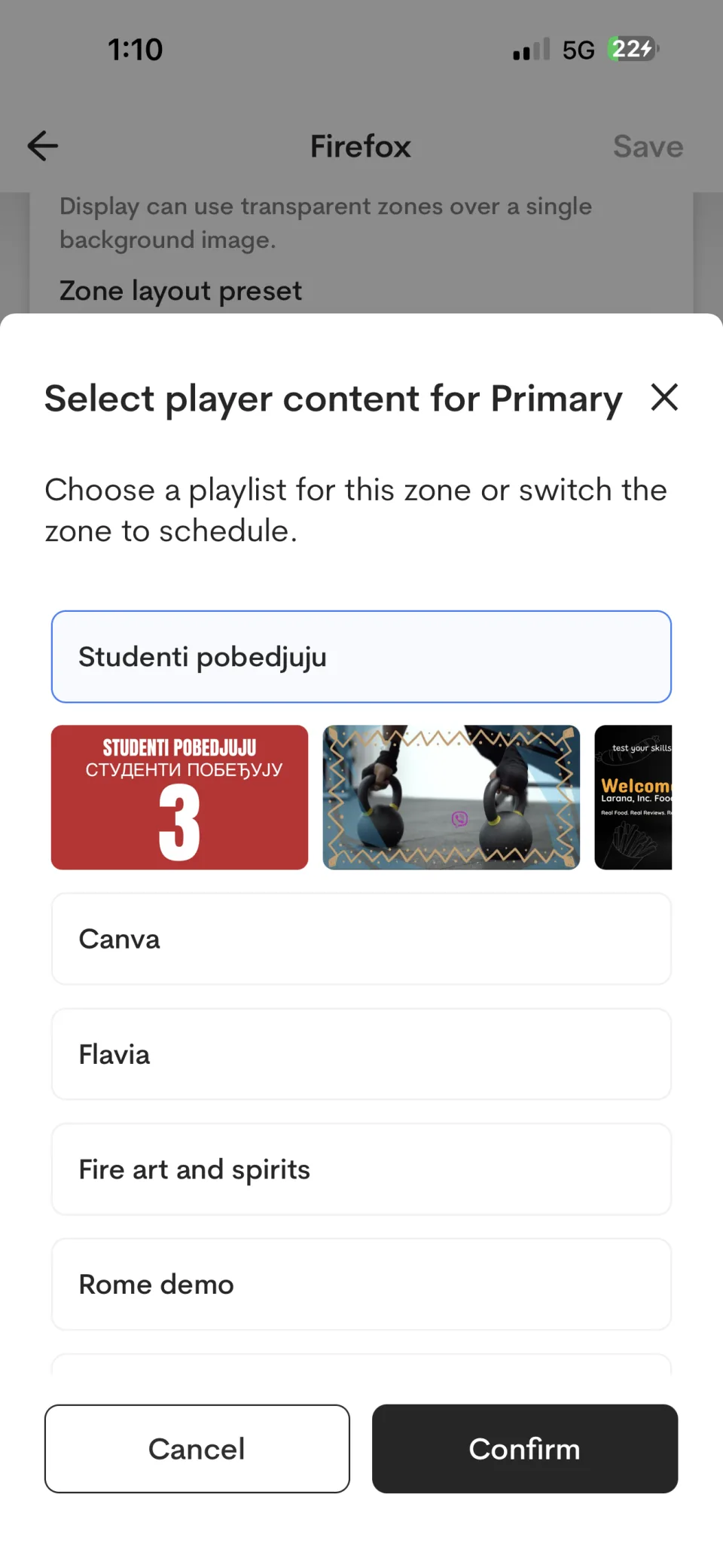
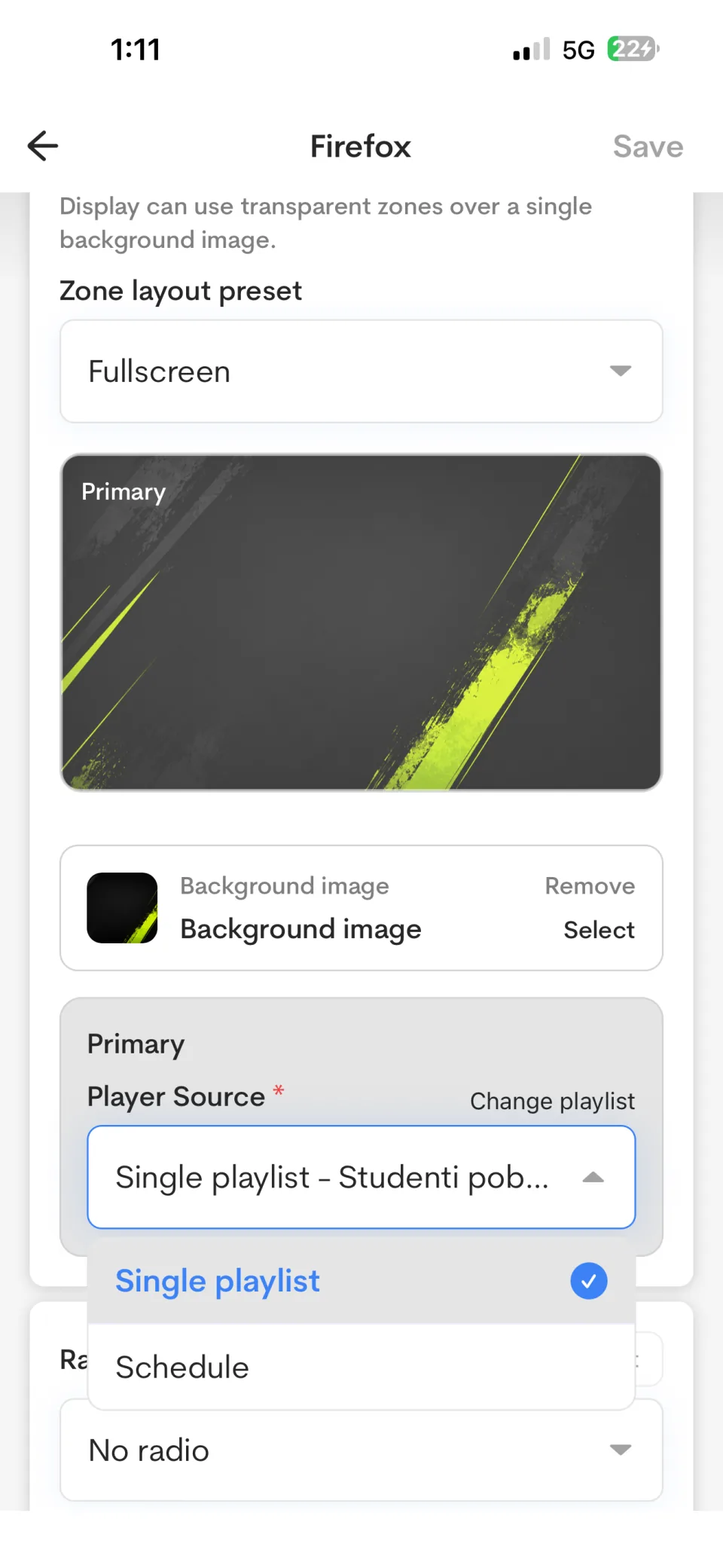
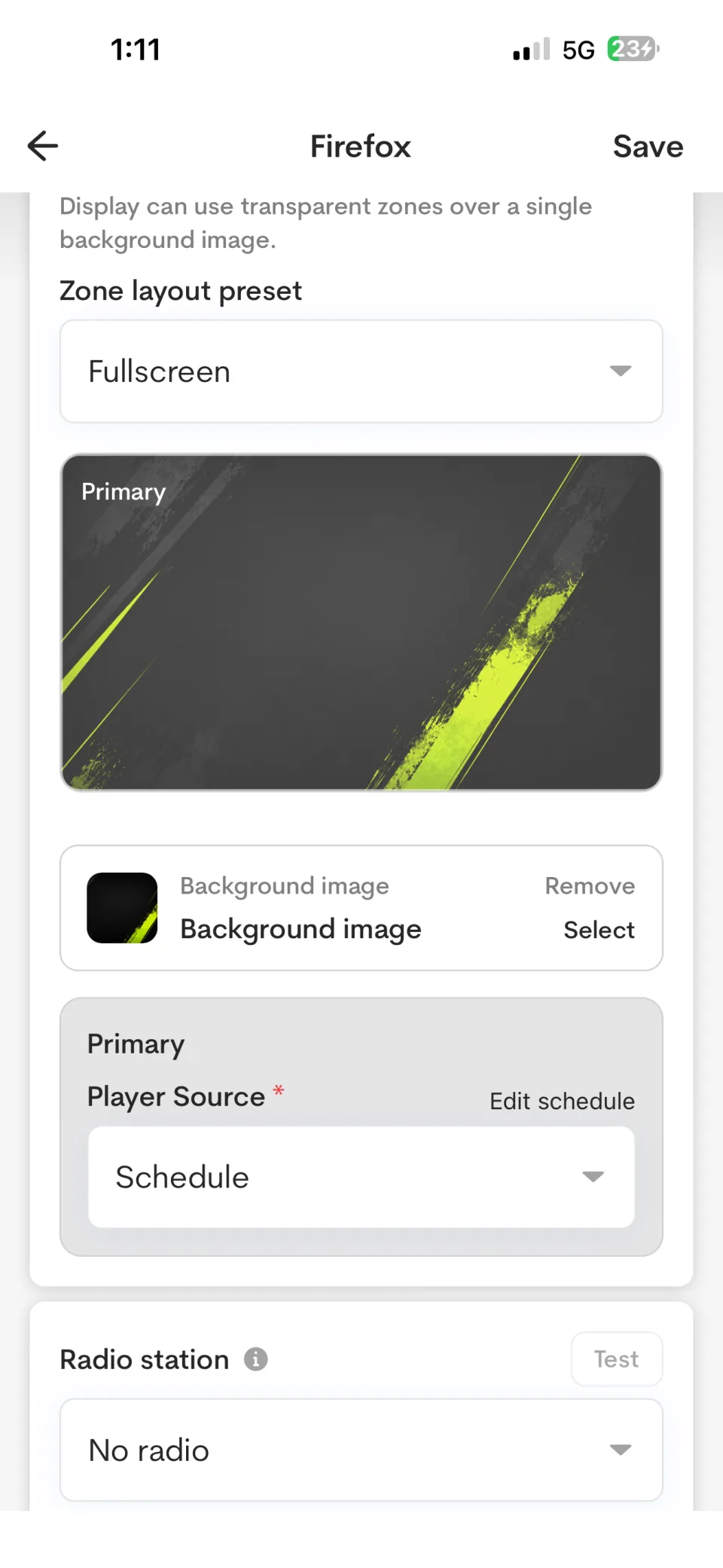
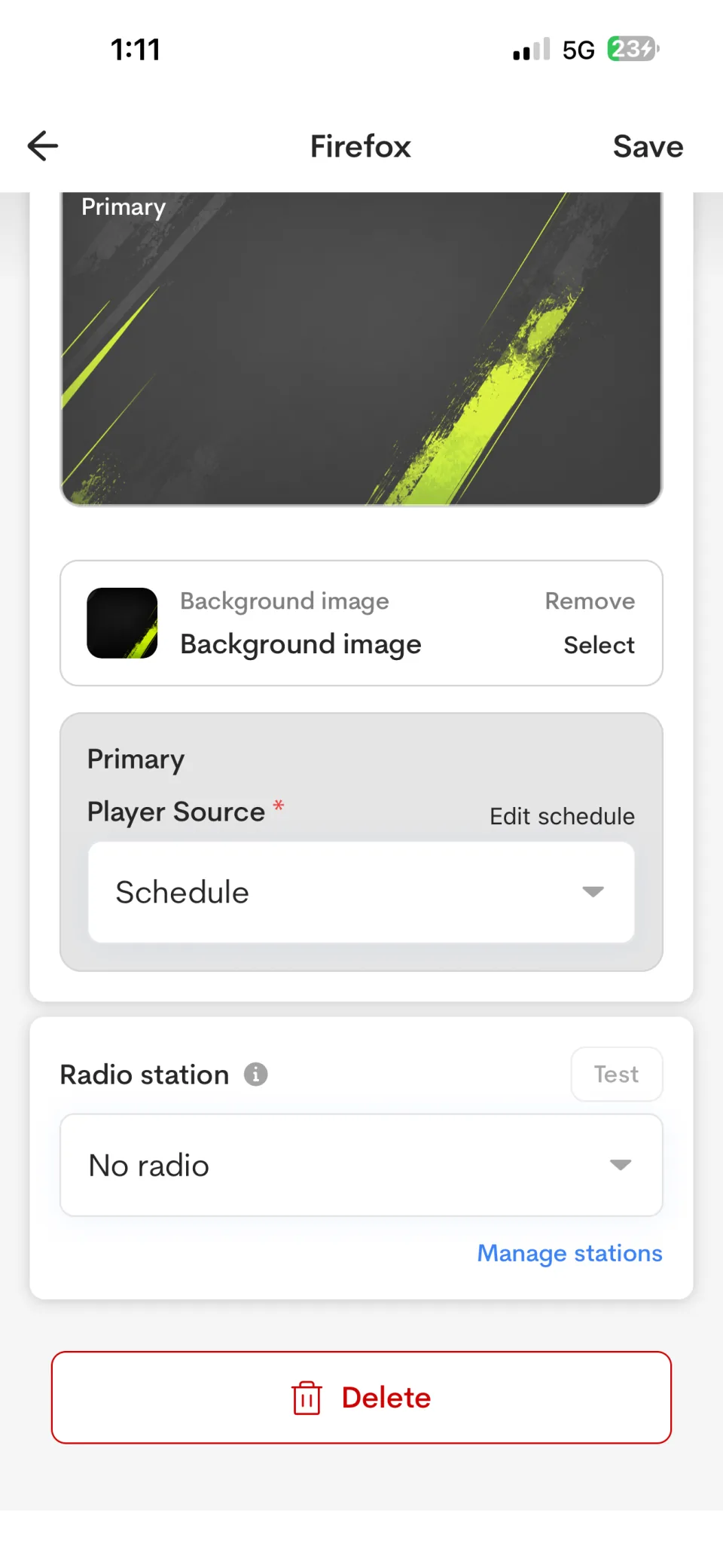
Select the content source independently for each zone. A zone can play a single playlist or use a schedule to switch playlists by time.
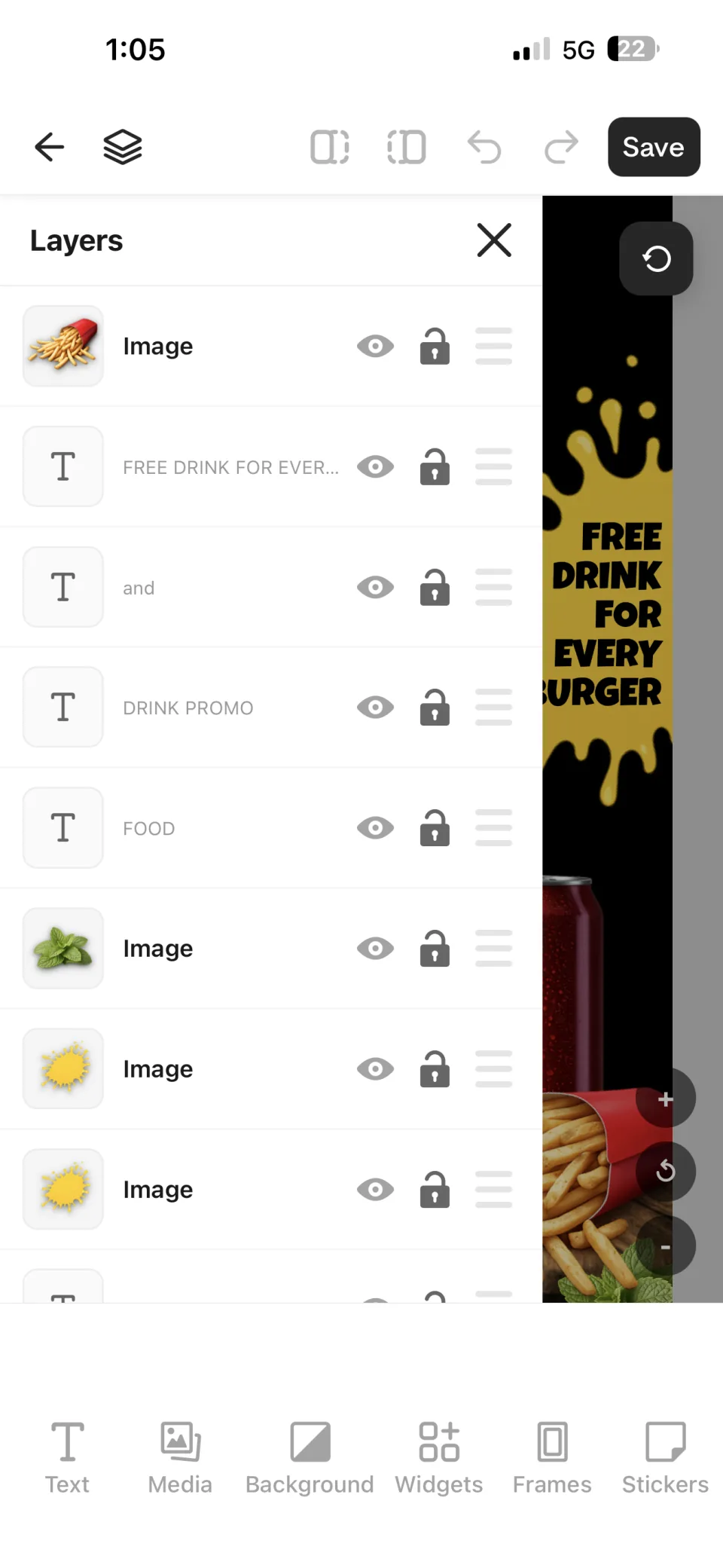
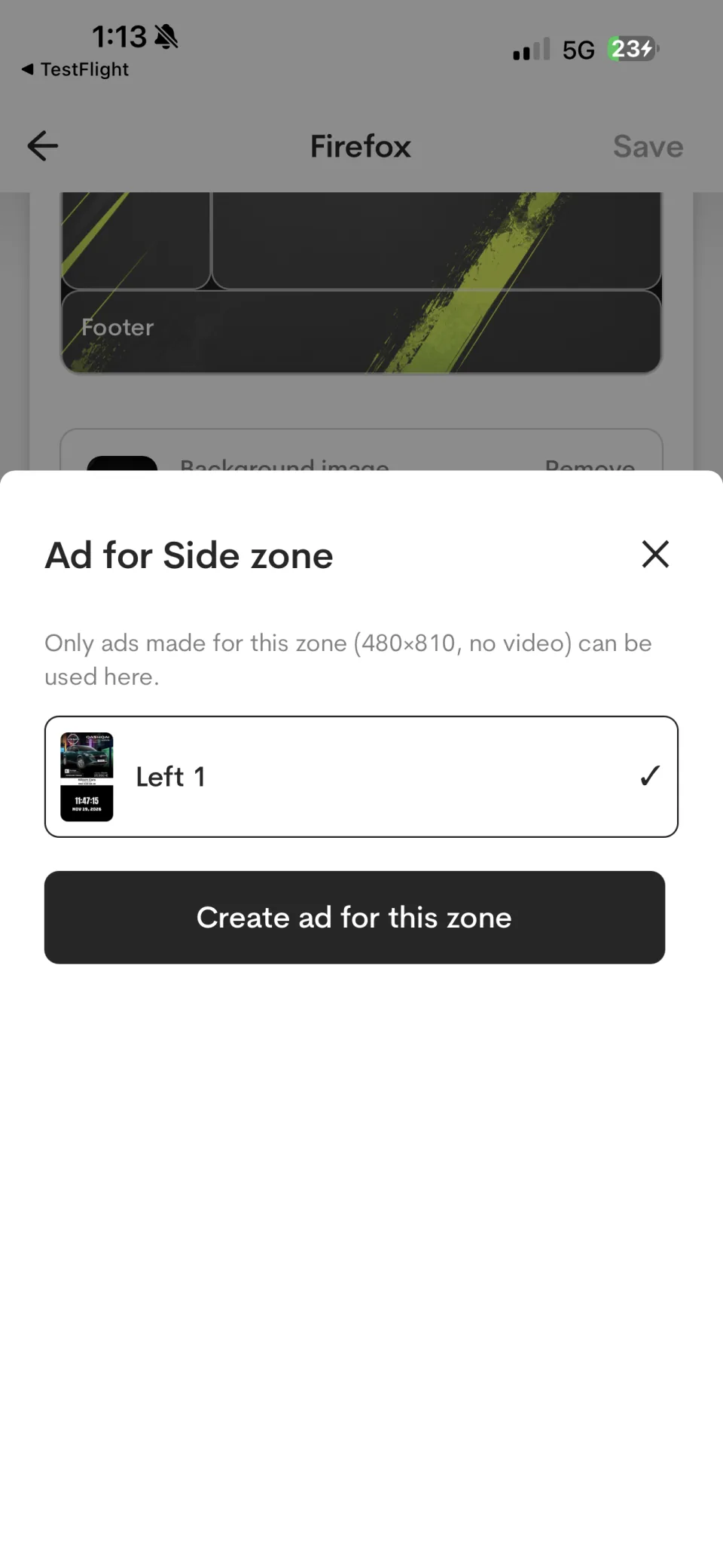
When a layout has a side zone, select an ad created for that zone's dimensions. Video is not available in the shown side-zone format.
Add optional radio audio
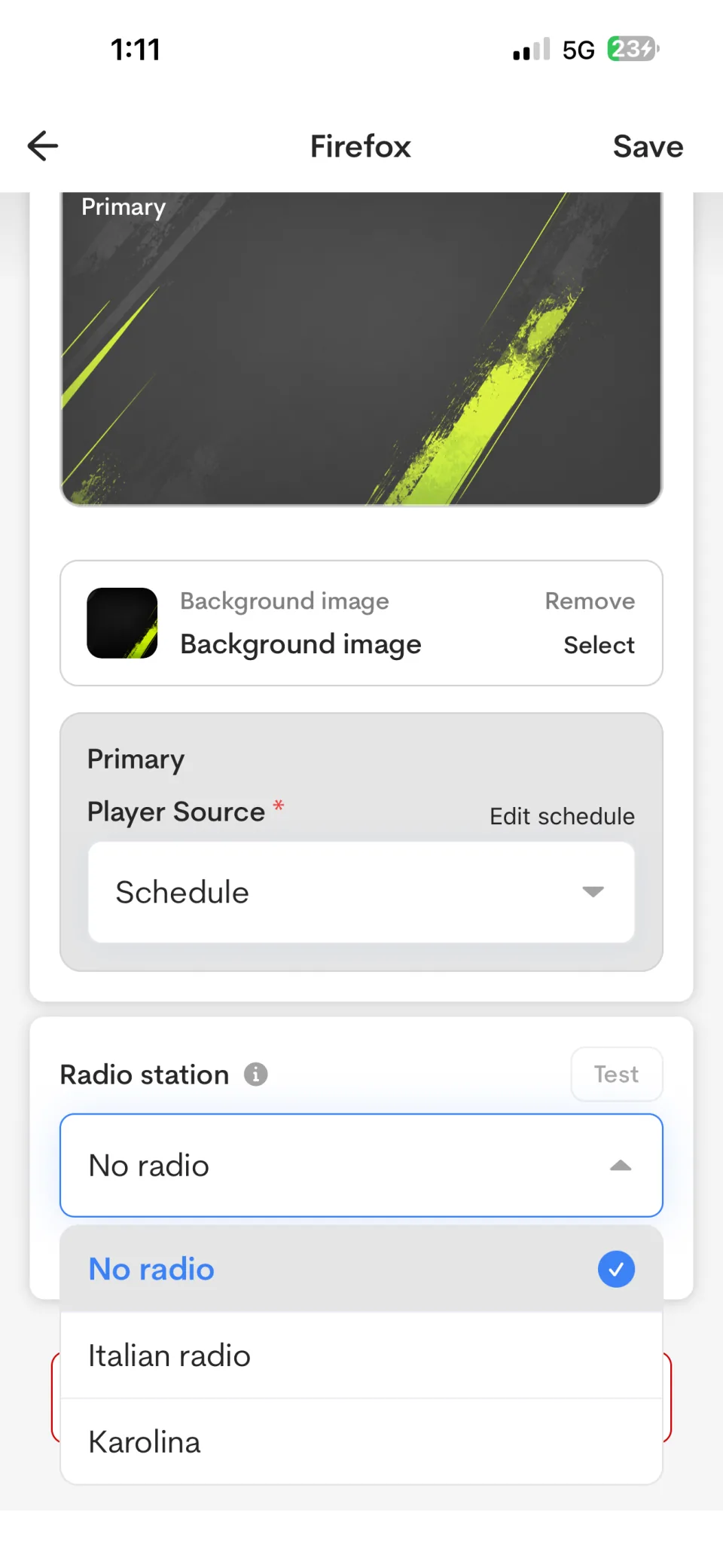
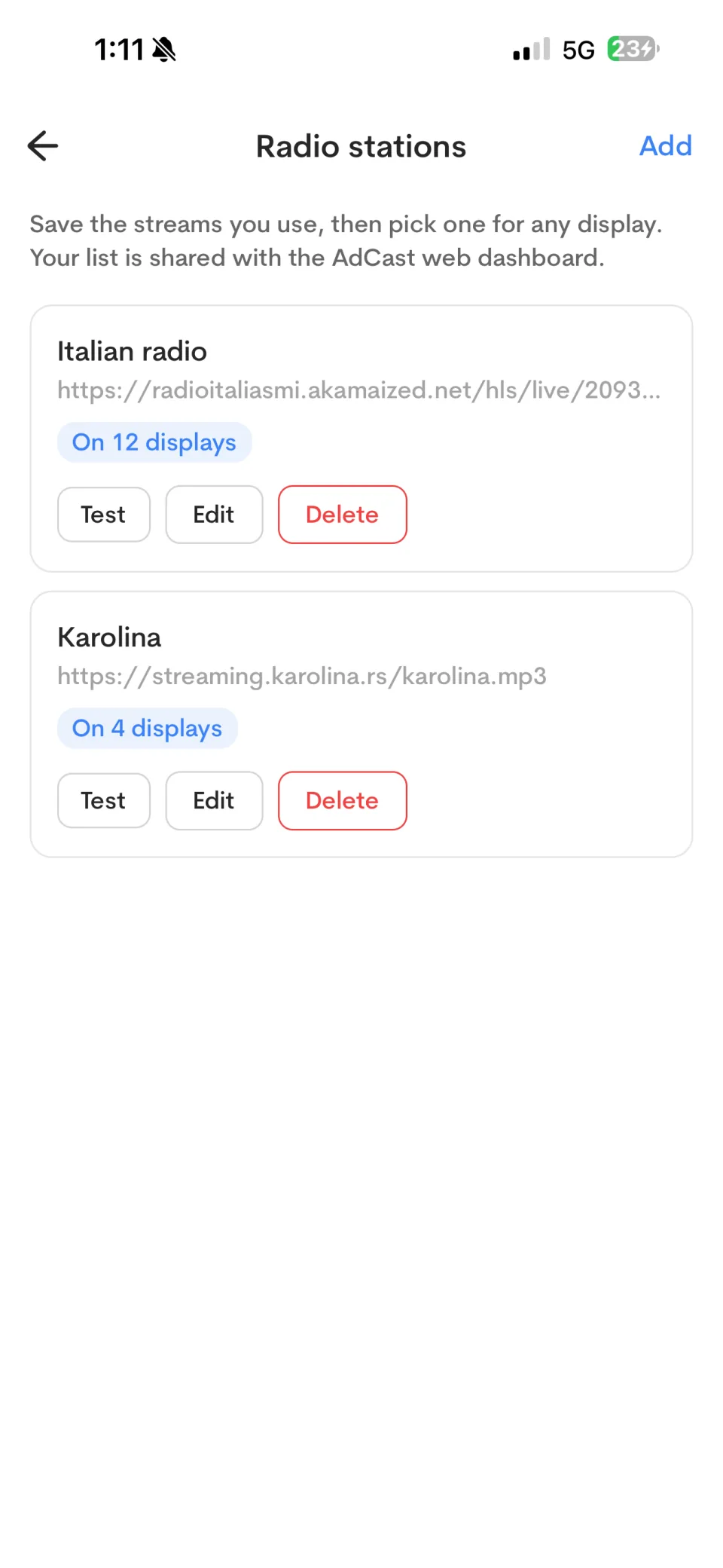
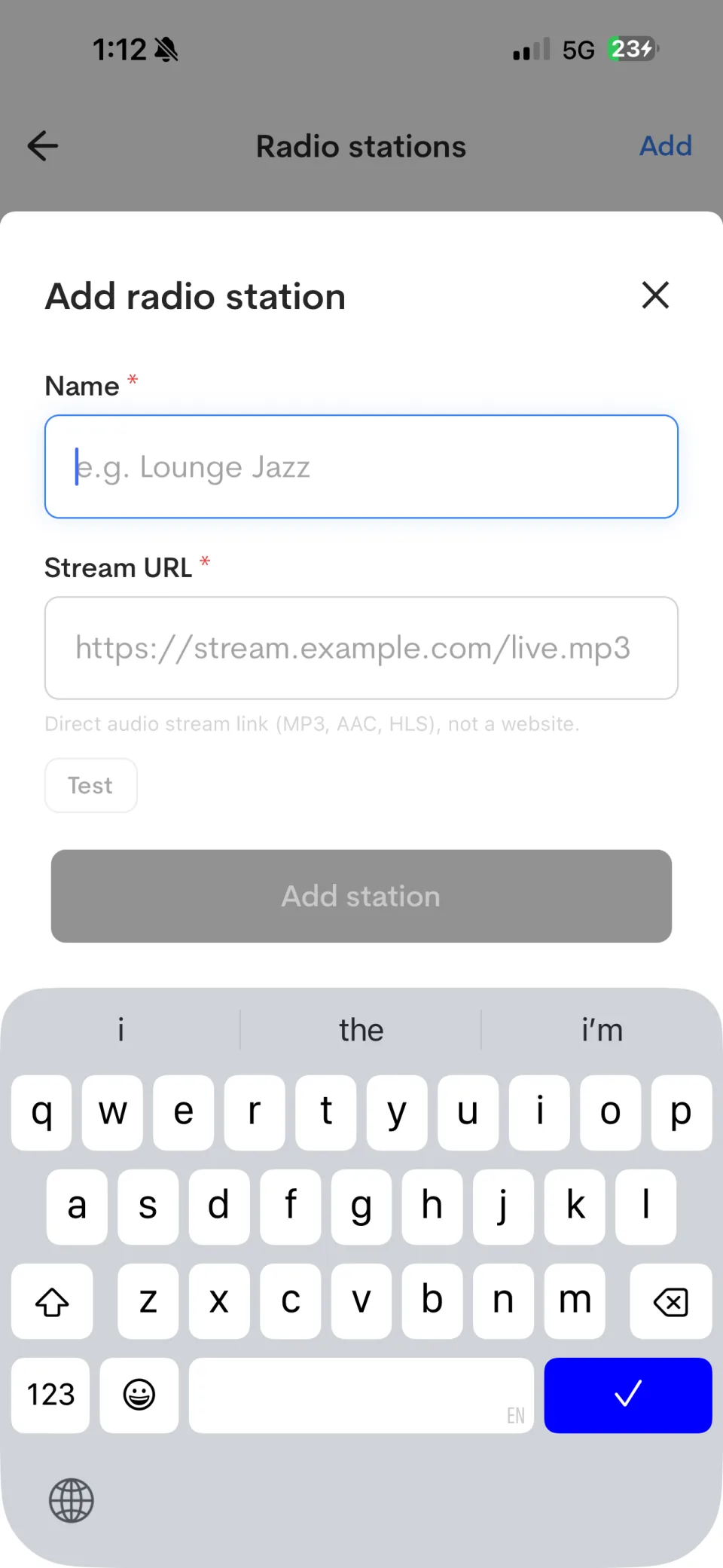
You can attach an audio stream to a display. Open Manage stations to create or manage the reusable stream list, then select a station in the display settings and use Test to confirm it plays.
Supported player options
- Android TV and compatible Android-based players
- Amazon Fire TV on supported models
- AdCast Web Player
Device support can vary by operating system and hardware model. Confirm compatibility before deploying a large fleet.
How to Choose Digital Signage Software for a Small Business
Compare practical criteria for small-business digital signage software, including hardware, phone-based editing, pricing, scheduling and support.
Build and Manage Digital Signage Playlists
Organize digital signage advertisements into playlists and control playback on connected screens using AdCast.