How to Manage Multiple TV Screens from Your Phone
Manage digital signage on multiple connected TVs using AdCast playlists, remote publishing and schedules from your smartphone.
How to manage multiple TV screens from your phone
AdCast lets you manage content for multiple paired displays from one account. This can help when you have screens in a restaurant, retail shop, reception area or several business locations.
1. Pair each screen
Install AdCast Player on each compatible device and complete the pairing process. Give each display a clear name so you can identify its physical location.
See Connect Android TV.
2. Prepare advertisements
Create content in the AdCast mobile app, including images, videos and text. You can reuse an advertisement across playlists instead of recreating the same design for every screen.
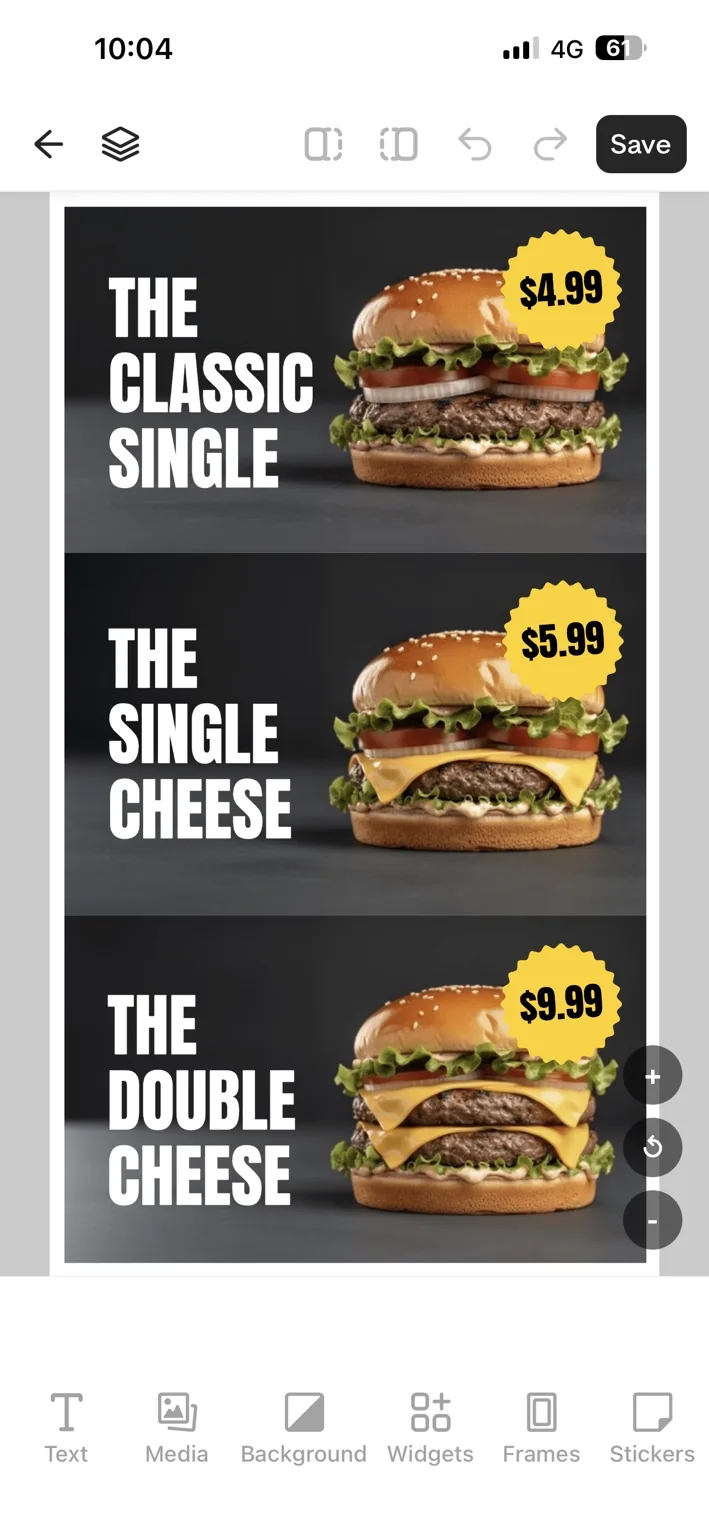
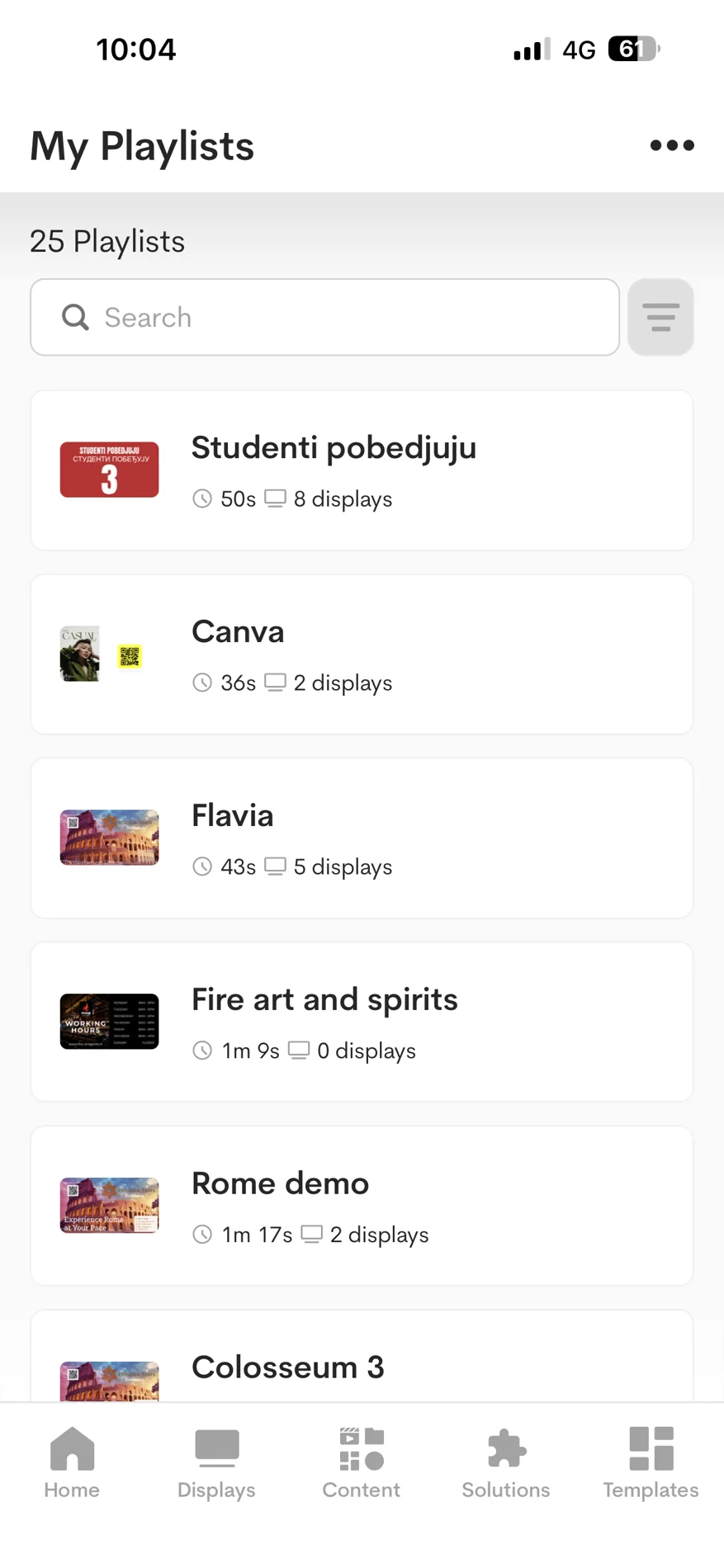
3. Organize playlists by purpose
For example, one playlist can show a restaurant menu while another promotes daily offers. Use descriptive names to avoid assigning the wrong content.
4. Assign content to each display
Select a paired display and assign the appropriate playlist. Review the assignment before starting playback.
5. Use scheduling where needed
Configure playback schedules for different days or times, and check that each screen has the intended schedule.
6. Verify changes on the player
When a screen is online, confirm it has received the intended content. If a display is offline, check connectivity and allow time for it to reconnect and synchronize.
Common questions
Do all screens have to show the same playlist?
No. You can assign different playlists to different screens.
Does the phone have to stay near the TVs?
No. The phone manages content and the paired players handle playback.
Can I use different screens in different locations?
Yes, provided each compatible player can connect to the service and is paired with the appropriate account.
Related articles
How to Connect Android TV to AdCast Digital Signage
Install AdCast Player on a compatible Android TV or Android box, pair the display with your account and publish your first playlist.
How to Choose Digital Signage Software for a Small Business
Compare practical criteria for small-business digital signage software, including hardware, phone-based editing, pricing, scheduling and support.