Digital Signage for Lobbies
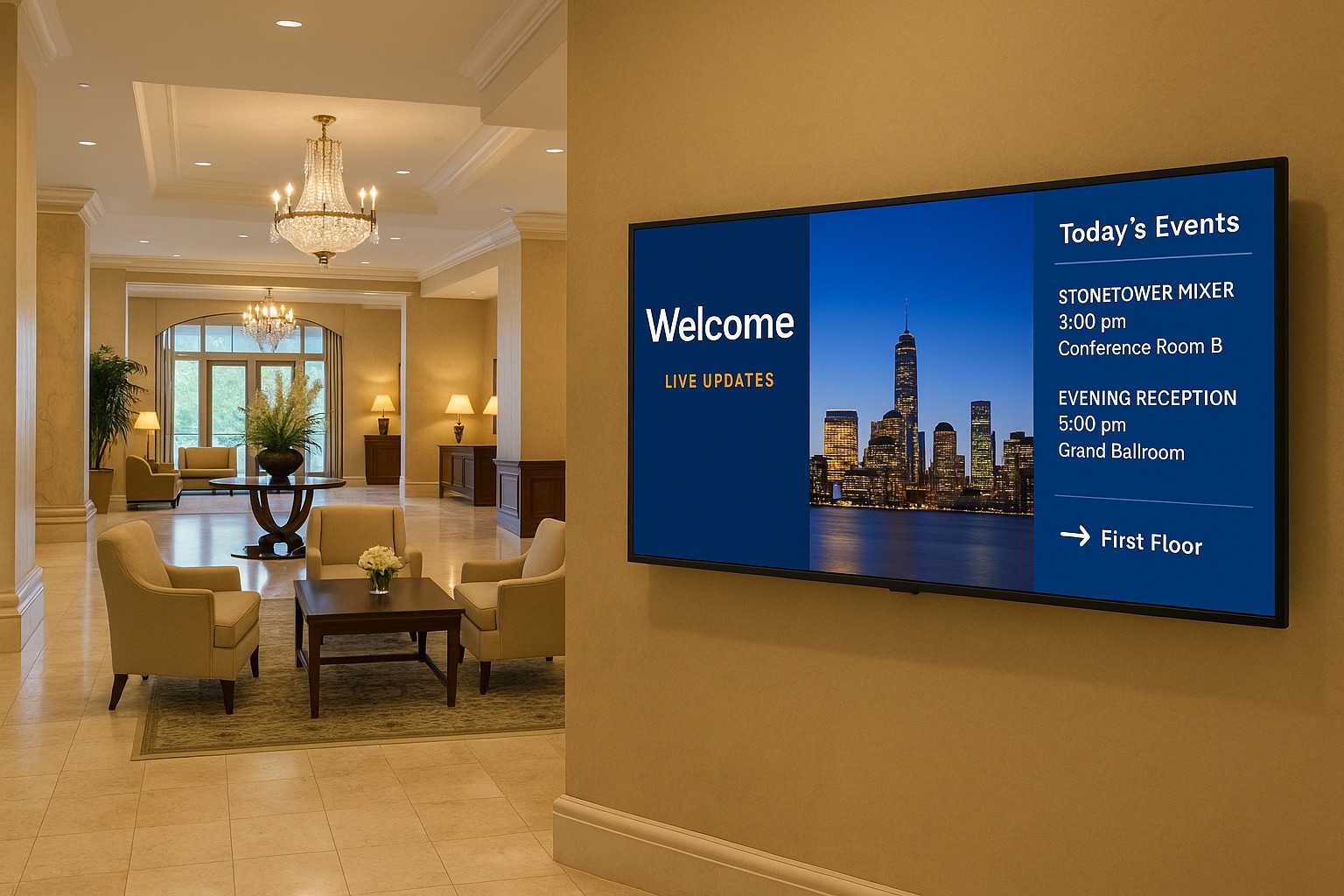
How to Launch Digital Lobby Signage with AdCast
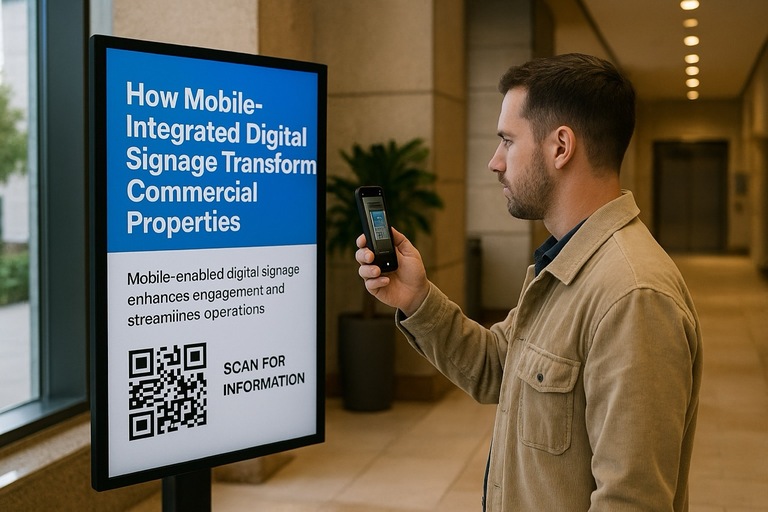
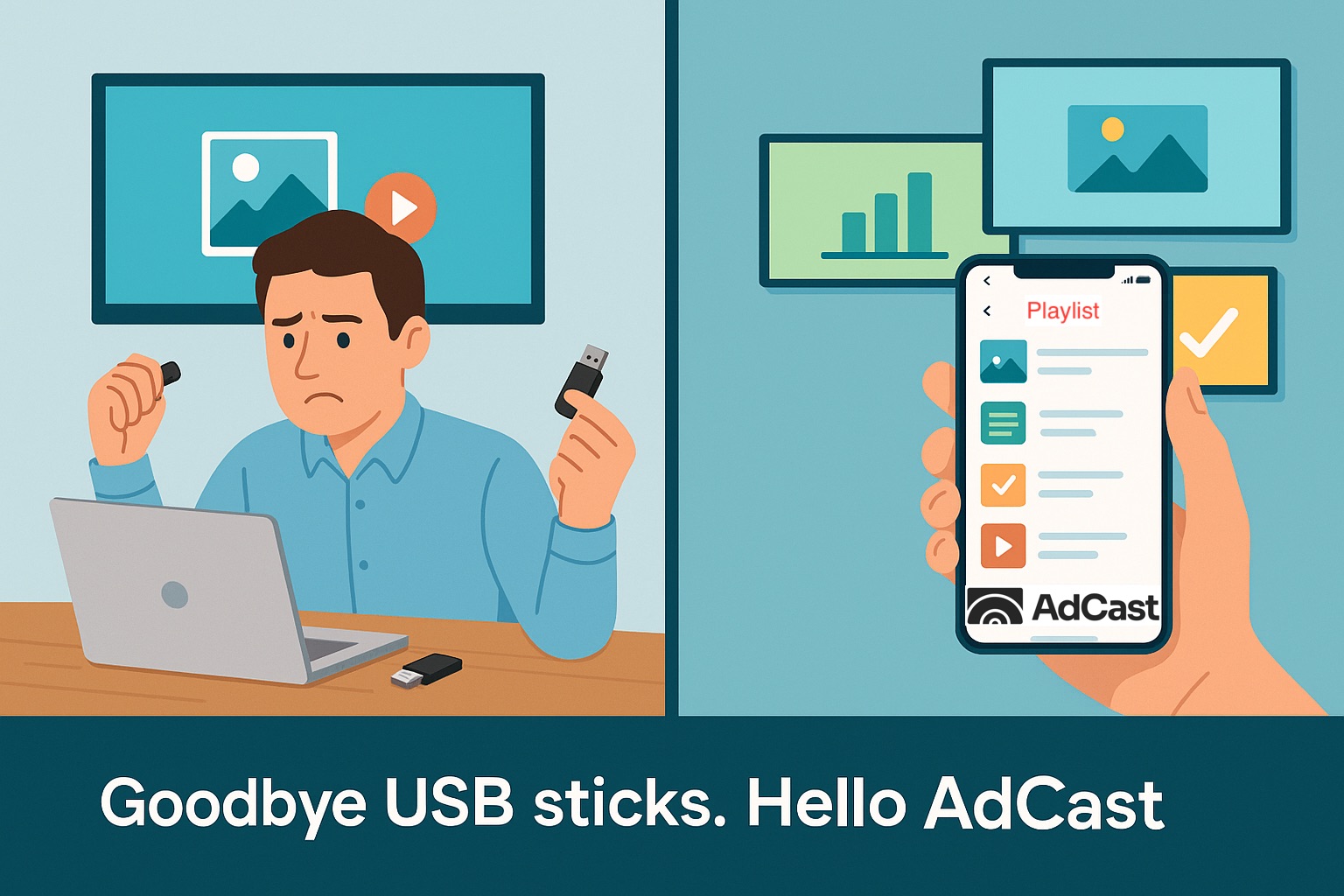
Hotels, office buildings, and residential properties can use digital lobby signage to welcome visitors, guide foot traffic, and keep staff informed. With AdCast, you manage lobby screens remotely from your phone or laptop – no USB sticks or on-site updates.
What You Need to Get Started
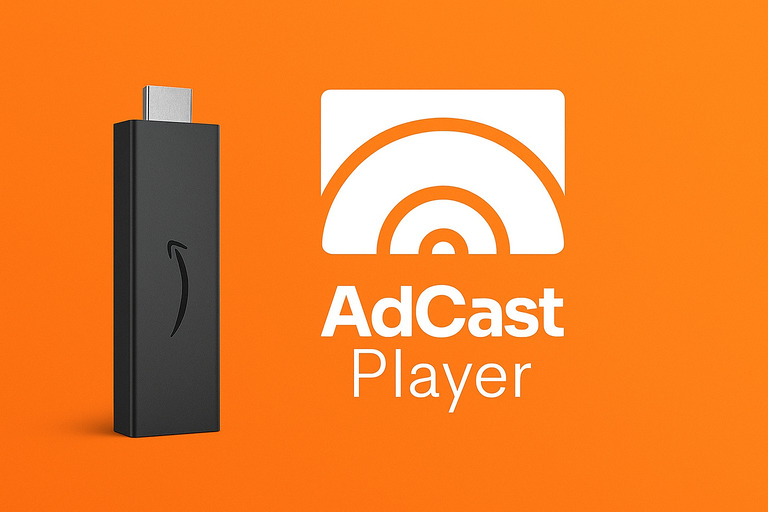
All you need is a display and an Android TV or Android set-top box running the AdCast Player (download from the Google Play Store). Connect the device to your lobby screen via HDMI, sign in to AdCast, and you’re ready to publish images, videos, announcements, and schedules across one or many lobbies.
Why Use Lobby Display Software
Without cloud software, staff must visit each screen to update content – time-consuming and error-prone. AdCast lets you upload, schedule, and automate content from anywhere, so teams spend less time managing screens and more time serving guests and residents.
Cost-Smart Planning
Start with the screens you already have. Most modern TVs work great as lobby displays. Avoid over-spec’d hardware; you typically don’t need multi-output renderers or boutique video walls to make a strong impact. AdCast scales from a single screen to many, so you can expand later if you decide to add zones or a video wall.
Make a Content Plan
Rotate content that matters to both visitors and staff. Build a simple calendar – events, wayfinding, safety notices, live dashboards, and branded storytelling – and schedule it in AdCast to auto-play on specific dates and times. Fresh, timely content keeps your lobby useful and on-brand.
Serve Both Audiences: Staff & Visitors
Employee-focused: internal announcements, meeting reminders, room/space availability, KPIs and dashboards, employee spotlights, birthdays, and promotions.
Visitor-focused: welcome messages, tenant/department directories, wayfinding maps, service hours, queue or wait info, social media walls (with a chosen hashtag), and event highlights. For VIP visits, greet guests by name or show their logo on arrival.
Launch in Minutes
Connect your Android device to any HDMI display, install the AdCast Player, and publish your first playlist. From then on, updates are remote, scheduled, and reliable – so your lobby always looks current without extra trips or cables.
Other industries
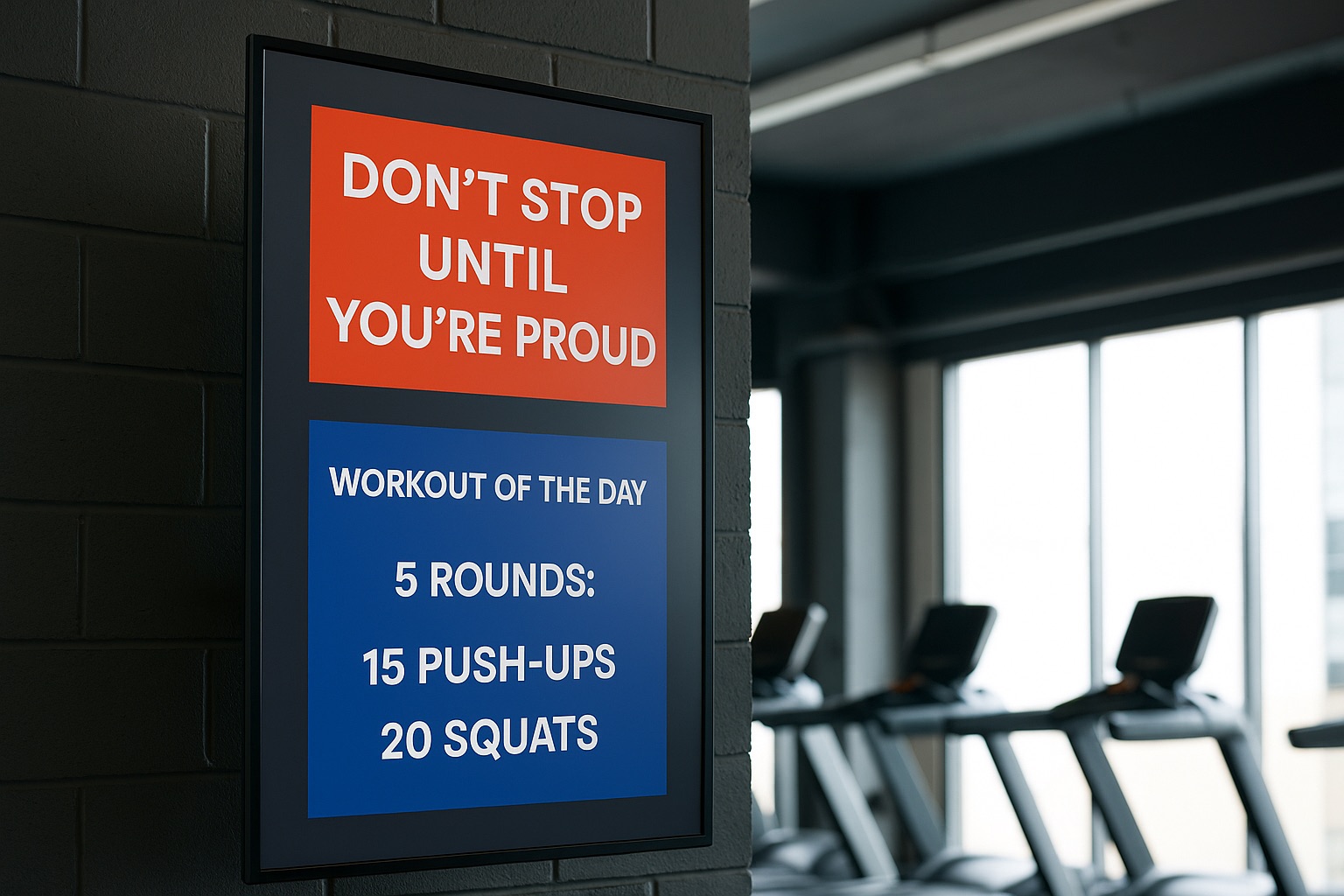
Affichage dynamique pour salles de sport & centres de fitness
Comment les salles de sport utilisent l’affichage dynamique pour engager les membres et augmenter leurs revenus.
Read More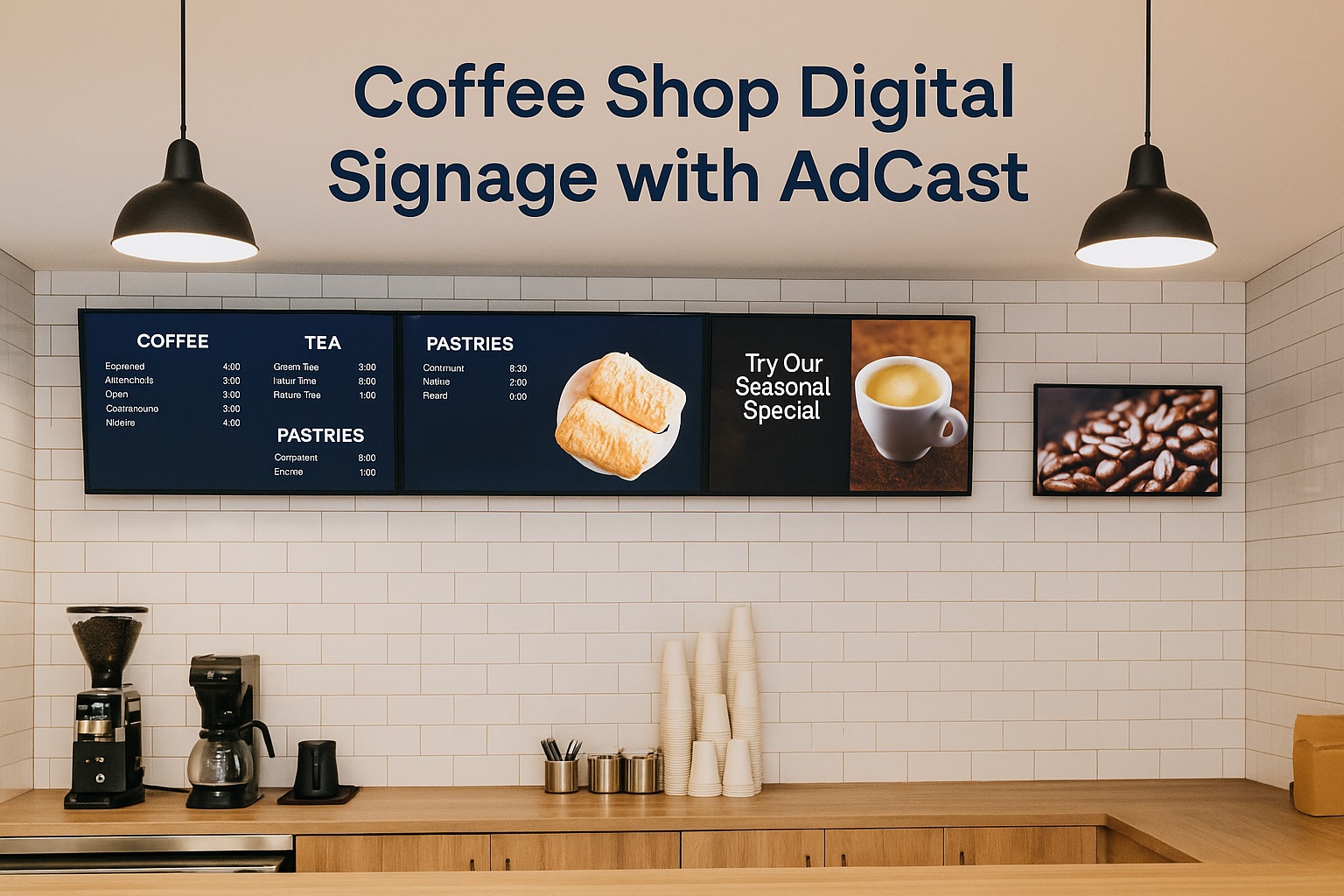
Affichage dynamique pour Coffee Shops & Cafés
Découvrez comment AdCast transforme les cafés grâce à des solutions d’affichage dynamique faciles à utiliser. Améliorez l’expérience client, augmentez les ventes et simplifiez les mises à jour de menu avec notre plateforme abordable.
Read More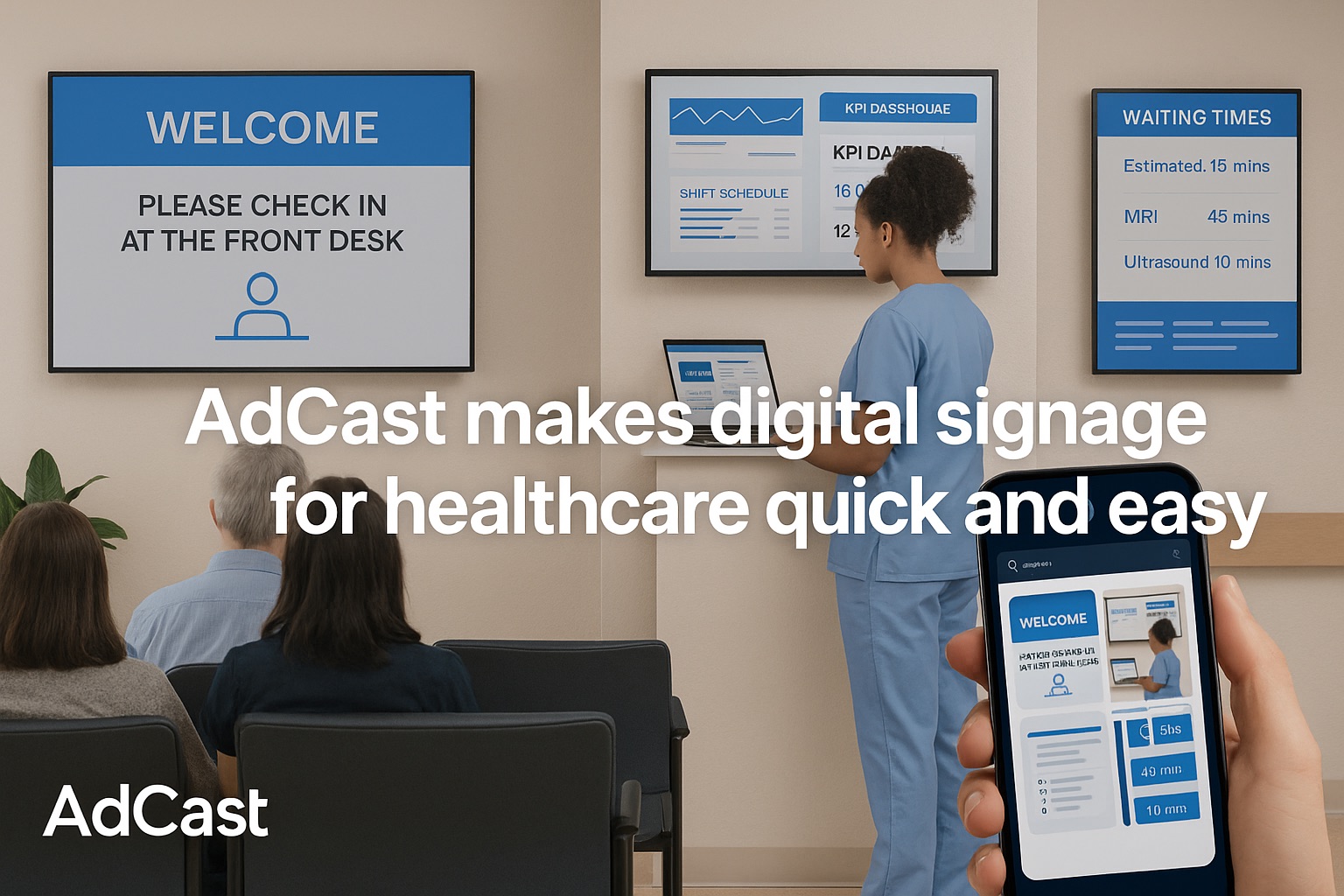
AdCast facilite et accélère l’affichage dynamique pour le secteur de la santé
Avec AdCast, les hôpitaux et établissements de santé peuvent déployer des dizaines, voire des centaines d’écrans dans leurs bâtiments et gérer le contenu à distance depuis n’importe quel endroit disposant d’une connexion Internet.
Read More
Get in touch
Have questions or want to learn more? Drop us a message.