
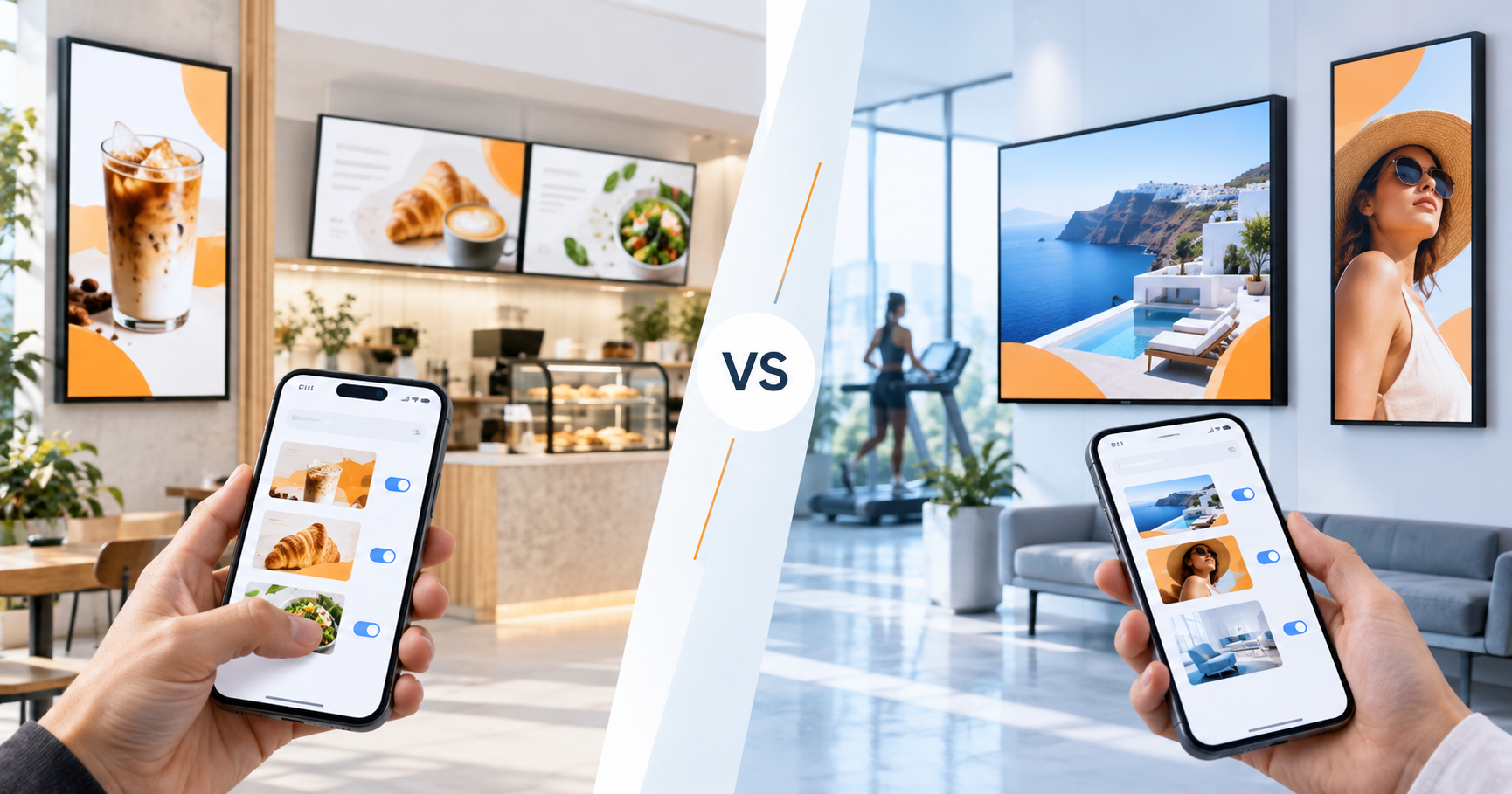
AdCast vs NoviSign - Overview
If you are comparing AdCast vs NoviSign, you are likely deciding between a simple, mobile-first digital signage tool and a more traditional cloud CMS with templates, widgets, playlists, and reporting. NoviSign is a long-running platform with strong template and widget features. AdCast is built for small businesses that want screens live fast, without a complex CMS or special hardware.
AdCast herunterladen
AdCast gibt Geschäftsinhabern die volle Kontrolle über ihre Displays. Inhalte erstellen, Playlists aufbauen und Anzeigen aktualisieren – alles vom Smartphone. Kein PC. Kein USB. Keine Lernkurve.
Starten Sie mit einer 30-tägigen kostenlosen Testversion. Keine Kreditkarte erforderlich.


Price Comparison
With annual billing, AdCast costs $10.83 per display per month for one display or $8.33 per display per month for two or more displays. This keeps the cost predictable for small deployments.
NoviSign lists annual-billing prices per screen of $14/month for Business, $17/month for Business Plus, and $25/month for Premium. One player license is required for each display.
For one to five screens, AdCast is usually the more affordable option. NoviSign can make sense when you want a fuller CMS, template library, drag-and-drop widgets, reports, and a more traditional desktop workflow.
Hardware and Setup
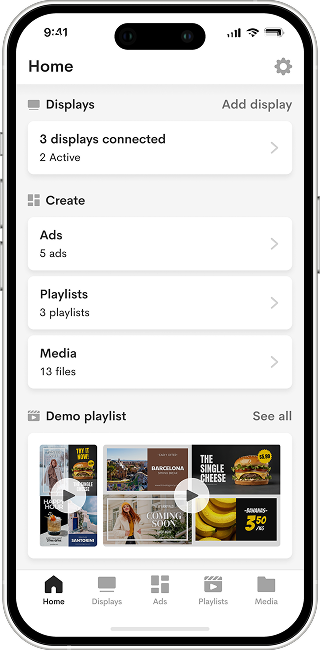
AdCast runs on common Android TV and Amazon Fire TV devices. Install AdCast Player, scan a QR code, and publish from your phone. It is designed so a cafe owner, salon manager, gym operator, or shop owner can launch digital signage without an IT team.
NoviSign is cloud-based and hardware-agnostic, supporting many players, smart displays, tablets, kiosks, and screens. That flexibility is useful for larger or more varied deployments, but it also means you may spend more time choosing and configuring the right playback device.
Ease of Use
AdCast is phone-first. You upload videos and images, build playlists, schedule content, and update screens from the same mobile workflow. That is useful for owners who make quick menu, offer, or schedule changes throughout the day.
NoviSign focuses on a web-based studio with drag-and-drop widgets, templates, playlists, and screen management. It is approachable, but it is closer to a full signage CMS than a lightweight mobile publishing tool.
Content Management
AdCast is a strong fit for digital menu boards, promotional slides, salon price lists, gym schedules, waiting room updates, and simple screen networks that need regular visual updates.
NoviSign is stronger when you need a template-heavy workflow, drag-and-drop widgets, RSS, weather, social feeds, reports, and more layered screen layouts. It is a good fit for organizations that want to design richer digital bulletin boards or more complex information screens.
Setup Time
With AdCast, most users can get a display live in 2-5 minutes: install the player, pair the screen with a QR code, upload content, and publish. No special training is required.
With NoviSign, setup is still cloud-based, but the workflow usually involves creating layouts in the web studio, building playlists, assigning screens, and configuring players. That gives you more creative control, but it can feel heavier for a single-screen business.
Who Should Choose AdCast?
Choose AdCast if you run a restaurant or cafe, salon, gym, clinic, retail shop, or local service business and want affordable signage that is easy to control from your phone.
Who Should Choose NoviSign?
Choose NoviSign if you need a browser-based signage studio with templates, widgets, reports, and more advanced layout control. It is a better fit for larger organizations, healthcare facilities, education, corporate communications, and lobby signage where richer screen designs matter.
AdCast vs NoviSign - Key Differences
- Ease of use: AdCast is mobile-first and lightweight; NoviSign is a fuller web CMS.
- Pricing: With annual billing, AdCast is $10.83/display/month for one display or $8.33/display/month for 2+ displays; NoviSign's Business plan is $14/screen/month.
- Content creation: AdCast focuses on fast publishing; NoviSign offers more templates, widgets, and layout tools.
- Best fit: AdCast fits small businesses; NoviSign fits teams that want a more traditional digital signage studio.
Summary
| Feature | AdCast | NoviSign |
|---|---|---|
| Starting price | $10.83/display/month (1); $8.33/display/month (2+), annual billing | $14/screen/month (annual billing) |
| Hardware | Android TV / Fire TV | Many players and screen types |
| Control from phone | Yes - mobile-first | Mostly web studio |
| Setup time | 2-5 minutes | More CMS configuration |
| Content workflow | Fast uploads, playlists, simple schedules | Templates, widgets, layouts, reports |
| Best for | Small businesses (1-5 screens) | Organizations needing richer CMS tools |
Häufig gestellte Fragen
Starten Sie Ihre Digital Signage in unter 3 Minuten
Mit AdCast Player verwandeln Sie jeden Fernseher oder Bildschirm in professionelle Digital Signage in nur wenigen Minuten. Laden Sie die App herunter, verbinden Sie den Bildschirm per QR-Code und verwalten Sie alles direkt vom Smartphone.
Kein kompliziertes CMS. Kein Raspberry Pi. Keine teure Hardware und kein IT-Support erforderlich. AdCast ist für kleine Unternehmen gebaut, die einfache, bezahlbare und moderne Digital Signage ohne die übliche Komplexität wollen.
Laden Sie Videos und Bilder hoch, erstellen Sie Playlists, planen Sie Inhalte und aktualisieren Sie Bildschirme von überall aus - alles über eine einfach zu bedienende Plattform für Restaurants, Cafes, Fitnessstudios, Salons, Einzelhandel, Büros und mehr.
- Einrichtung in unter 3 Minuten
- Bildschirme direkt vom Smartphone verwalten
- Funktioniert mit Android TV und Fire TV Geräten
- Keine Verträge oder Spezialhardware erforderlich