
Update from anywhere
Swap a promotion, change a price or publish an announcement from your phone instead of the TV wall.
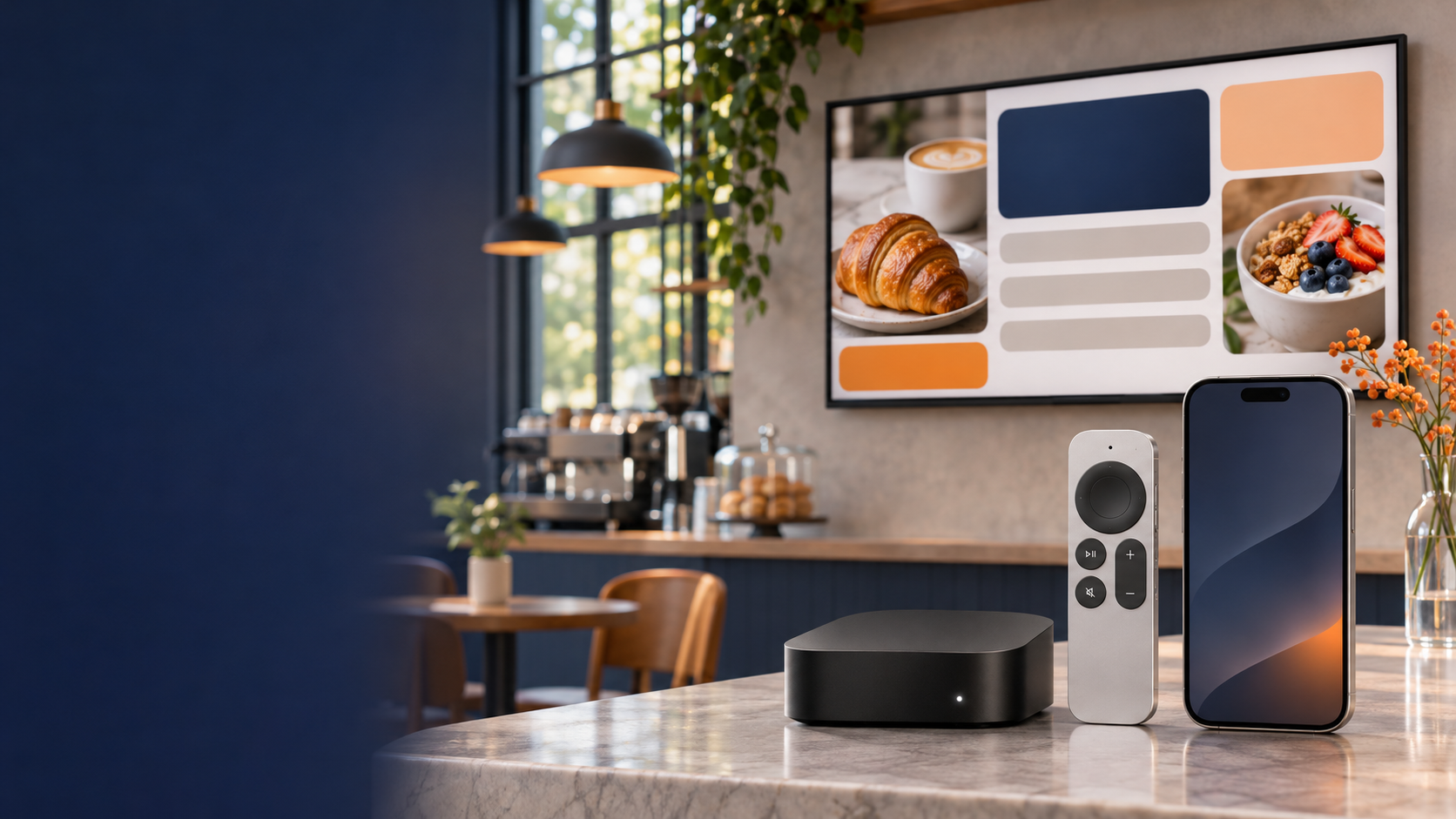
Apple TV digital signage, made simple
AdCast turns a compatible Apple TV into a business display you can manage from iPhone. Create content, shape a playlist and send an update without making a trip to the screen.
First display free for 30 days. No credit card required.
A better way to run a screen
Digital signage should not mean chasing down a remote or carrying a USB stick across the room. With AdCast Player on your Apple TV and the AdCast app on iPhone, the display and the day-to-day work finally live in the same simple workflow.
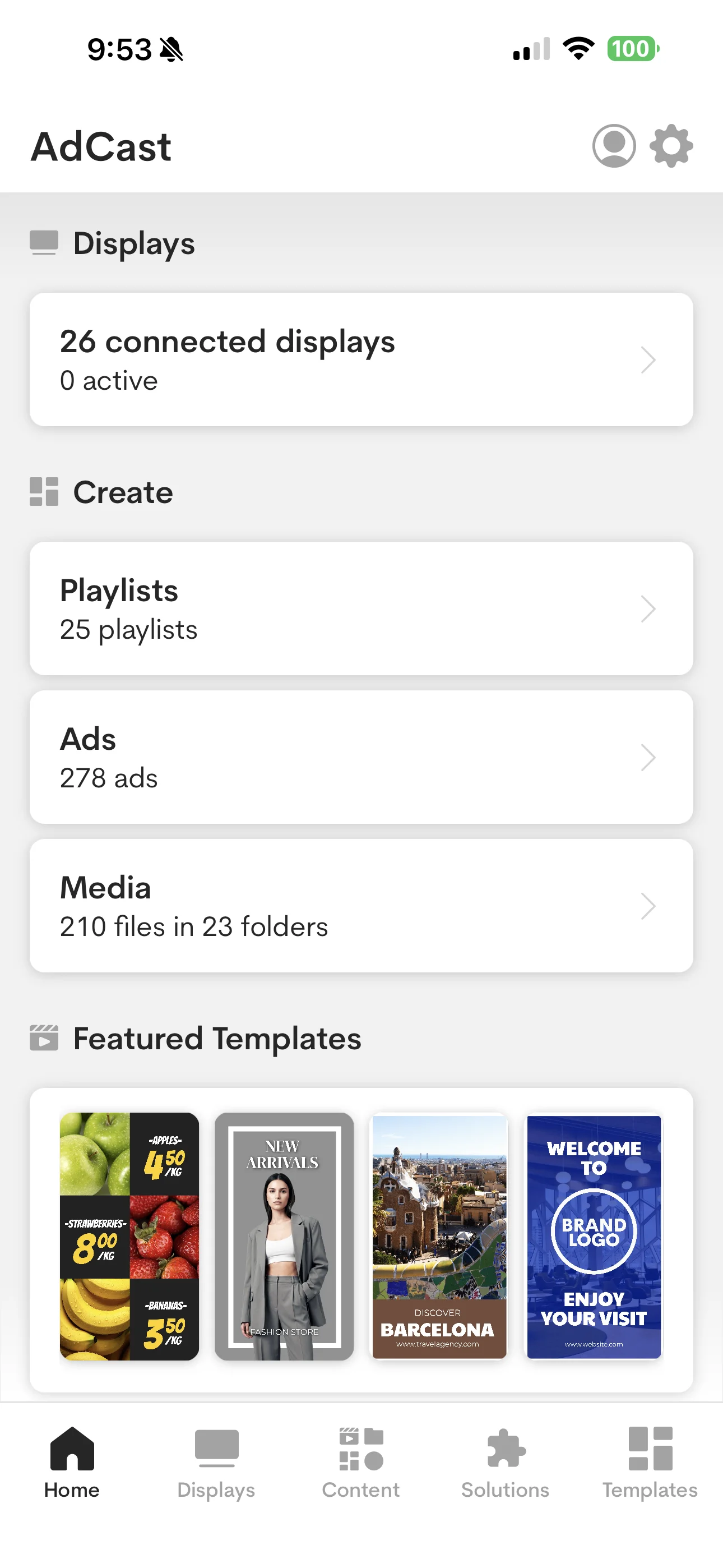
The real AdCast mobile workspace
From phone to display
Get the player from the Apple TV App Store and open it on the TV you want to use.
Connect the display to your AdCast workspace with the on-screen pairing flow.
Create content, build a playlist and choose where it plays—then make changes remotely when plans change.
Built for the everyday changes
Whether you run one counter display or a handful of screens across locations, AdCast keeps routine updates close at hand.
Swap a promotion, change a price or publish an announcement from your phone instead of the TV wall.
Organize images and videos into playlists so the right sequence is always ready to play.
Use scheduling to prepare content for breakfast, lunch, events or a new promotion before the rush starts.
Bring your business displays into one workspace and keep a clearer view of what is playing where.
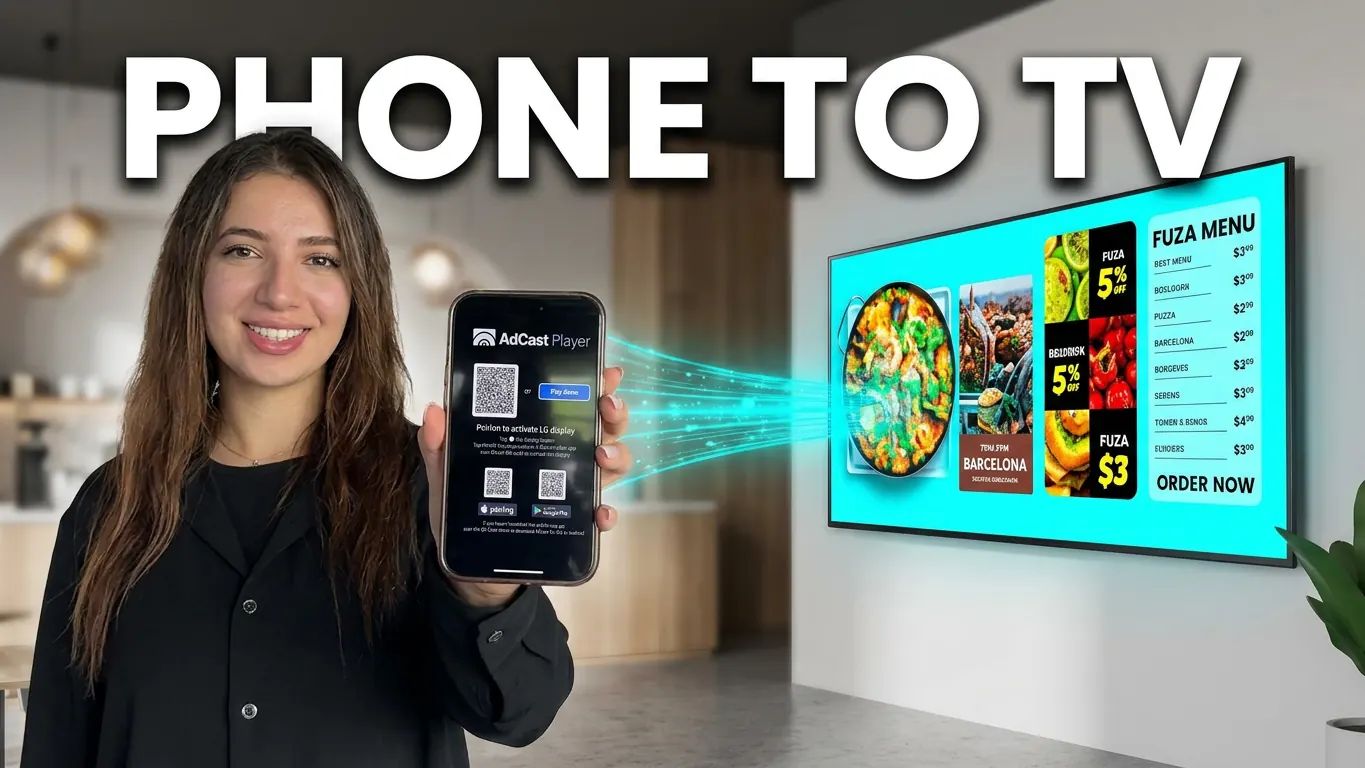
Digital signage that feels at home
Use Apple TV digital signage to keep a café menu current, put a seasonal offer in a retail window, welcome visitors in a lobby or share a class schedule at a studio. The display can be polished without turning into another job for the team.
AdCast is a natural fit when a familiar iPhone and Apple TV setup is already part of your space—and you want the screen to do more than stream.
Why not just mirror a phone?
Screen mirroring
Mirroring is useful for a quick presentation, but it ties playback to a device, a connection and the person holding it.
AdCast Player on Apple TV
The player runs on the Apple TV. Your iPhone is where you prepare, organize and update the content behind the scenes.
Questions, answered
Yes. Install AdCast Player on a compatible Apple TV, pair the display with your workspace, and publish content to the screen from AdCast.
Yes. The AdCast mobile app gives you a practical way to organize content, playlists and connected displays from your iPhone.
No. Your iPhone is for managing content and displays. AdCast Player runs on the Apple TV connected to the screen.
Use it for promotions, menus, product highlights, welcome messages, events and other business content. Build playlists to keep the screen fresh throughout the day.
Ready when your screen is