How to Choose the Right Digital Signage Software for Your Business
The digital signage market is growing fast — projected to reach $35.9 billion globally with a compound annual growth rate near 8%. Yet most businesses that invest in screens still struggle with the same problem: they bought the hardware first and chose software second. The result is clunky workflows, missed updates, and displays that show yesterday's content today.
Choosing the right software platform before you purchase a single screen can save months of frustration and unlock measurable ROI from day one. This guide cuts through the marketing noise and gives you a structured way to evaluate any digital signage solution.
Why Software Is the More Important Half
A display is just a TV on a wall until software brings it to life. The platform you pick determines how fast you can push a content update, whether a screen failure at 2 AM wakes someone up, and whether your team needs a developer for every change. Here are the dimensions that separate good platforms from great ones:
- Content Management System (CMS): Drag-and-drop editors and template libraries let non-technical staff create polished content without touching code.
- Scheduling and Dayparting: Show the right content at the right time — morning specials at 7 AM, happy-hour promos at 4 PM — automatically.
- Remote Device Management: Monitor uptime, push updates, and reboot screens from a single dashboard rather than driving to each location.
- Analytics and Proof of Play: Know which content ran, when, and for how long. Essential for compliance reporting and A/B testing creative.
- Security and Access Controls: Role-based permissions, encrypted connections, and audit logs protect your network and brand consistency.
ROI Benchmarks Across Industries
The return on investment from digital signage varies by vertical, but the numbers are consistently compelling when the right software is in place:
- Retail: Average 29.5% uplift in promotional item sales; reduced print production costs by 30–40%.
- Restaurants: Up to 38% increase in average order value on promoted items; faster service perception at order points.
- Corporate Offices: Up to 86% reduction in email-based internal communication; measurable boost in meeting-room utilization.
- Healthcare: 35% drop in perceived waiting time; improved compliance with wayfinding and health notices.
- Education: 65% of students report feeling better informed about campus events through digital displays.
- Hospitality: 23% increase in upsell revenue from lobby and room-service screen promotions.
Want to see how these numbers apply to your industry? Explore our industry-specific solutions or check the pricing page to find a plan that fits your budget.
A 10-Point Software Evaluation Checklist
Before committing to any platform, walk every vendor through these criteria:
- Can non-technical staff create and publish content without training sessions?
- Does the CMS support scheduling by time, day of week, and location?
- Is remote device monitoring and reboot available from a web browser?
- Are detailed play logs and uptime reports included, not sold as an add-on?
- Does the platform integrate with your existing data sources (POS, ERP, social feeds)?
- Is pricing transparent — per screen, per month — with no surprise bandwidth fees?
- Does it run on commodity hardware, or are you locked into a proprietary player?
- Is there an offline mode so screens keep running during internet outages?
- What is the SLA for support response time during business hours?
- Can you trial the platform on two to five screens before a full rollout?
Rolling Out Your First Deployment
Even with the best software, a rushed rollout can undermine adoption. A phased approach gives your team time to learn the system while delivering visible results early.
- Weeks 1–4 (Foundation): Audit your locations and content needs. Choose a pilot site with clear success metrics. Configure players and upload your first playlist.
- Weeks 5–8 (Optimise): Analyse play logs and audience feedback. Refine content frequency and dayparting rules. Add data integrations where they add value.
- Weeks 9–12 (Scale): Roll out to remaining locations with lessons learned. Set up automated reporting and remote monitoring alerts.
Teams that follow a structured rollout like this typically reach full operational efficiency within 90 days — compared to six months or more for ad-hoc deployments.
Why AdCast Is the Right Choice for Small Businesses
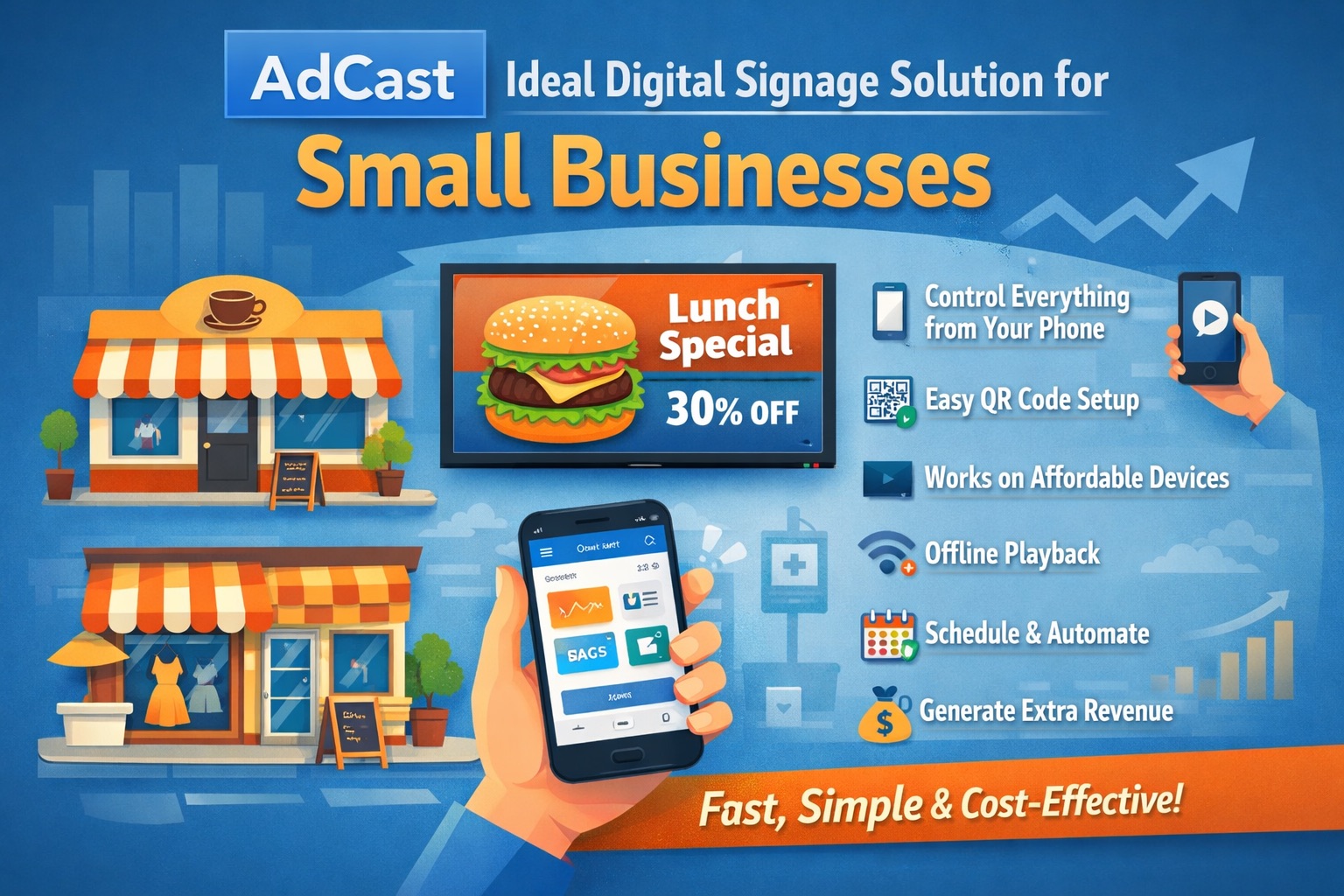
Enterprise digital signage platforms are built for IT departments, not for a café owner updating the daily menu or a gym manager promoting a new class schedule. AdCast was designed from the ground up with small business owners in mind — the people who need results in minutes, not days.
Mobile-First Content Creation
With AdCast, you create and manage playlists directly from your phone. Open the app, pick a template, add your image or text, and your screen updates in seconds — no laptop required, no designer on call. It's the same simplicity you'd expect from a social media app, but for your shop window or waiting-room display.
No Proprietary Hardware Lock-in
AdCast runs on Android TV, Amazon Fire TV, and Apple TV devices you can buy from any electronics store starting at under $30. You don't need to invest in expensive proprietary players before you even see a single result. Download the AdCast player app and turn any TV into a smart display today.
All the Features You Actually Need
Rather than charging extra for basics, AdCast includes scheduling, remote management, and multi-screen support in every plan. See the full feature list to understand exactly what you get — no feature matrix gymnastics required.
Transparent Pricing That Scales With You
Whether you manage one screen or fifty, AdCast's per-screen pricing means you only pay for what you use. There are no setup fees, no bandwidth surprises, and no annual lock-in. Visit the pricing page to see the current plans and calculate your monthly cost in under a minute.
Built for Every Industry
From restaurants that need a daily menu board to healthcare waiting rooms that want to reduce perceived wait times, AdCast covers a wide range of verticals. Check out our solutions pages for examples tailored to your sector, or get in touch if you have specific requirements.
FAQ: Choosing Digital Signage Software
How many screens do I need before a CMS is worth the cost?
Even a single screen benefits from remote management and scheduling. Most modern platforms — including AdCast — are priced per screen and become cost-effective from the very first display.
What hardware works with most digital signage software?
Look for platforms that support standard Android or Windows players. Avoid vendors who only support their own proprietary hardware — you will pay more and have fewer upgrade options later. AdCast works with any Android TV, Fire TV, or Apple TV device, so you can repurpose a TV you already own.
Can I use digital signage software without a constant internet connection?
Quality platforms cache content locally on the player device. Screens continue running the last approved playlist even during outages, and sync automatically when connectivity resumes.
How do I measure whether digital signage is working?
Define a baseline before launch: current average order value, foot traffic conversion rate, or time staff spend distributing printed materials. Compare against post-launch data using the platform's play-log analytics and any POS or survey data you collect.
Where can I download AdCast?
The AdCast player app is available on the download page. It works on Android TV, Amazon Fire TV Stick, Apple TV, and other Android-based display devices. Setup takes less than five minutes.
You might also like
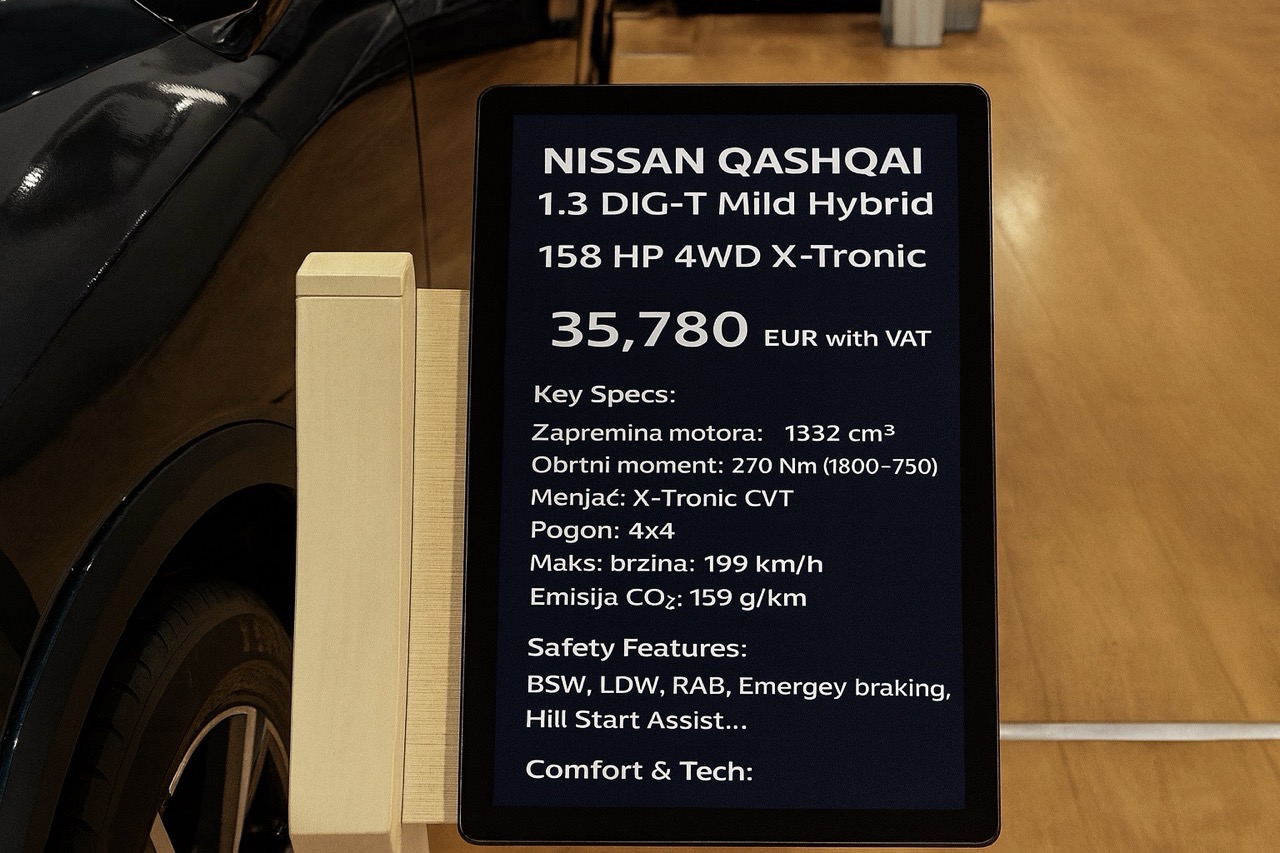
Why Car Expos Should Replace A4 Paper Sheets with Smart Digital Displays
How digital tablet stands and QR-powered interactions can modernize car expos and help dealers capture more leads.
Read More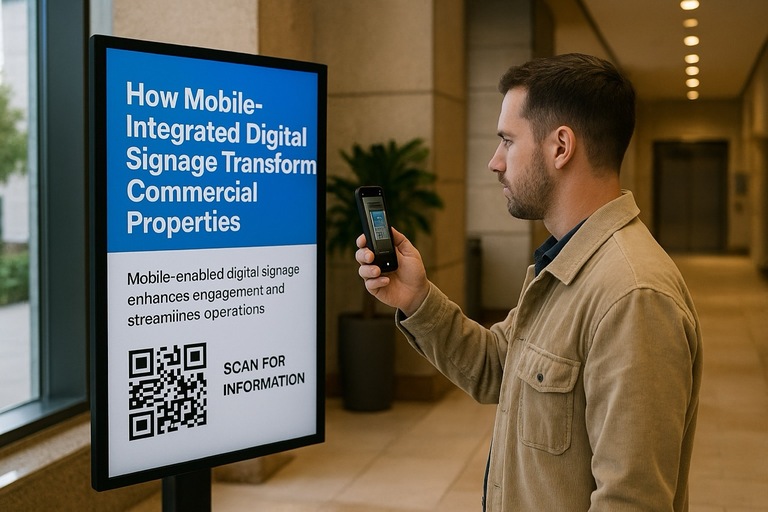
How Mobile-Integrated Digital Signage with AdCast Transforms Commercial Properties
Discover how AdCast Digital Signage turns traditional displays into mobile-connected communication hubs that boost tenant engagement and streamline operations.
Read More
AdCast Digital Signage is Now Available on Fire TV & Fire TV Stick
AdCast now runs on all Fire TV devices. Set up your digital signage display in minutes using just your mobile phone.
Read More
Why USB Sticks Are Holding Back Your Digital Signage
The limitations of using USB drives for digital signage and how cloud-based solutions like AdCast offer a better alternative.
Read More
Top 5 Ways Restaurants Can Use Digital Signage
Explore five innovative ways restaurants can leverage digital signage to enhance customer experience and boost sales.
Read More
10 Digital Signage Marketing Strategies to Boost Sales and Engagement
Proven digital signage tactics to grow in-store sales and engagement.
Read More